
AnsiColor builds resilient ANSI color codes for your TUI, cli app or prompt.
Note: some columns hidden on mobile, try desktop
AnsiColor
About
It all started when I tried Codex. Codex looks really bad in my ghostty terminal. An example screenshot from that popular github issue:
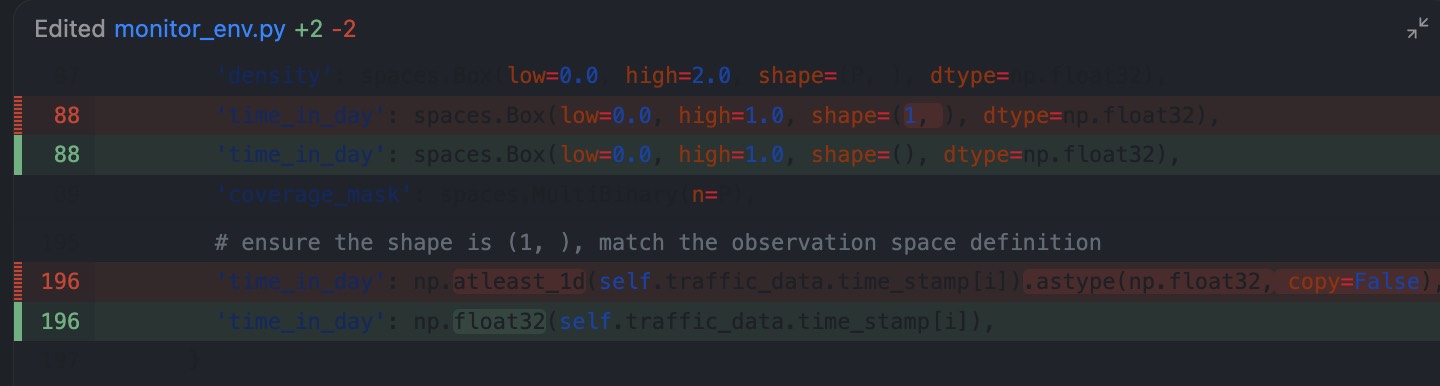
I’m shocked that a billion dollar TUI like Codex has this bug. Your theme might look great in your shell, but ANSI 16 colors can clash when an app naively makes assumptions about those colors.
Let’s see what happens when I try to use a Catppuccin Green background. Unreadable:
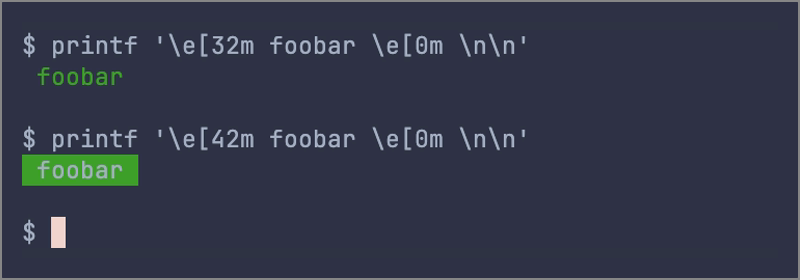
32 is the ANSI escape code for…
AnsiColor builds resilient ANSI color codes for your TUI, cli app or prompt.
Note: some columns hidden on mobile, try desktop
AnsiColor
About
It all started when I tried Codex. Codex looks really bad in my ghostty terminal. An example screenshot from that popular github issue:
I’m shocked that a billion dollar TUI like Codex has this bug. Your theme might look great in your shell, but ANSI 16 colors can clash when an app naively makes assumptions about those colors.
Let’s see what happens when I try to use a Catppuccin Green background. Unreadable:
32 is the ANSI escape code for "set fg to ansi green"
42 is the ANSI escape code for "set bg to ansi green"
0 is the ANSI escape code for "reset"
“Fixes” That Don’t Work
You can manually set the foreground color to ANSI white. Unfortunately, this might not be a pure #ffffff. Still unreadable:
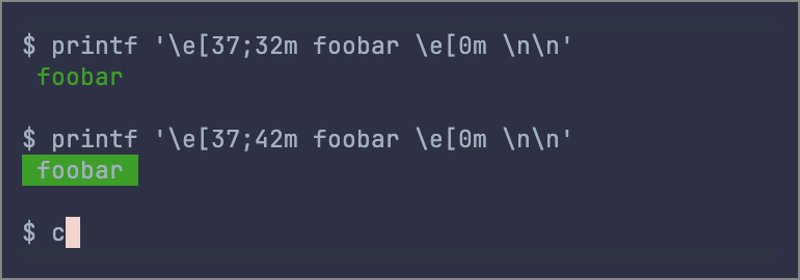
37 is the ANSI escape code for "set fg to ansi white"
The Real Fix
Force the foreground to #ffffff. These two lines both do the same thing. One uses the ANSI truecolor format for #ffffff and the other uses ANSI256 color #231, which conveniently enough is white #ffffff:
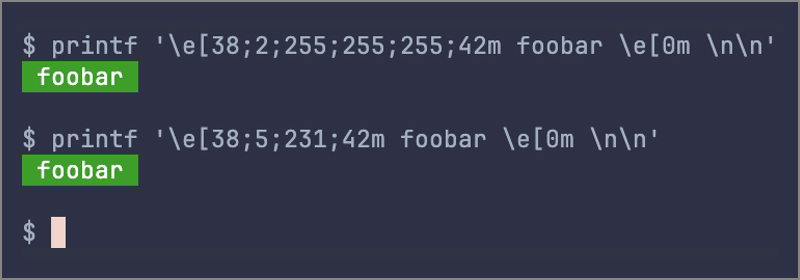
38;2;RR;GG;BB is the ANSI escape code for "set fg to this 0xRRGGBB"
38;5;231 is the ANSI escape code for "set fg to ANSI256 color #231 (always 0xffffff)"
Why I Built AnsiColor
At last, the conclusion to this tale. AnsiColor builds ANSI color codes that work regardless of the underlying terminal theme. You can preview colors from a popular theme, and then grab the escape codes that contain the proper foreground and/or background color. You can also see how the raw color will look on the user’s light or dark terminal background. Use these colors in your TUI, don’t rely on the user’s palette.
Somebody call OpenAI and let them know about AnsiColor.
this website built with help from OpenAI Codex