7 min readPublished: 2026-02-02Updated: 2026-02-02
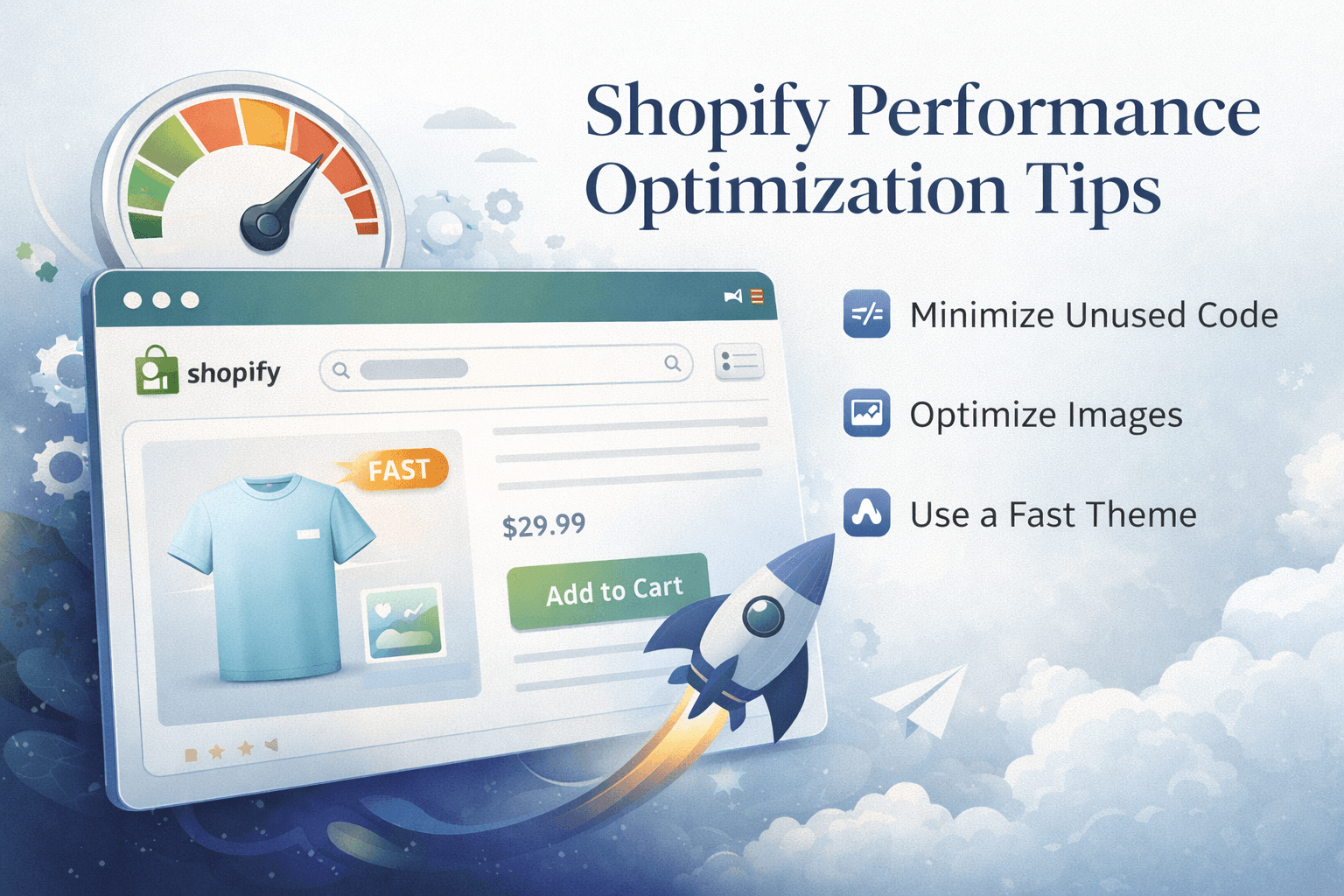
Improving your Shopify store’s performance is crucial for enhancing user experience, boosting SEO rankings, and increasing conversion rates. In this article, we’ll explore practical tips and strategies for optimizing your Shopify store’s speed and Core Web Vitals. From image optimization to code minification, these tips will help you create a faster, more efficient online shopping experience for your customers. Whether you’re a store owner or a developer, implementing these performance optimization techniques can lead to significant improvements in your store’s overall performance. Let’s div…
7 min readPublished: 2026-02-02Updated: 2026-02-02
Improving your Shopify store’s performance is crucial for enhancing user experience, boosting SEO rankings, and increasing conversion rates. In this article, we’ll explore practical tips and strategies for optimizing your Shopify store’s speed and Core Web Vitals. From image optimization to code minification, these tips will help you create a faster, more efficient online shopping experience for your customers. Whether you’re a store owner or a developer, implementing these performance optimization techniques can lead to significant improvements in your store’s overall performance. Let’s dive into the key strategies you can use to enhance your Shopify store’s speed and Core Web Vitals.
Optimize Images
Large images can significantly slow down your Shopify store. Use image compression tools to reduce file sizes without sacrificing quality. Additionally, implement responsive images using the ‘srcset’ attribute to serve appropriately sized images based on the user’s device. This ensures faster load times and a better user experience across all devices. Try to serve images in modern formats like WebP for improved compression.
Minify Code
Minifying your CSS, JavaScript, and HTML files can reduce their size and improve load times. Use tools like UglifyJS for JavaScript and CSSNano for CSS to remove unnecessary whitespace, comments, and other non-essential elements from your code. This results in smaller file sizes and faster downloads for your users. Consider using Shopify’s built-in minification options that can automate this process. Also, defer non-critical JavaScript to prevent it from blocking the rendering of your page.
Leverage Browser Caching
Enable browser caching to store static resources like images, CSS, and JavaScript files on users’ devices. This allows returning visitors to load your store faster, as their browsers can retrieve these resources from the cache instead of downloading them again. Set appropriate cache expiration times for different types of assets to ensure that users always receive the most up-to-date content.
For LCP Improvement
Focus on optimizing the Largest Contentful Paint (LCP) by prioritizing the loading of above-the-fold content. This can be achieved by inlining critical CSS, deferring non-essential JavaScript, and using lazy loading for images and videos that are not immediately visible on the screen. By improving LCP, you enhance the perceived load speed of your store, leading to a better user experience and higher engagement. Find the image or element of the hero section that takes the longest to load and optimize it first. Use shopify’s built-in lazy loading features to delay loading of offscreen images until they are needed. Also the Image Url tag can be used to serve appropriately sized images based on the user’s device.
Also read:
What Is a Shopify Developer? Role, Skills & When You Need One
A details explanation of what a Shopify developer does, their core responsibilities, and when hiring one makes sense for your store.
How to Hire a Shopify Developer (Checklist, Cost & Red Flags)
How to evaluate and hire the right Shopify developer for your store, including key questions to ask and common mistakes to avoid.
Shopify Tag Filtering in Dawn Theme (How It Works & Common Issues)
Learn how Shopify tag filtering works in the Dawn theme, common problems, and when custom code is needed to fix filtering limitations.
Hire Shopify Developer Based on Location
If you’re looking to hire a Shopify developer, consider searching based on location to find professionals who understand your market and can provide localized support. Whether you need a Shopify developer in the US, UK, Europe, or any other region, hiring someone familiar with local trends and customer preferences can enhance your store’s performance and user experience. Check out location-based Shopify developer listings to find the right fit for your needs.
Ready to optimize your Shopify store’s performance?
If you want to enhance your store’s speed and Core Web Vitals, the hire page outlines services, process, and what to send to get started.