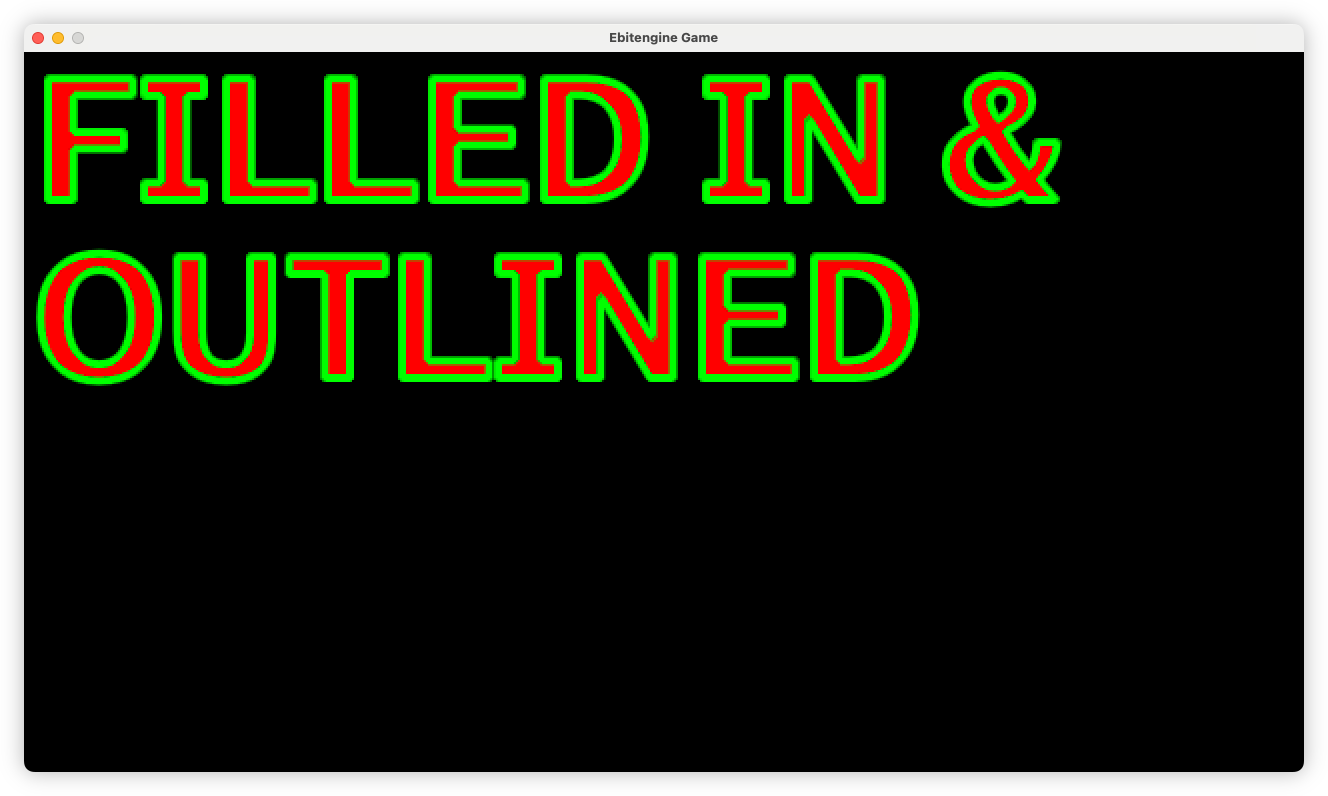
Preview
Open Original
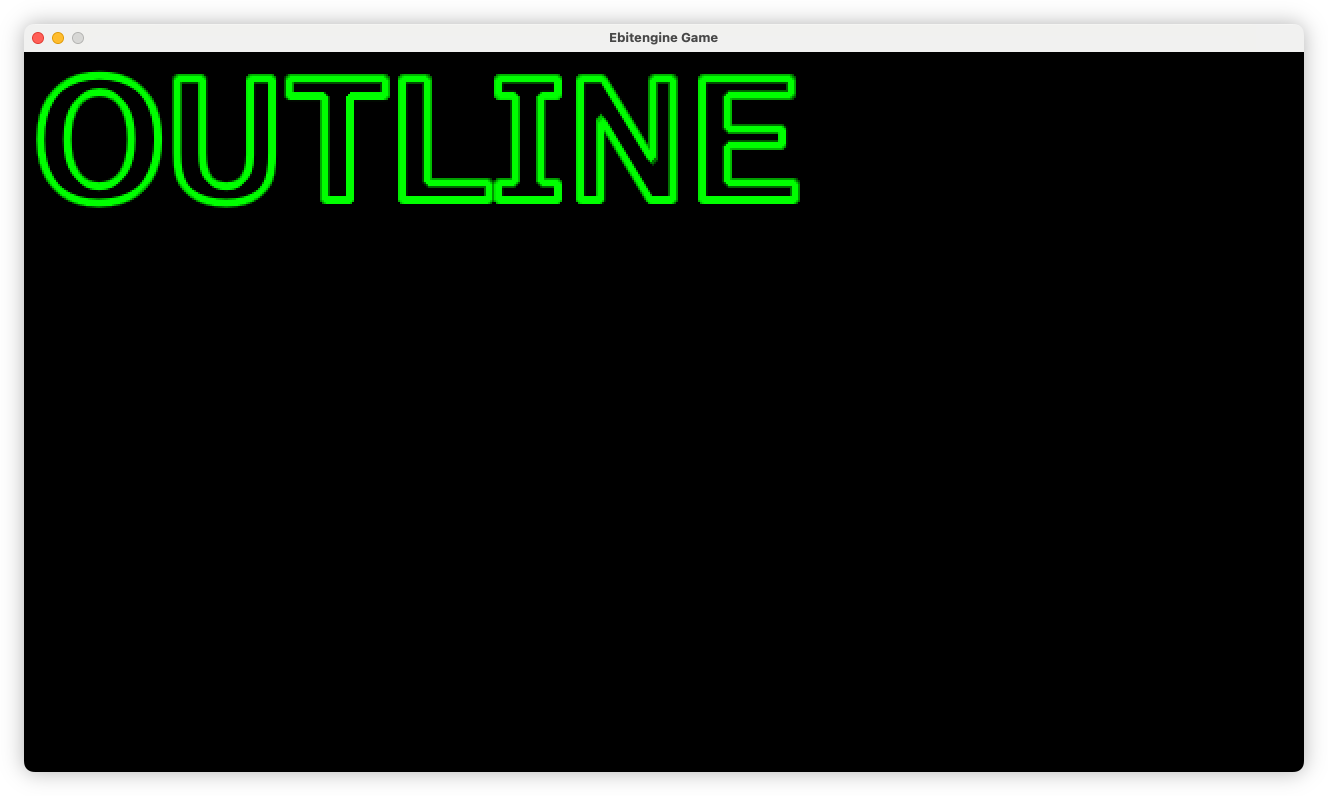
For anyone else using the Ebitengine that wants to render text as an outline, I’ve had had some success using the shapes package. The approach that worked for me was to render the text to a separate image, then call ApplyOutline using the screen as the target.
Here’s some very unoptimised code demonstrating this:
func (f *State) Draw(screen *ebiten.Image) {
// The image holding the rendered text
img := ebiten.NewImage(screen.Bounds().Dx(), screen.Bounds().Dy())

// The filled in text colour. Here it's set to red. As far as I can tell,
// this has no effect on the rendered outline.
col := ebiten.ColorScale{}
col.Scale(1, 0, 0, 1)

pos := ebiten....
For anyone else using the Ebitengine that wants to render text as an outline, I’ve had had some success using the shapes package. The approach that worked for me was to render the text to a separate image, then call ApplyOutline using the screen as the target.
Here’s some very unoptimised code demonstrating this:
func (f *State) Draw(screen *ebiten.Image) {
// The image holding the rendered text
img := ebiten.NewImage(screen.Bounds().Dx(), screen.Bounds().Dy())

// The filled in text colour. Here it's set to red. As far as I can tell,
// this has no effect on the rendered outline.
col := ebiten.ColorScale{}
col.Scale(1, 0, 0, 1)

pos := ebiten.GeoM{}
text.Draw(img, "Outline", f.face, &text.DrawOptions{
DrawImageOptions: ebiten.DrawImageOptions{
GeoM:       left,
ColorScale: col,
Filter:     ebiten.FilterNearest,
},
})

r := shapes.NewRenderer()

// Sets the outline colour to green.
r.SetColorF32(0.0, 1.0, 0.0, 1.0)

// Applies the outline. The numerical arguments are the x and y offsets, and the outline width.
r.ApplyOutline(screen, img, 0, 0, 4)
}
If you want to render the filled in font alongside the outline, simply draw img to the screen before applying the outline:
screen.DrawImage(img, &ebiten.DrawImageOptions{})

r := shapes.NewRenderer()
r.SetColorF32(0.0, 1.0, 0.0, 1.0)
r.ApplyOutline(screen, img, 0, 0, 4)