On December 17, 2025, I learned...
I swear, it’s not hard to insert a Quote block into a WordPress post:
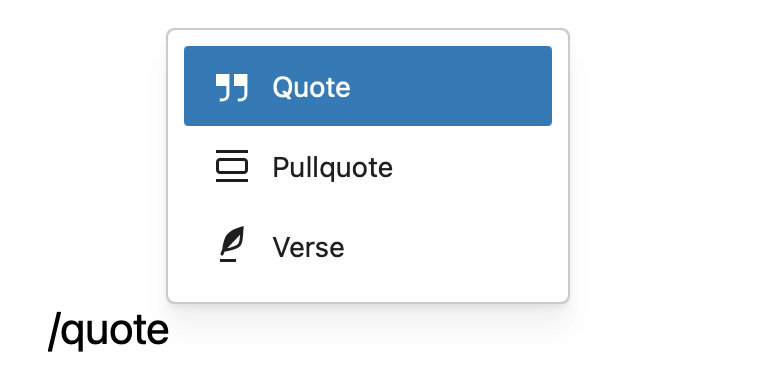
But once it is inserted, you’re sorta locked into it. That’s because the Quote block is a container for wrapping other blocks, the default being a Paragraph.
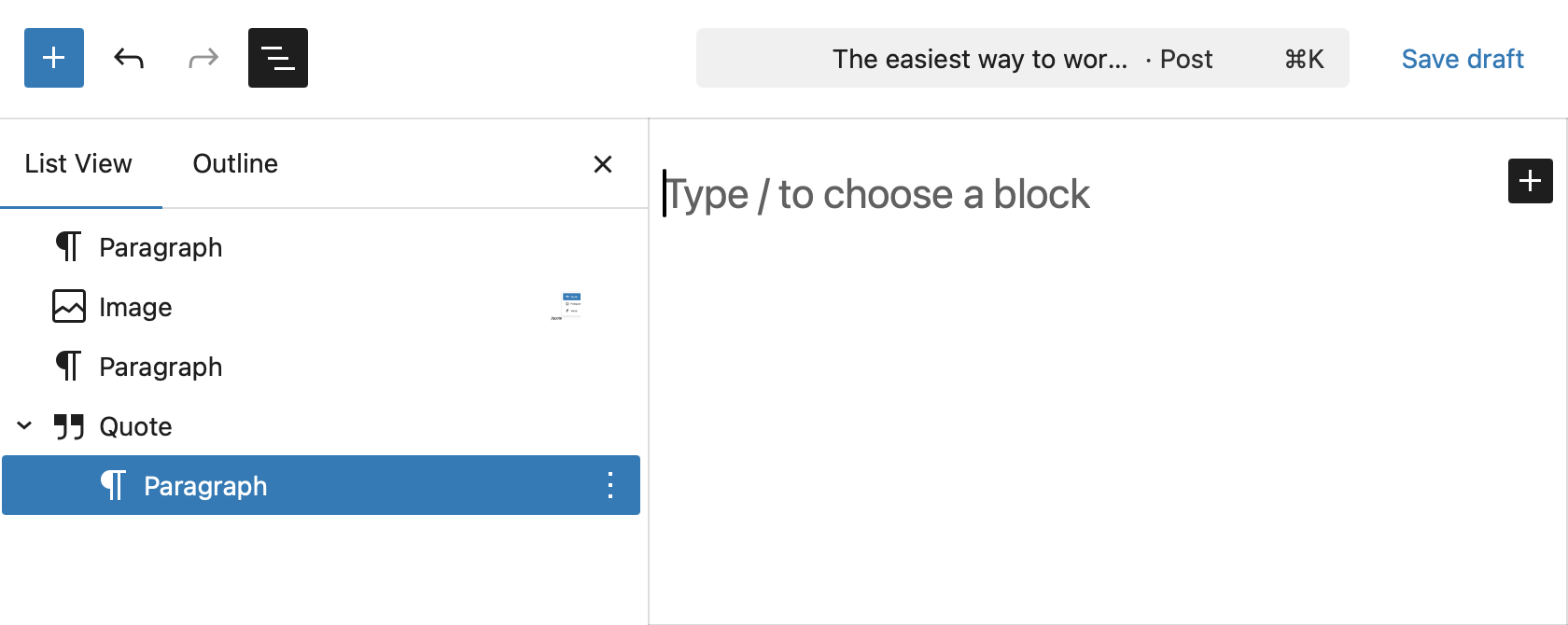
It does that so you can start typing right away — no need to dash off another command to insert text. There’s a nice convenience to that.
If you’re like me, your natural reflex might be to smash the Return key when you’re done typing. End of paragraph, on to th…
On December 17, 2025, I learned...
I swear, it’s not hard to insert a Quote block into a WordPress post:
But once it is inserted, you’re sorta locked into it. That’s because the Quote block is a container for wrapping other blocks, the default being a Paragraph.
It does that so you can start typing right away — no need to dash off another command to insert text. There’s a nice convenience to that.
If you’re like me, your natural reflex might be to smash the Return key when you’re done typing. End of paragraph, on to the next one! But you’re not out of the Quote woods just yet. That new paragraph you’re on? It’s also nested in the Quote.
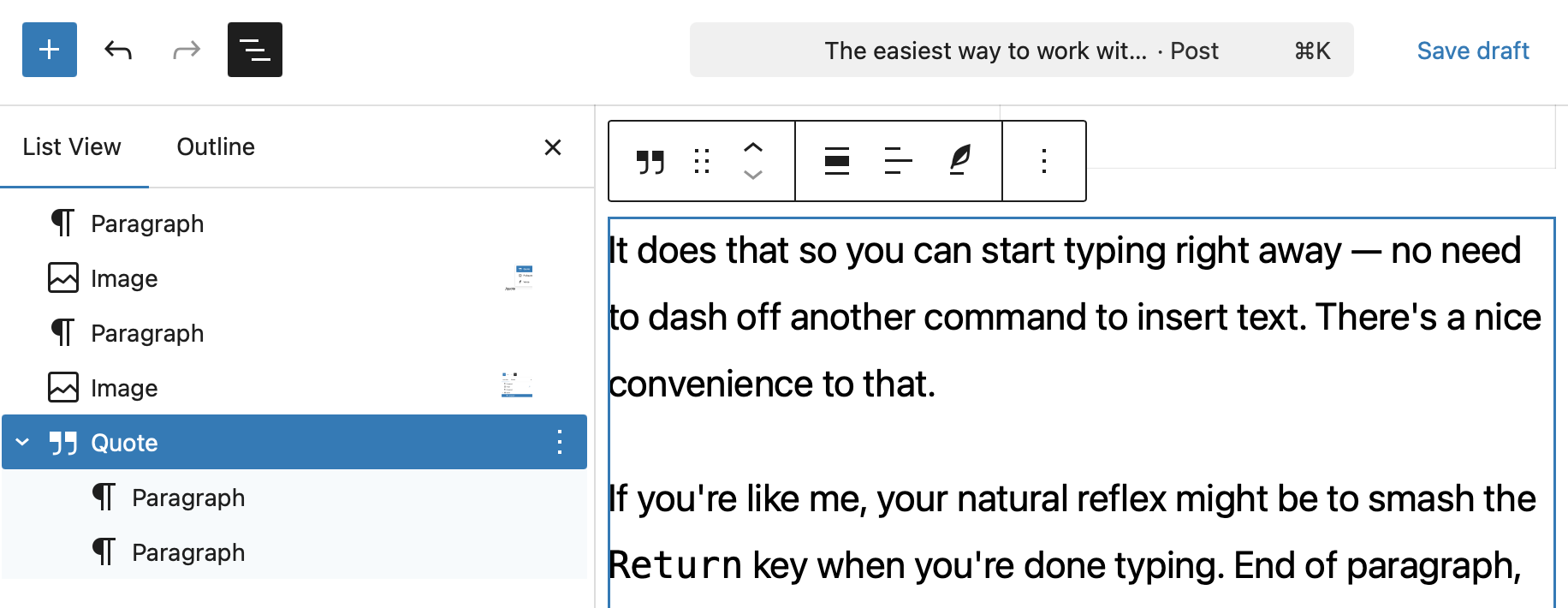
Same goes for any new block you inset, really. Again, that’s fine because Quote blocks are native HTML <blockquote> elements at the end of the day, and a <blockquote> is merely a “section that is quoted from another source.” A section can hold any number of other elements, just like a regular ol’ <div>, and it’s not totally uncommon to have at least two elements in there: one for the paragraph containing the quote, one for the <cite> element that adds attribution to the quoted source.
WordPress does indeed have a specific option to insert a <cite> into a Quote block:
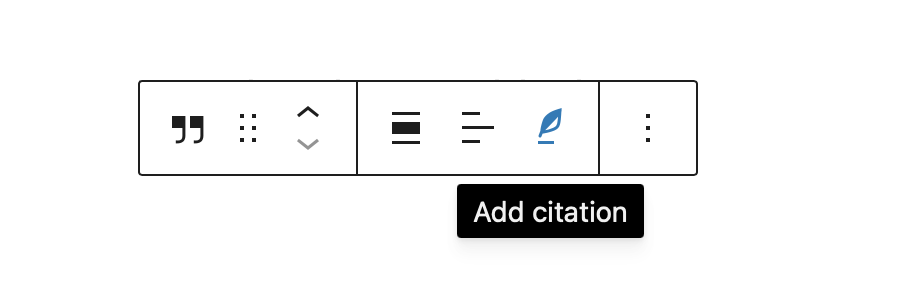
I guess it’s a little weird there’s no quick command for that. It’s stupid easy to insert a new nested blocked into a Quote, but the citation requires a little point and click with a mouse.
My gripe is that I often forget I’m still in the Quote block when finishing entering text into it. So, what’s the easiest way to get out of that? Smash Return a second time. I know, not hard. But I’m afraid it’s going to take me time developing new muscle memory for it.
What I’d like to see instead is handling them the same sort of way that the Details block works. Instead of immediately inserting a Paragraph block, WordPress prompts you to “Type / to add a hidden block.”
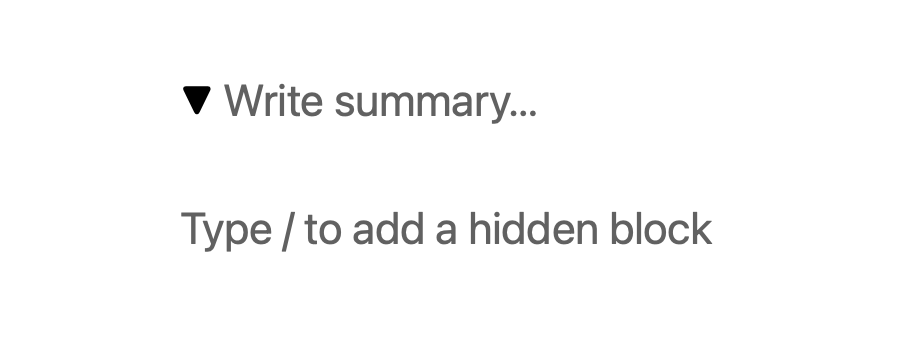
But rather than adding a “hidden” block, perhaps it could be adding a “block of quoted content.” And perhaps, like the Details block, there can be some sort of visual indication that the Quote block is open so that it’s clearer you’re currently working inside of it.
Ooo, another idea: Auto-insert a Paragraph block and a Citation block. If the Citation block is left empty, no big deal, it doesn’t render. And it marks the end of the block.