- 13 Dec, 2025 *
13 Dec, 2025 • there are many out there, but my process hasn’t changed for quite a while.
A long time ago, I used an application called Ulysses. It was the best of a class of applications that did what is now ubiquitous with more or less equal ability: it was a native Mac app which allowed the creation of ‘projects’ which were themselves really just folders of documents. It was beautiful and worked well and highly opinionated as to what a writer needed. I’m fuzzy on the details1 but iirc the developer (Soulmen) sold the rights to a different developer, who stripped it of some features in favor of others, and, insult to injury, converted that one-time cost to a monthly subscr…
- 13 Dec, 2025 *
13 Dec, 2025 • there are many out there, but my process hasn’t changed for quite a while.
A long time ago, I used an application called Ulysses. It was the best of a class of applications that did what is now ubiquitous with more or less equal ability: it was a native Mac app which allowed the creation of ‘projects’ which were themselves really just folders of documents. It was beautiful and worked well and highly opinionated as to what a writer needed. I’m fuzzy on the details1 but iirc the developer (Soulmen) sold the rights to a different developer, who stripped it of some features in favor of others, and, insult to injury, converted that one-time cost to a monthly subscription with a cheerful ‘fuck off’ to all previous purchasers2. Thus scorned, I tried all the “big” apps (like Scrivener…) which was just a nightmare of other people’s wrong opinions, and besides, I like my native apps.
Then I found iA Writer, which cost a pretty penny as well, but swore it would not become a subscription, and reminded me greatly or Ulysses’ Console Mode, which had been my favoured way to write. I tend to agree with iA’s opinions. It is native to Mac and iOS, it is clean, it is well and constantly updated, it doesn’t tend to bring in stupid “features” no one wanted or asked for.3
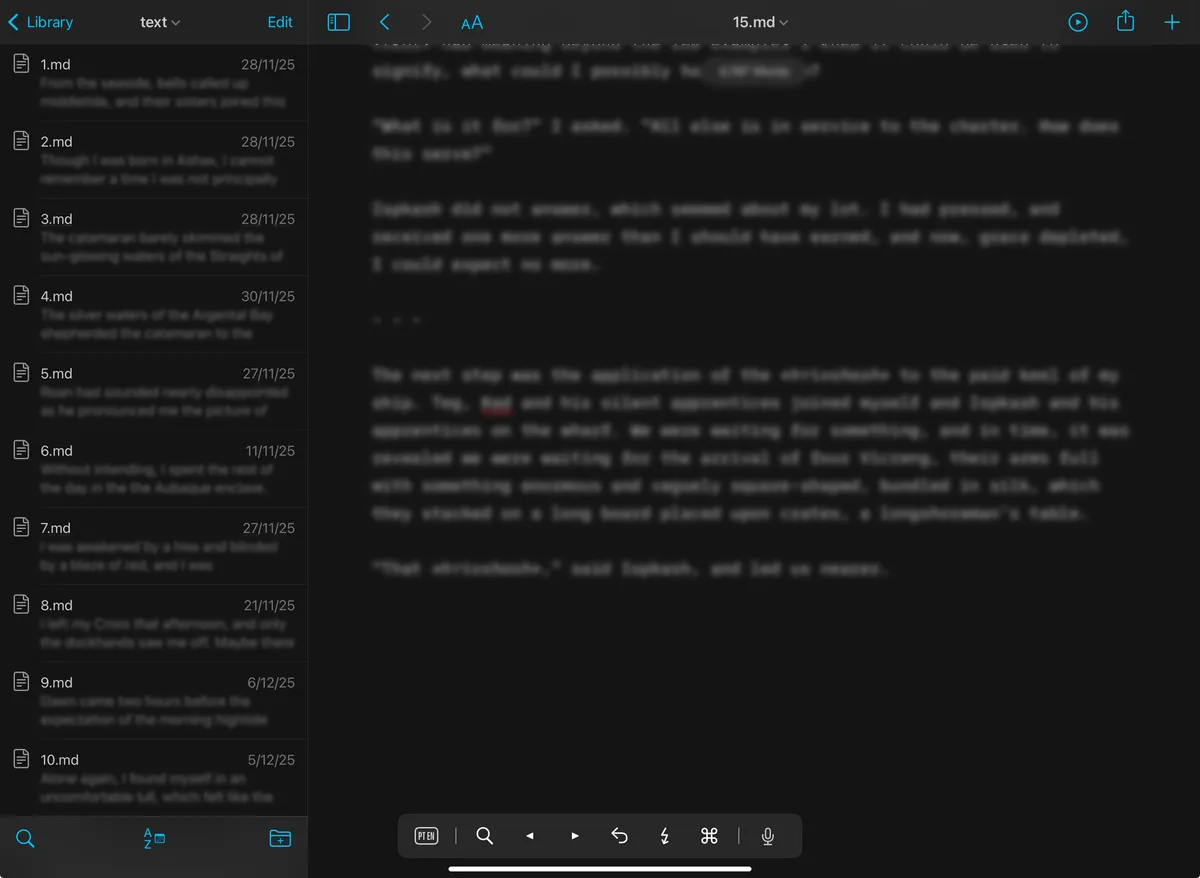
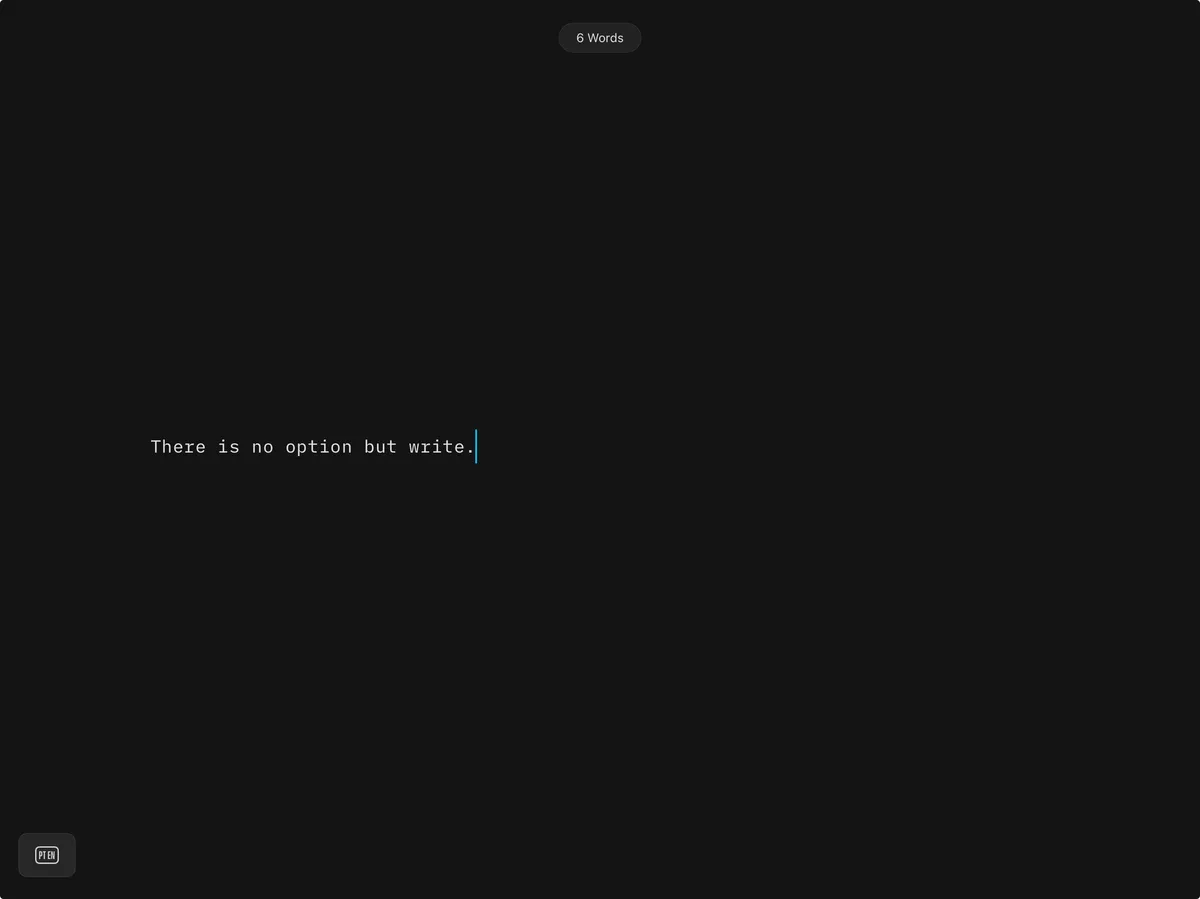
What I like about iA is that there are no options, which continues some of the restrictive possibilities found in Ye Olde Ulysses. You can’t (really) change the font. You can’t change the theme beyond dark mode and light. There’s three choices for line length. That’s it. Everything else one could conceivably fritter valuable writing time messing with is not an option, which I like, because the other app I make extensive use of—Obsidian—has no such restriction, and given the chance, I will waste time ‘fixing’ things, which is why I write in iA and keep notes in Obsidian.
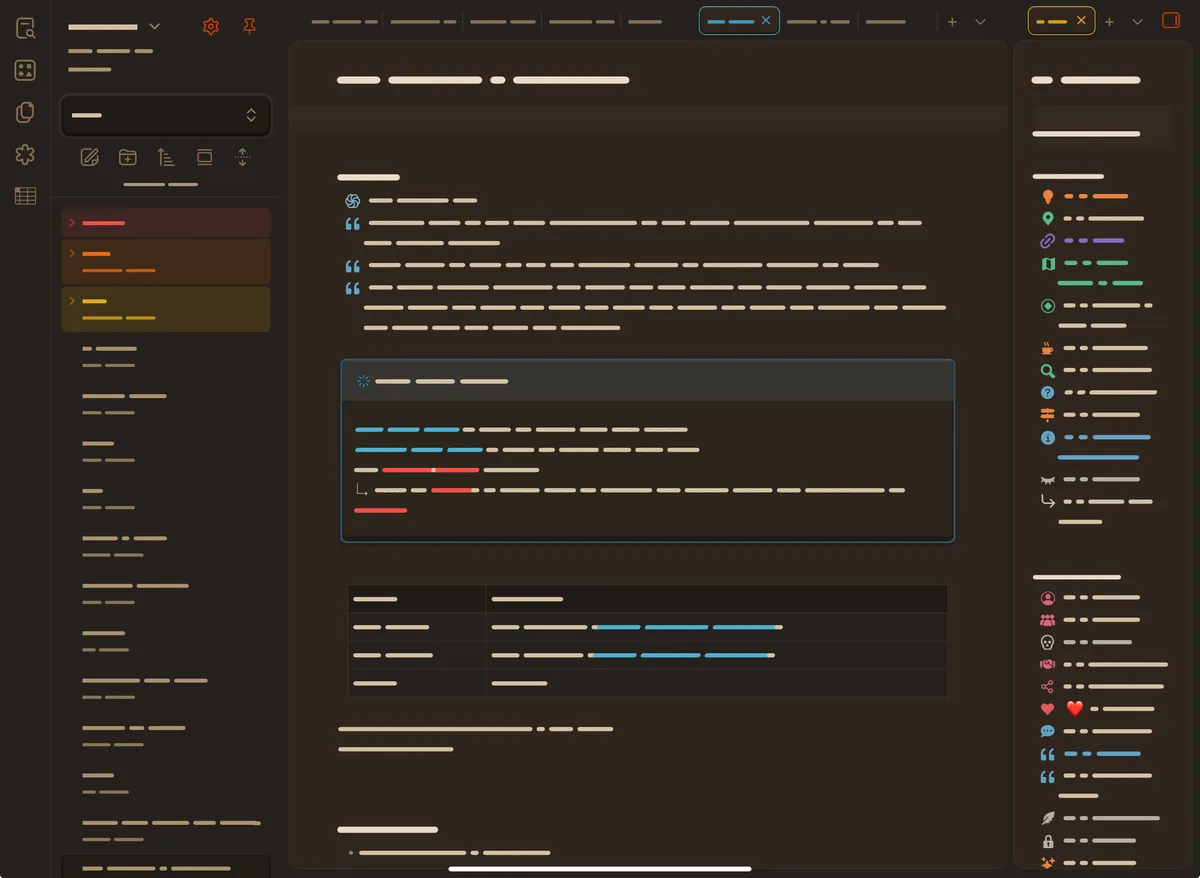
Since the death of Ulysses, I have tried writing in the same application I use to keep notes, and it never again worked for me. The Alt + Tab of my brain moving from writing mode to lookup mode is so effortless and pairs quite naturally with the keystroke. Neither Obsidian nor iA make it easy to use their app for both: iA has zero formatting, and I do find the (self-defined) colour and formatting of Obsidian makes it easy to find my notes easily; Obsidian is not designed for writing, so has no full-screen “no distraction” mode like iA, and cannot be as bare-boned as iA to encourage writing and not distraction.
Is it ideal? No. Does it work? Yes, with caveats.
Ideally, my setup would be different. I currently do not have a single functional computer; an iPad with a keyboard has become my ‘daily driver.’ This is absolutely less than ideal. For a while—before the laptop broke, before the desktop died—I had a lovely two-machine setup of writing in iA on the laptop with the iPad on one side for ease of notes. Being able to have both screens was a blessing, one I admit taking for granted.
This is the season in which I would normally begin working on 「marshes」 again, but now I actually can’t. The workflow needed for the very specific form of prose 「marshes」 uses is simply not available to me on the iPad; while I could go back to working with Oxford’s webapp, I haven’t even checked to see if it’s still available (or still free)4. Even with the laptop, Oxford’s tool was frustrating to use, as the 500-word limit grated against my ability to write easily; additionally, the fact that I could not say for certain whether or not they preserved every piece of text submitted worried me.
I don’t know what I will do if this device breaks. While I can write on my phone, with some degree of ease due to iA’s lovely usually flawless syncing, using Obsidian and iA both on the phone is difficult. While I was lucky enough to have the laptop while initially setting up Obsidian to my needs5, in the nonzero chance Obsidian updates something which thus breaks my setup, I will have no recourse, and no way to fix it.
Normally this would not be so much of an issue. Normally, I could in theory scrape together what is needed to head to the US to purchase a new machine, since importing any electronics here incurs a minimum 100% tax, effectively at least doubling the price of any and every piece of modern technology. Normally, I could take a week or so, bop over to the city, order a new machine, visit friends and family for a bit while it gets built, then saunter home with my new toy, and resume my writerly life.
We do not live in normal times.
and more or less disinterested in learning more, lest I become infuriated again.↩ 1.
and another thing: im not mad. please dont put in the newspaper that i got mad.↩ 1.
Christ, the fucking bright and artificial colouring of text pasted into iA from an LLM kills me. Yes, it can be turned off, as I have all the other colourful features like syntax highlighting turned off, but just fucking once, I would like a developer which supposedly makes their bread and butter from supporting creative work actually take a goddamn stand on behalf of humanity. /rant↩ 1.
Hence the lack of link.↩ 1.
Obsidian uses themes, which can be installed within the app, but it also uses css ‘snippets,’ which are located within a folder called .obsidian. That preceding dot makes the folders permanently invisible—and thus absolutely inaccessible—on iOS devices.↩