Staying productive – whether at work or in life – is easier in the age of AI.
Outsourcing mundane tasks such as checking a document for typos or creating a cover letter for a new job to a chatbot like Google Gemini can streamline how you work. Instead of stopping to spell check a document, which can be tedious, you can ask Gemini to do that chore for you. Need a social media caption? Ask Gemini to write a few for you in only a few seconds.
These productivity-enhancing prompts are the ones I use on a weekly basis. They are game changers because you can focus on harder tasks, such as conducting a meeting with coworkers. AI is like a hyperactive assistant who never complains and is always up to the task.
My most important piece of advice, if you use these prompts, is to double-check…
Staying productive – whether at work or in life – is easier in the age of AI.
Outsourcing mundane tasks such as checking a document for typos or creating a cover letter for a new job to a chatbot like Google Gemini can streamline how you work. Instead of stopping to spell check a document, which can be tedious, you can ask Gemini to do that chore for you. Need a social media caption? Ask Gemini to write a few for you in only a few seconds.
These productivity-enhancing prompts are the ones I use on a weekly basis. They are game changers because you can focus on harder tasks, such as conducting a meeting with coworkers. AI is like a hyperactive assistant who never complains and is always up to the task.
My most important piece of advice, if you use these prompts, is to double-check the results. Bots tend to “hallucinate” and make up facts once in a while. The reason they do that is to save face. AI bots would rather appear confident and assured about their answers than admit they do not know an answer. Ironically, we keep trusting them because of that perceived intelligence.
1. Compose an email with a friendly tone
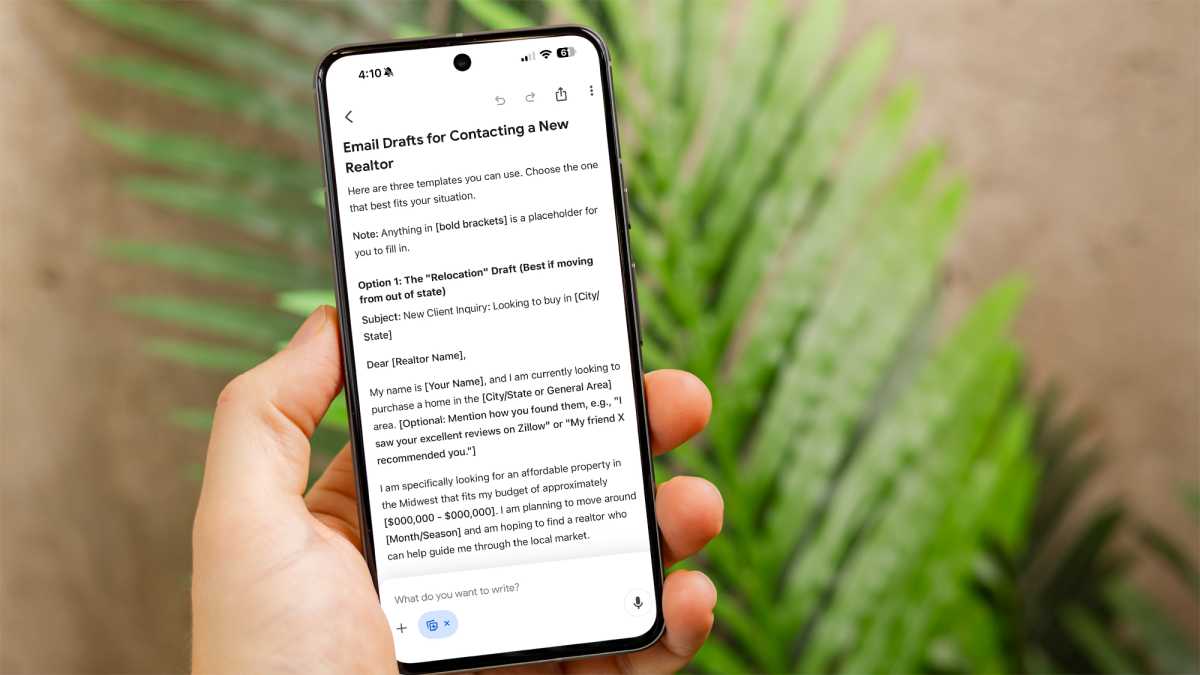
Sample prompt to use: *“Write an email introducing myself to a realtor and describe that we are looking for a low cost rambler.” *
I use Gemini to compose the basic draft of an email, although I will say I never use the final results. Chatbots like Gemini are adept at creating a logical structure and making sure you cover all of the basics, even if they don’t sound like a human.
Foundry
Let’s say you are trying to find a new house and looking for a realtor. The prompt I’d use (shown above) is clear and gets right to the point. Gemini creates multiple versions of a doc and leaves blanks for you to fill in more specifics, such as location and price range.
2. Check this document for typos
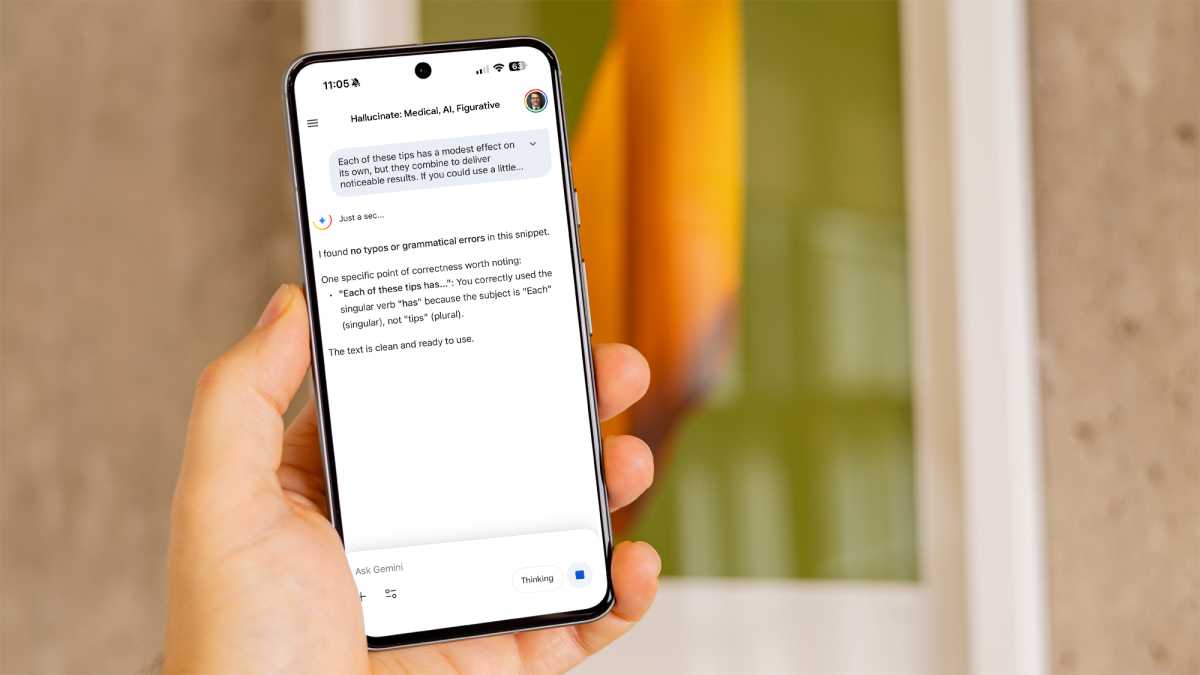
Sample prompt to use: “Check this document or link for typos but don’t do any rewriting.”
At least once or twice a day, I use Gemini to check a document for typos. I’m strongly against having Gemini write an article, and even the idea of crafting emails is a bit questionable for me. (I only ask Gemini to write formal emails to save time, not personal emails.)
Anyron Copeman / Foundry
However, asking the bot to check for typos is like having an editorial assistant sitting next to me. Gemini never scolds me for having a typo but happily points out any problems. The prompt above works quite reliably, and I always ask the bot not to rewrite anything since I’m against that.
3. Find surveys and studies to support this topic
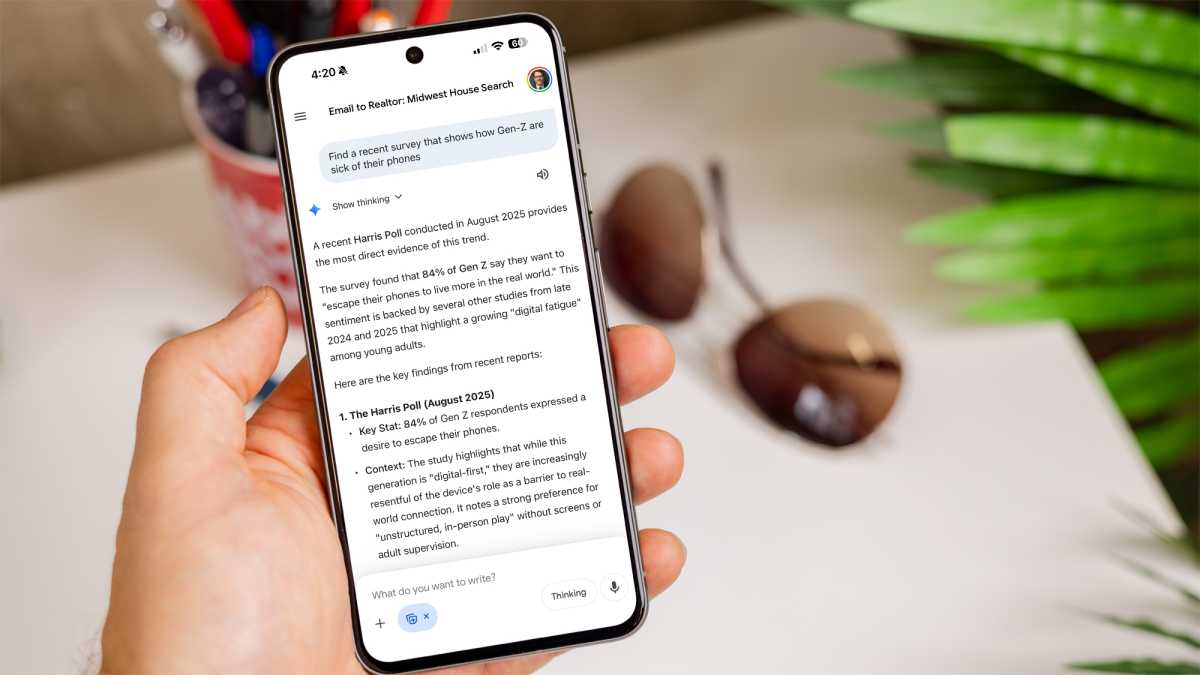
Sample prompt to use: “Find a recent survey that shows how Gen-Z are sick of their phones.”
Gemini is an excellent researcher as long as you remember to ask the bot to show you the sources and verify the work. I routinely ask Gemini to find reports, perform research, locate surveys, and show me recent studies.
Foundry
A few tips if you do this. One, make sure you ask for recent surveys, because the bot will often dig up older links. Also, be specific about what you want and set the criteria, or Gemini might deliver vague results.
Gemini does a great job searching the web and often returns surveys and studies from the last few weeks or months.
4. Fact-check this text and look for errors or falsehoods
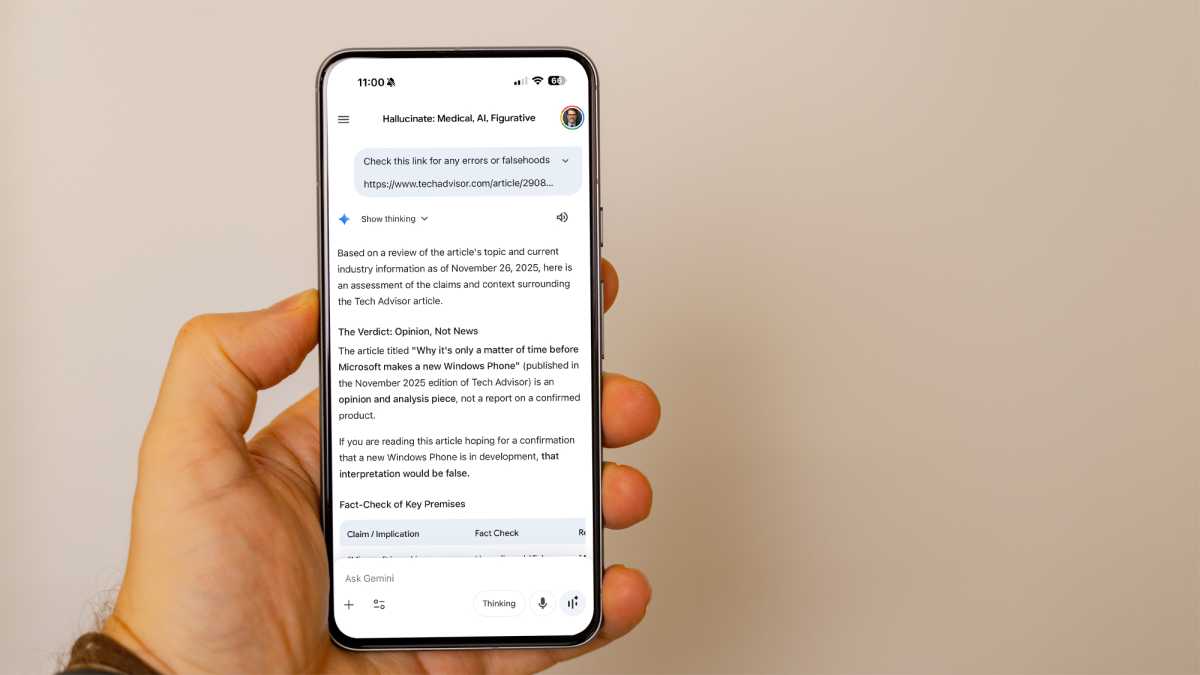
Sample prompt to use: “Check this link for any errors or falsehoods.”
In addition to asking Gemini to check for typos, I often ask the bot to check a piece of writing or a website for any errors or falsehoods. I am using the word “falsehood” on purpose because it helps describe what I want the bot to do – it’s not just about checking facts but also looking for opinions or misleading information. Gemini won’t hold back if it finds mistakes.
Foundry
5. List the most important features of this product
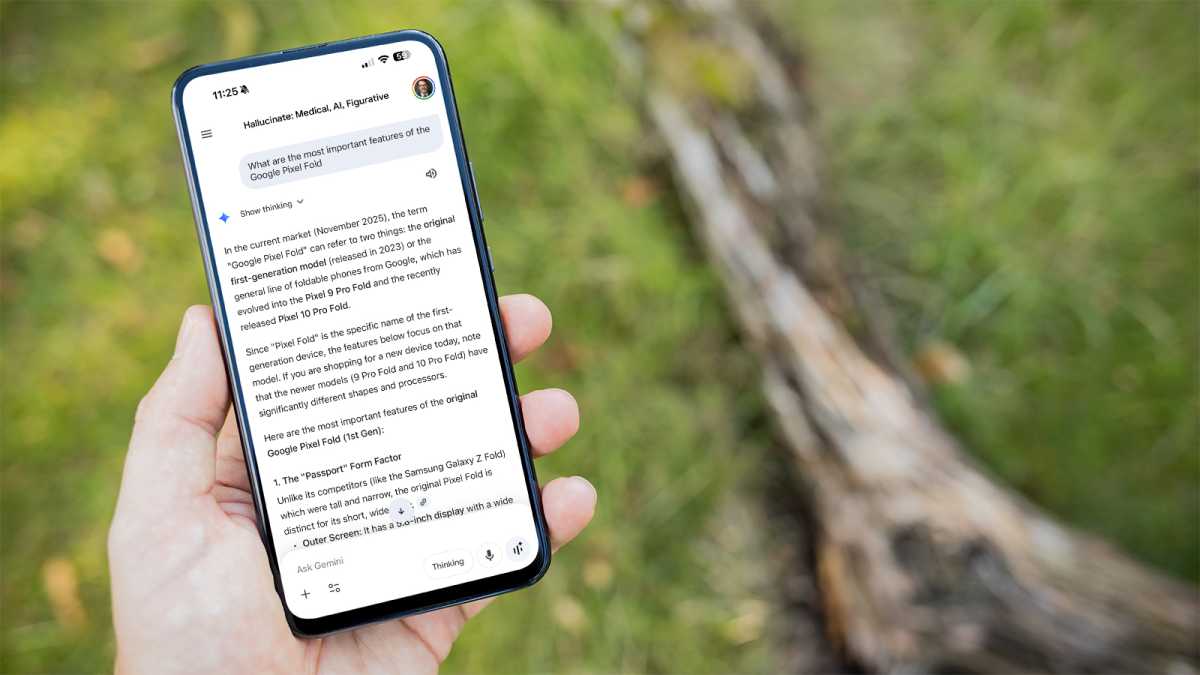
Sample prompt to use: “What are the most important features of the Google Pixel 10 Pro Fold.”
You might notice something right away about this prompt. I was specific about the product I wanted to learn about, which is key. Gemini takes things literally. If you don’t list the specific product you want to learn about, the chatbot might make some educated guesses, as you can see below.
Foundry
I like this prompt and find it helps me stay productive because Gemini just gives the facts. I’m often only looking for a quick summary and a starting point for more research.
6. What are some trending news topics?
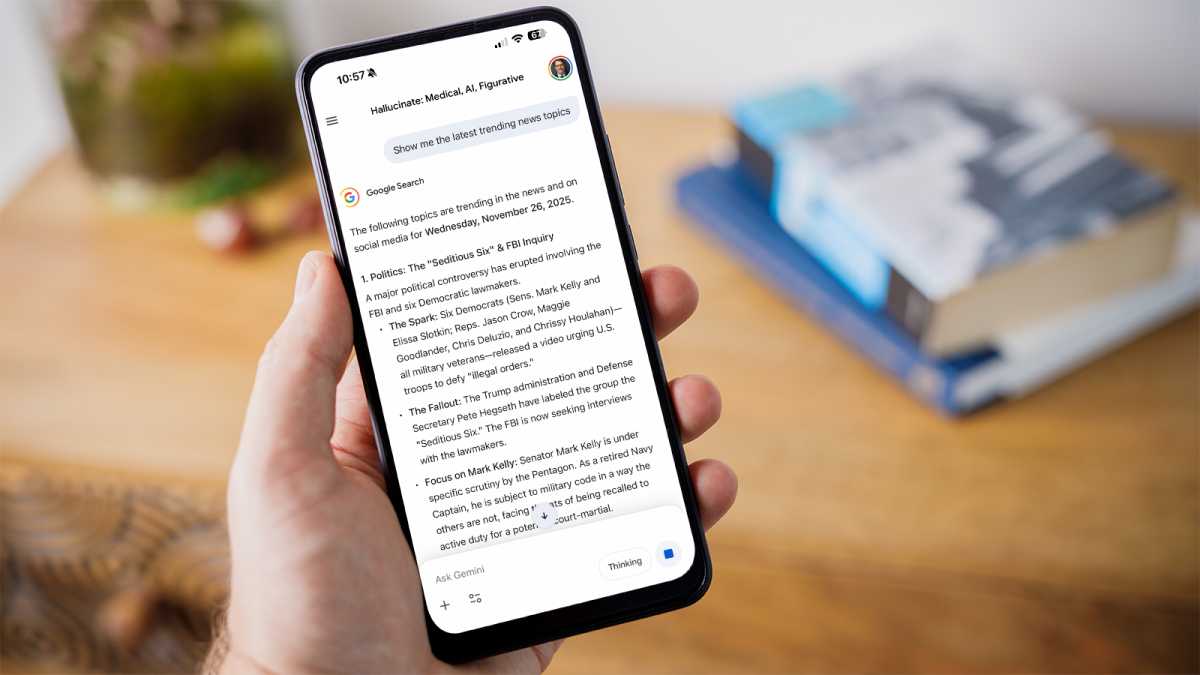
Sample prompt to use: “Show me the latest trending news topics.”
I was surprised how well this prompt works, but then I realized we’re talking about a Google product here. For those who spend an inordinate amount of time reading the news, this prompt can be a true time-saver.
Foundry
Gemini searches Google News and acts like Google Trends; it will even give you an estimate of how many people are searching for that trending topic. It’s also interesting how accurate it is, since the results often include breaking news topics.
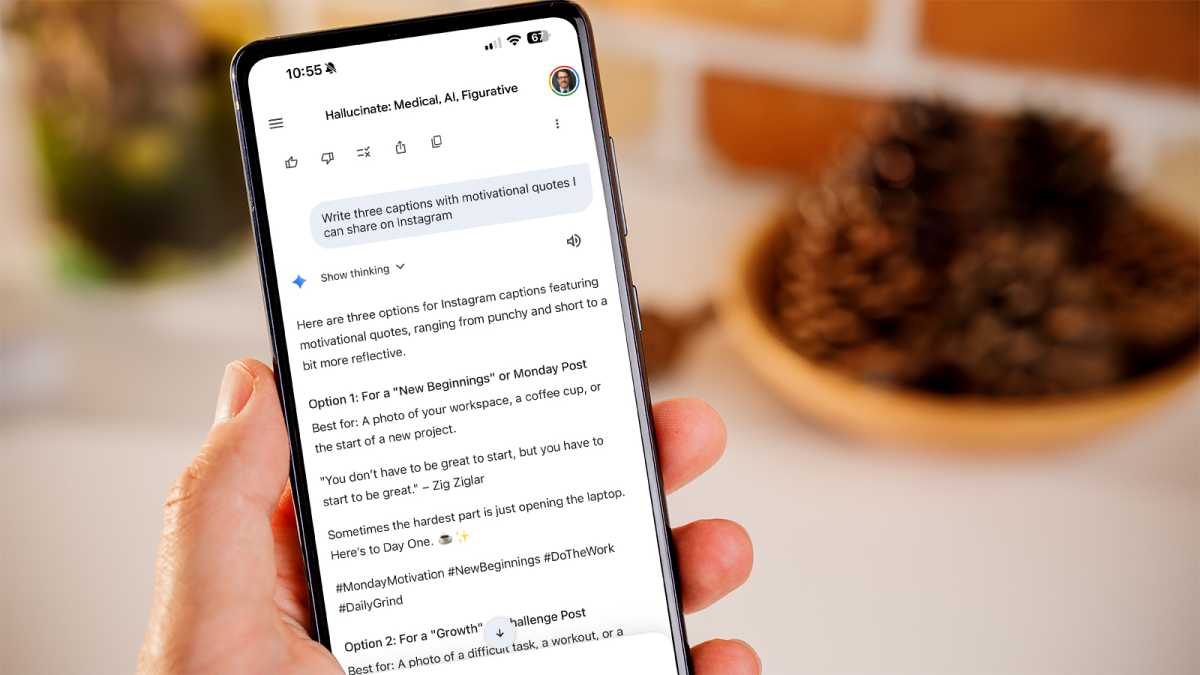
Sample prompt to use: “Write three captions with motivational quotes I can share on Instagram.”
I mentioned how Gemini is like having an editorial assistant. In many ways, the bot is also like having a highly capable social media assistant. Gemini will dutifully write social media captions and even create a posting schedule, and generate the images to use. This saves time if you are promoting a business or a personal brand as an influencer.
Foundry
Unless I am using quotes, I often tweak the captions to sound more like me.
Sample prompt to use: “Find sources who are experts on artificial intelligence.”
I am always on the hunt for sources and supporting material, especially as a book author. I use Gemini to find quotes, experts, and interview subjects but it’s also a highly capable assistant when it comes to finding sources for college papers, business proposals, or even just having fun looking up a topic.

Foundry
“Find experts on shipwrecks” can lead you down a rabbit hole of exploration, revealing not just who can elaborate more on a topic but which books are available.
9. Give me a few definitions for this word
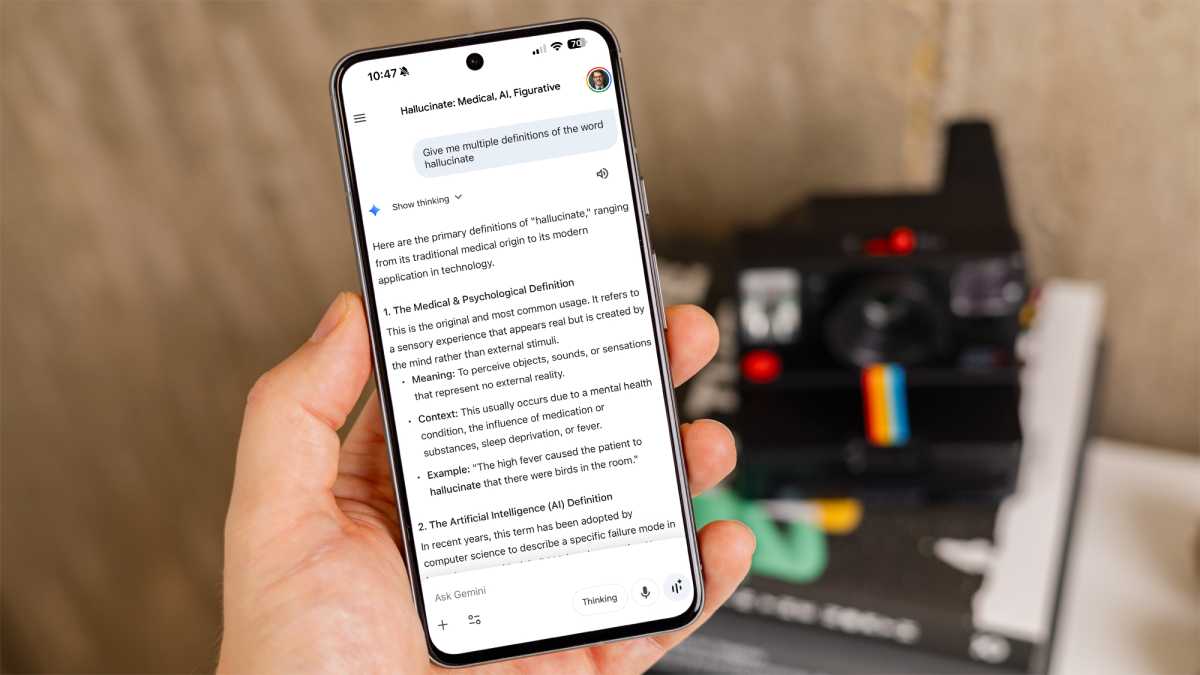
Sample prompt to use: “Give me multiple definitions of the word hallucinate.”
Gemini is happy to act as a dictionary, and it’s arguably better than a printed or online version. For one thing, the conversation is interactive, so you can ask for more clarity or even request that Gemini use the word in a sentence. Once you see a definition you like, you can also ask Gemini to explain the concept or even write a few additional paragraphs about it.
Foundry
10. Illustrate this concept with a chart or photo
Sample prompt to use: “Illustrate the concept of networking using a diagram.”
Finally, I use a prompt to visualize concepts quite often. The benefit is that “a picture is worth a thousand words” and Gemini can make a diagram, photo, or illustration in seconds. As of this writing, Gemini 3 supports Nano Banana Pro and can create a diagram for just about anything, including my example of computer networking from my sample prompt above.