The missing Apple TV remote app
Control playback, launch apps, and see what’s playing — all from your macOS menu bar.
Requires macOS Sonoma or later
Native macOS
Built with Swift and SwiftUI — no Electron, no web views. Runs silently in your menu bar.
App launcher
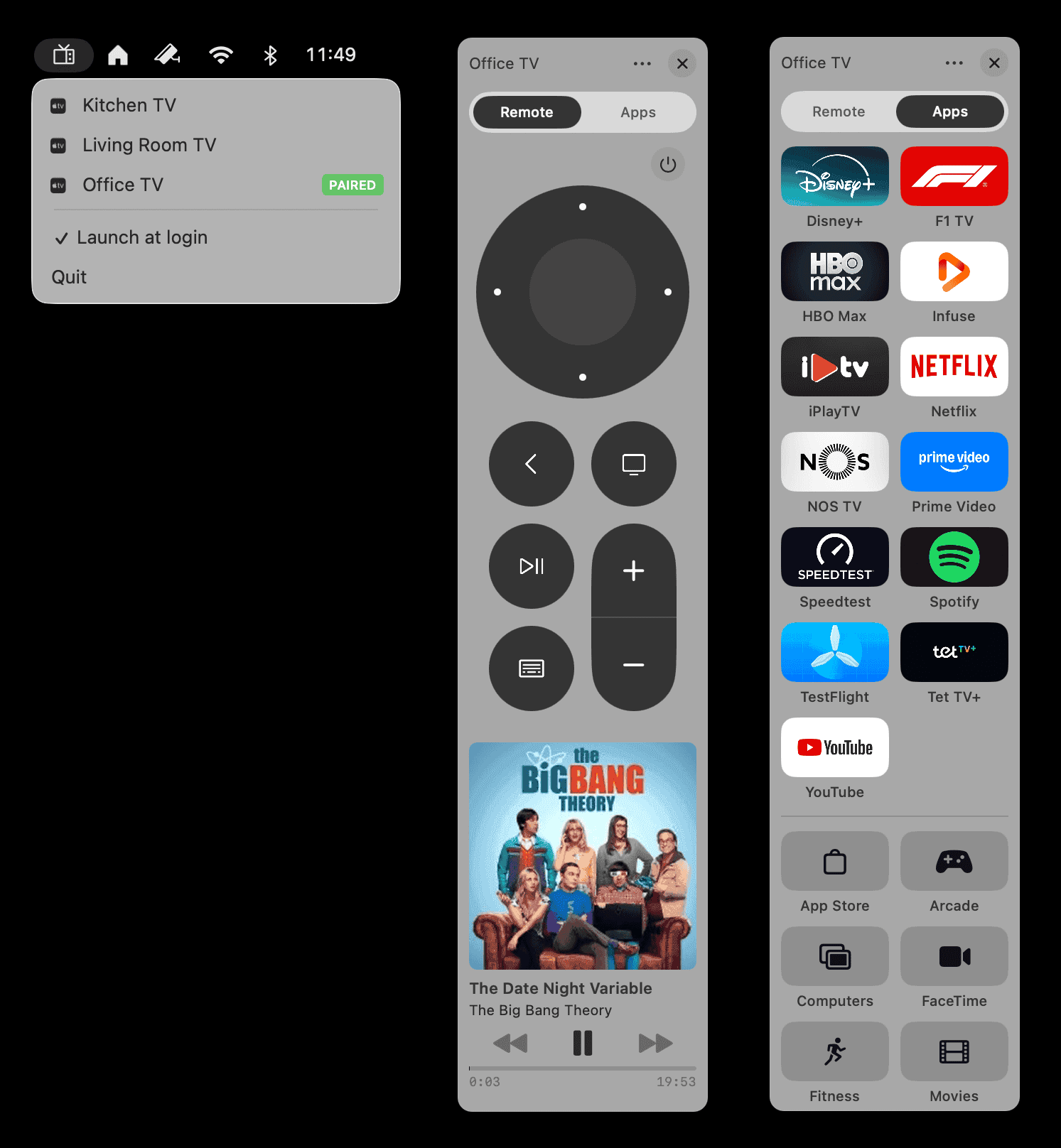
Browse all installed Apple TV apps in a grid with App Store icons. Launch any app in one click.
Navigate with keyboard
Arrow keys, Return, Space, Escape — control your Apple TV without touching the mouse.
Familiar remote UI
The same buttons you already know — D-pad, play/pause, volume, home, menu, back, and sleep.
…
The missing Apple TV remote app
Control playback, launch apps, and see what’s playing — all from your macOS menu bar.
Requires macOS Sonoma or later
Native macOS
Built with Swift and SwiftUI — no Electron, no web views. Runs silently in your menu bar.
App launcher
Browse all installed Apple TV apps in a grid with App Store icons. Launch any app in one click.
Navigate with keyboard
Arrow keys, Return, Space, Escape — control your Apple TV without touching the mouse.
Familiar remote UI
The same buttons you already know — D-pad, play/pause, volume, home, menu, back, and sleep.
Text input
Type search queries and passwords on your Mac keyboard instead of pecking letters on the TV screen.
Now playing
See what’s playing with album artwork, title, artist, and a live progress bar in your menu bar.
Multi-device
Pair multiple Apple TVs on your network and switch between them instantly.
Secure
End-to-end encrypted communication with your Apple TV. Pairing credentials stored securely in Keychain.
Free and open-source
MIT licensed, no tracking, no ads. Read every line of code on GitHub.
Better together
The perfect Itsyhome companion
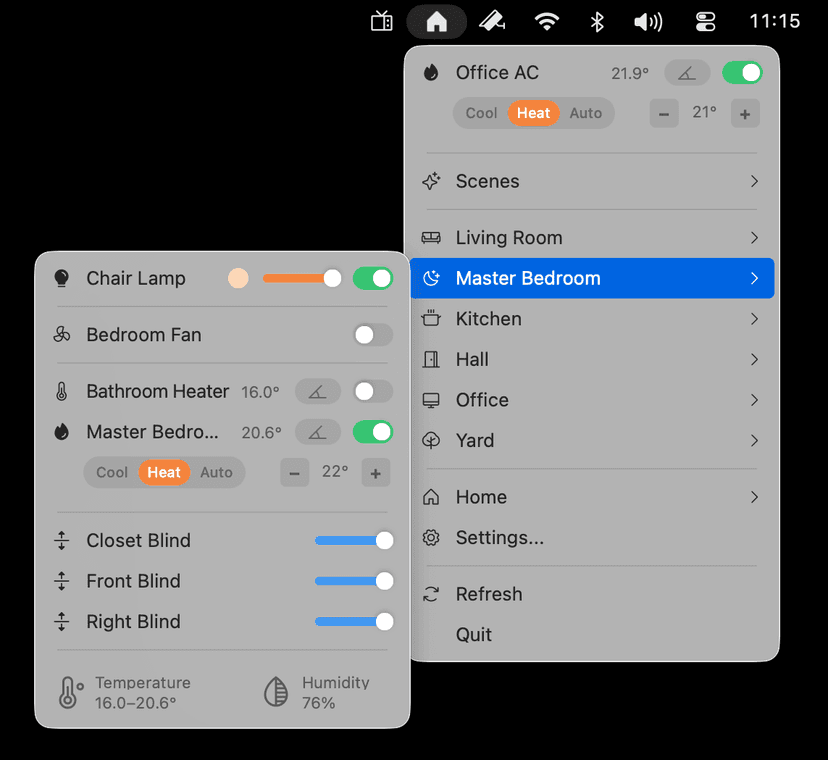
Already using Itsyhome to control your HomeKit smart home from the menu bar? Itsytv completes the picture. Control your Apple TV alongside your lights, locks, and thermostats — all from the same place in your menu bar.
Itsyhome · HomeKit · Menu Bar
Troubleshooting
Apple TV doesn’t show a PIN code when pairing
If you send a pairing request but no PIN appears on your TV screen, your Apple TV is likely restricting which devices can connect to it. To fix this, open Settings on your Apple TV, go to AirPlay and Apple Home, and set Allow access to Everyone. Once paired, you can change this setting back if you prefer.
Itsytv works with any Apple TV running tvOS 15 or later. No jailbreak required — just pair and control.
macOS 14 Sonoma or later
Apple TV with tvOS 15+
Same local network
Itsytv
Apple TV remote for your menu bar
Or install with Homebrew
brew install --cask nickustinov/tap/itsytv