Printing photos for journaling
I enjoy adding little flair to my journaling pages. Maybe you do too! Here’s my extremely rudimentary and inexpensive setup.
First of all, I look for photos I want to use. Often they’re photos I’ve taken, but I also enjoy trawling the esoterica of Cosmos.
Once I choose the photos I want to use, I save them to my desktop.
I have a free Canva account for this next step: I open this Canva template from Sarica Studio, upload the photos, then drag-and-drop them into the template.
I then print the photo layout on a plain-old printer on standard printer paper or printable vellum. (If you have a photo print…
Printing photos for journaling
I enjoy adding little flair to my journaling pages. Maybe you do too! Here’s my extremely rudimentary and inexpensive setup.
First of all, I look for photos I want to use. Often they’re photos I’ve taken, but I also enjoy trawling the esoterica of Cosmos.
Once I choose the photos I want to use, I save them to my desktop.
I have a free Canva account for this next step: I open this Canva template from Sarica Studio, upload the photos, then drag-and-drop them into the template.
I then print the photo layout on a plain-old printer on standard printer paper or printable vellum. (If you have a photo printer, you can print them out on sticker sheets.)
I use this portable paper trimmer from Fiskars to cut the printed photos out, and a Kokuyo Gloo glue stick to paste them into my journals.
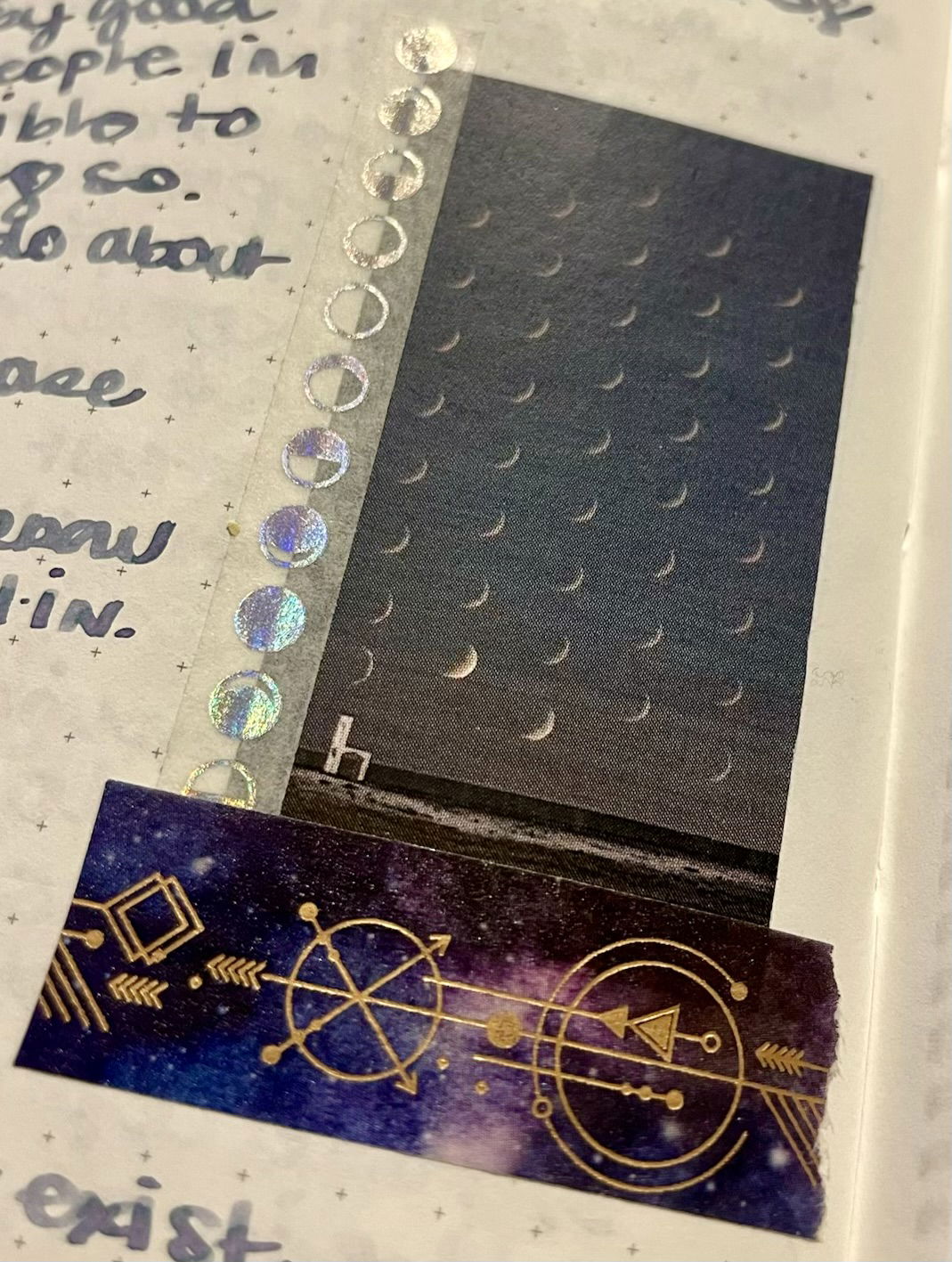
Sometimes I’ll add a bit of washi tape so the edges of the photo don’t stick out, or if I’m feeling extra fancy.
Here’s the final result!