The Problem
One major problem with using r.ScreenPercentage was that it scaled the post process and with trying to achieve a low resolution retro effect, caused the loss of too much detail. Mainly the scan-line part of the effect didn’t have enough resolution for the level of detail of the lines.
This is only really an issue at the lower resolutions like 120p, 240p and maybe 480p. So Maybe at 480p and up if you’re ok with how the scan-lines look you can continue using the normal post process volume/material workflow.
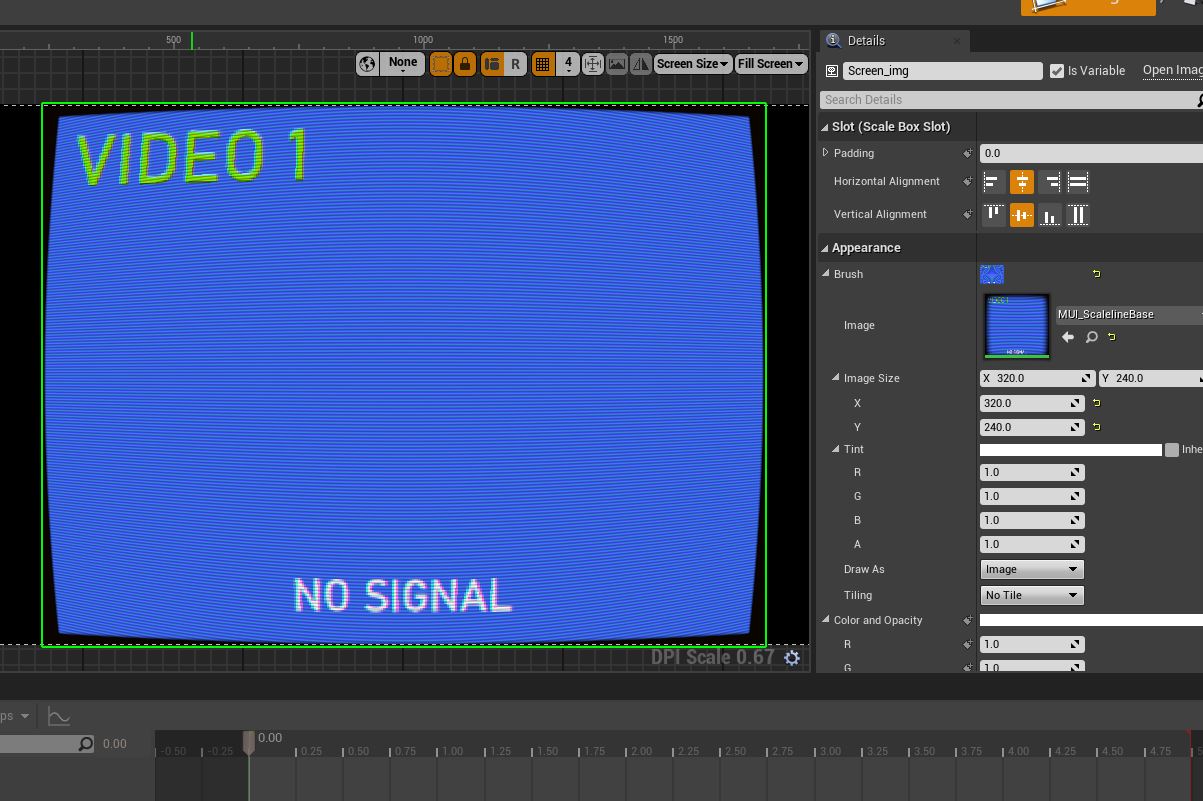
New Low Resolution Workflow
So now we will use:
- a
SceneCaptureComponent2Dthat’s attached to the camera (PlayerCameraManager) - we create a Render Target with the screen resolut…
The Problem
One major problem with using r.ScreenPercentage was that it scaled the post process and with trying to achieve a low resolution retro effect, caused the loss of too much detail. Mainly the scan-line part of the effect didn’t have enough resolution for the level of detail of the lines.
This is only really an issue at the lower resolutions like 120p, 240p and maybe 480p. So Maybe at 480p and up if you’re ok with how the scan-lines look you can continue using the normal post process volume/material workflow.
New Low Resolution Workflow
So now we will use:
- a
SceneCaptureComponent2Dthat’s attached to the camera (PlayerCameraManager) - we create a Render Target with the screen resolution we want to emulate
- the
SceneCaptureComponent2Dcaptures to the Render Target texture we created - which we using in our UI material version of the CRT post-process
- a widget with that material apply is added to our screen for us to view
The included maps uses the included GameMode, PlayerController, and PlayerCameraManager. You can copy the functionality or just re-parent them a-top your own blueprint.
Things To Note
- Post process volumes wont have any effect on your scene while using this method
- Make sure any added UI UMG/Widgets elements to the viewport or player screen has a higher
ZOrderthan 0 - Pre UE5.5 you can use this plug-in to disable the extra rendering happening under the widget. You will also need to call
SceneCaptureComponent2D > CaptureSceneon tick or every frame if using the linked plug-in. - Remember window/game resolution vs our internal Render Target’s resolution
More to come as I get time to work on stuff…