Obsidian PluginBYOK
AI-Powered Note Editing for Obsidian
Chat with an AI that can read, edit, and create notes across your vault.
Attach files via drag-and-drop, capture text selections, and let the agent work with full context. Bring your own API keys—no markup, no surprises.
Max Only
Build Custom React Views with AI
Conversational AI in your sidebar
Read, edit, create notes from chat
Analyze photos and diagrams (Pro)
Vector search across your vault
Reusable templates and prompts
Customize AI behavior per-note
Task management view for projects
Create & edit React views via chat (Max)
Chat & Context
Chat That Understands Your Vault
Drag-and-drop files into chat to give the AI context. Capture text selections with tokens and get responses that understand exa…
Obsidian PluginBYOK
AI-Powered Note Editing for Obsidian
Chat with an AI that can read, edit, and create notes across your vault.
Attach files via drag-and-drop, capture text selections, and let the agent work with full context. Bring your own API keys—no markup, no surprises.
Max Only
Build Custom React Views with AI
Conversational AI in your sidebar
Read, edit, create notes from chat
Analyze photos and diagrams (Pro)
Vector search across your vault
Reusable templates and prompts
Customize AI behavior per-note
Task management view for projects
Create & edit React views via chat (Max)
Chat & Context
Chat That Understands Your Vault
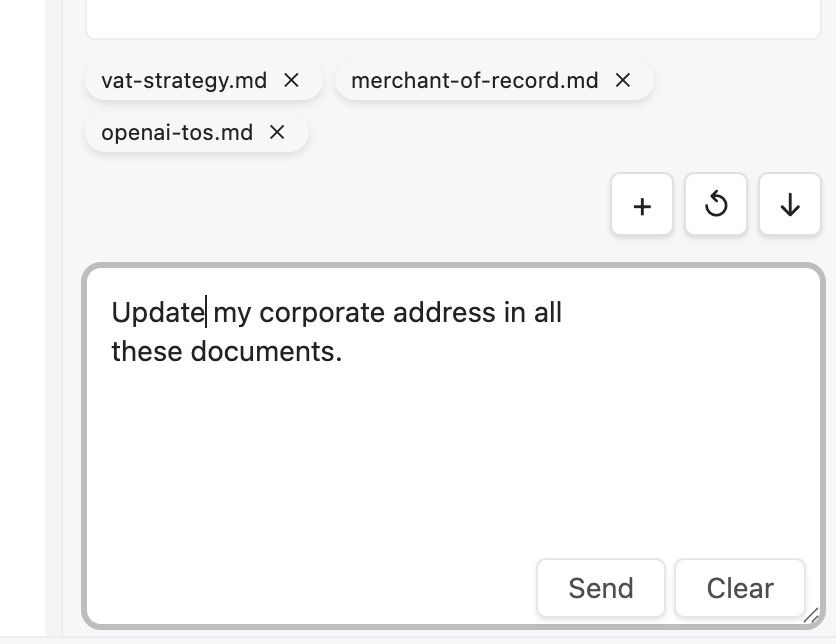
Drag-and-drop files into chat to give the AI context. Capture text selections with tokens and get responses that understand exactly what you’re working on.
- Multi-file context — Attach multiple notes and let the AI see connections
- Chat history — Conversations save automatically, export to Markdown
- Context suggestions — AI recommends relevant notes based on your conversation
- Image input — Paste or drag images for AI analysis (Pro)
File Operations
Edit Notes Without Leaving Chat
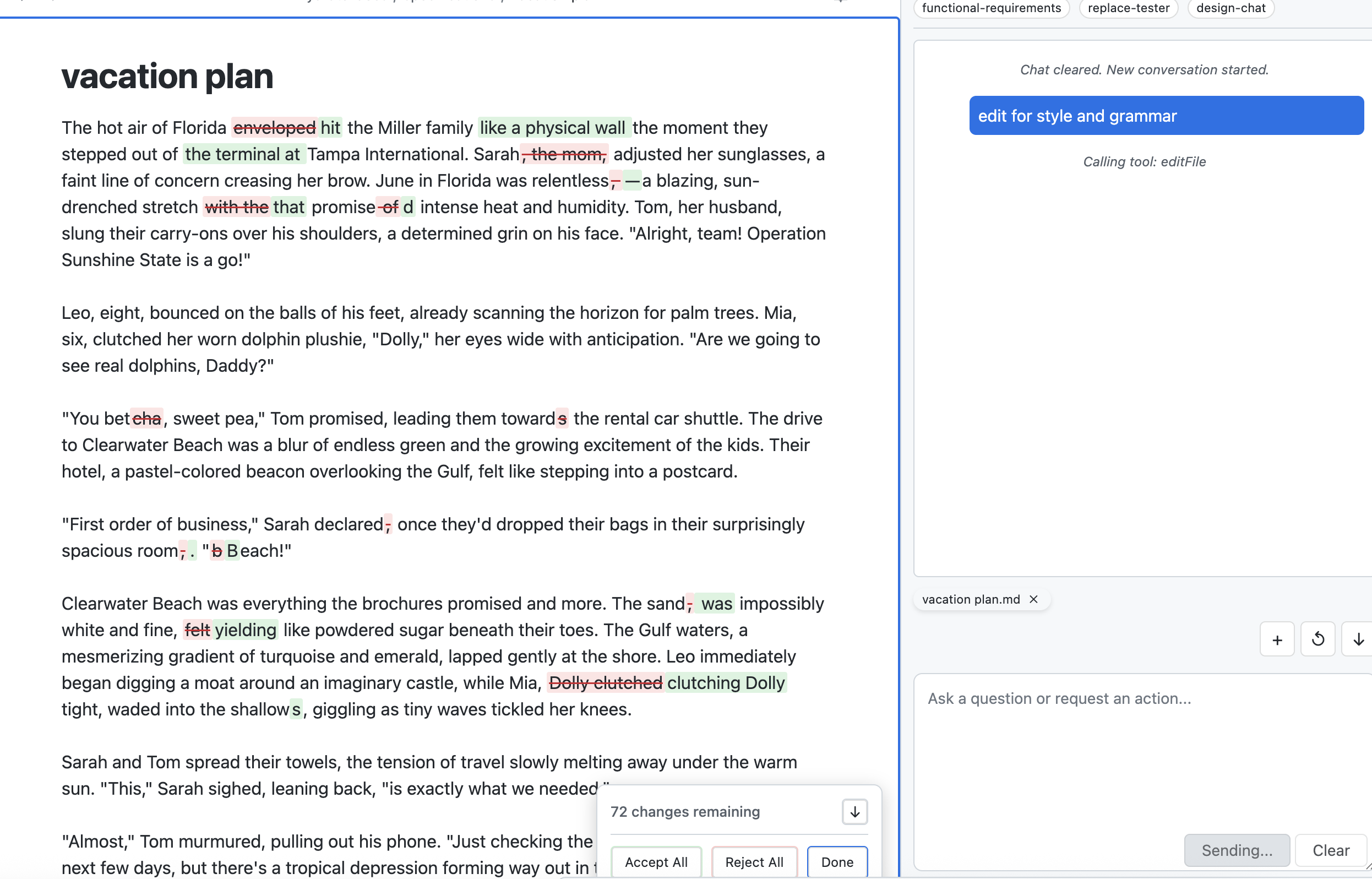
The AI can read, edit, and create files directly in your vault. Review every change inline before applying—accept or reject each edit individually.
- Read, edit, create — Full file operations from the chat interface
- Changes view — Inline highlights show exactly what’s added, removed, or modified
- Patch system — Surgical edits with before/after context matching
Templates & Automation
Customize Everything
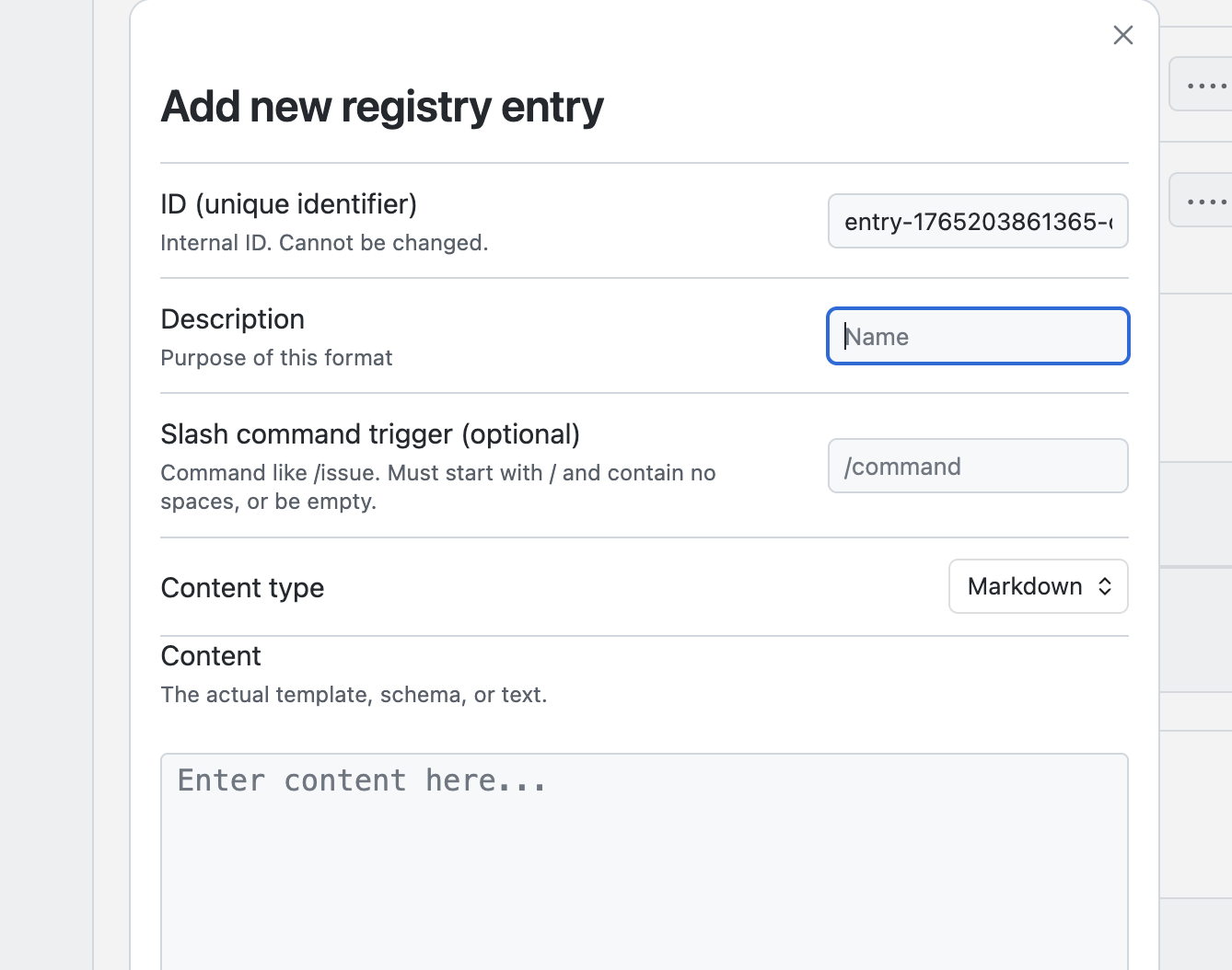
Build reusable prompts with slash commands. Set up rules that change AI behavior based on frontmatter tags. Connect external tools via MCP servers.
- Slash commands — Create reusable prompts and templates
- Rules Registry — Customize AI behavior per-note via frontmatter
- MCP integrations — Connect external tools and services (Pro)
Bring Your Own API Keys
Use your existing API accounts. You pay providers directly—no markup from us.
OpenAI
GPT-4.1, GPT-4.1 mini, o4-mini
Anthropic
Claude Sonnet, Claude Haiku
Gemini 2.5 Flash, Gemini 2.5 Pro
Ready to Get Started?
Install Hydrate free with your own API keys. Upgrade to Pro for MCP integrations and advanced features.