Modular 10“ Server Rack
I was looking for a rack to store my smart home equipment. Until now, everything was crammed onto a shelf in my 4U 19“ rack, which is mounted just below the ceiling - making it really inconvenient to access whenever I needed to change something.
I needed a portable, self-contained solution. I’ve always liked the compact form factor of 10“ racks, but everything I found off the shelf was too large for my use case. I only have about 24 cm of vertical space, so I’m limited to a maximum of around 4U in height.
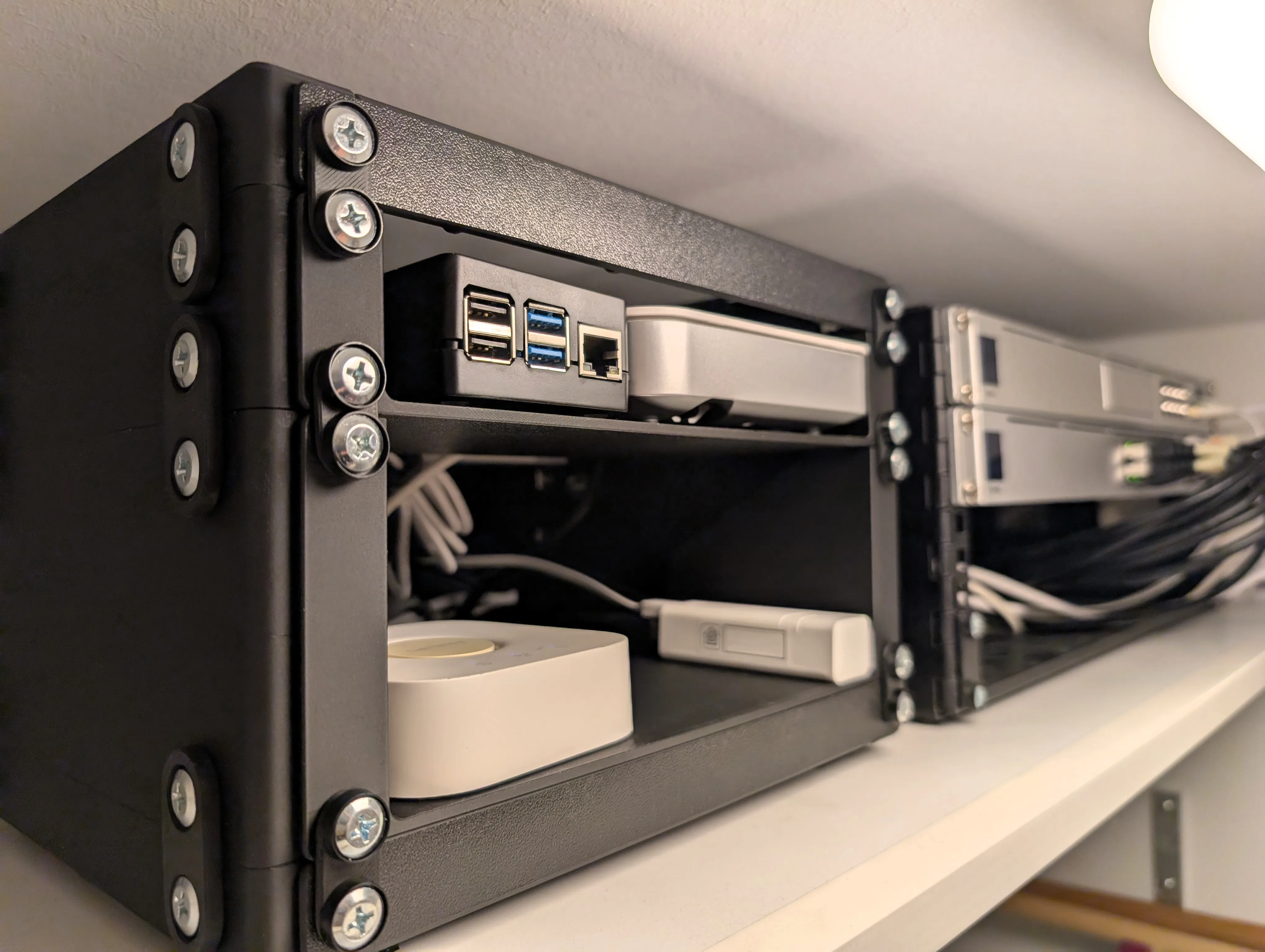 |  |
I explored existing 3D-printable rack solutions, but most of them that use standard cage nuts were at least 5U tall - too big for my available space. Splitting those models into smaller parts wasn’t practical either, since that would require extremely precise cuts and reassembly. The more modular designs weren’t what I was looking for - they often used non-standard mounting systems or ignored rack standards like the EIA-310 mounting hole pattern. Others were designed for portability but came with bulky support structures that exceeded my size constraints.
Even Mandic Really’s ModTen rack - while inspiring - was too large for my setup. However, I liked his idea of using standard cage nuts to connect components, so I borrowed that concept. If you already have rack gear, you probably have some lying around. If not, they’re inexpensive and easy to find online.
So I decided to design my own. My goals were simplicity, printability, and modularity - even in small units like 1U. It needed to be compact and strong enough to carry my devices without unnecessary bulk. I wanted to be able to add structural parts for extra stability when needed - but also have the option to just stack the rails to fit my needs. Of course, this affects portability somewhat - but once it’s in place, it stays in place.
Most importantly, the design fully respects existing rack specifications, including EIA-310 for the mounting hole pattern. This ensures compatibility with standard rack hardware and accessories, despite the compact and 3D-printable nature of the solution.
Hardware requirements
You’ll need standard M6 cage nuts - ideally with a screw length of around 20 mm - to ensure compatibility with the connectors, if you choose to use them. You can get them from your favorite supplier; I used these from Amazon. For a basic 3U setup, you’ll need around 32, plus extras for any extensions you add later. Honestly, just get a pack of 100—you can never have too many! 🤣
Preparation
All parts are printed with support for the holes; you need to remove them - they pop out easily.
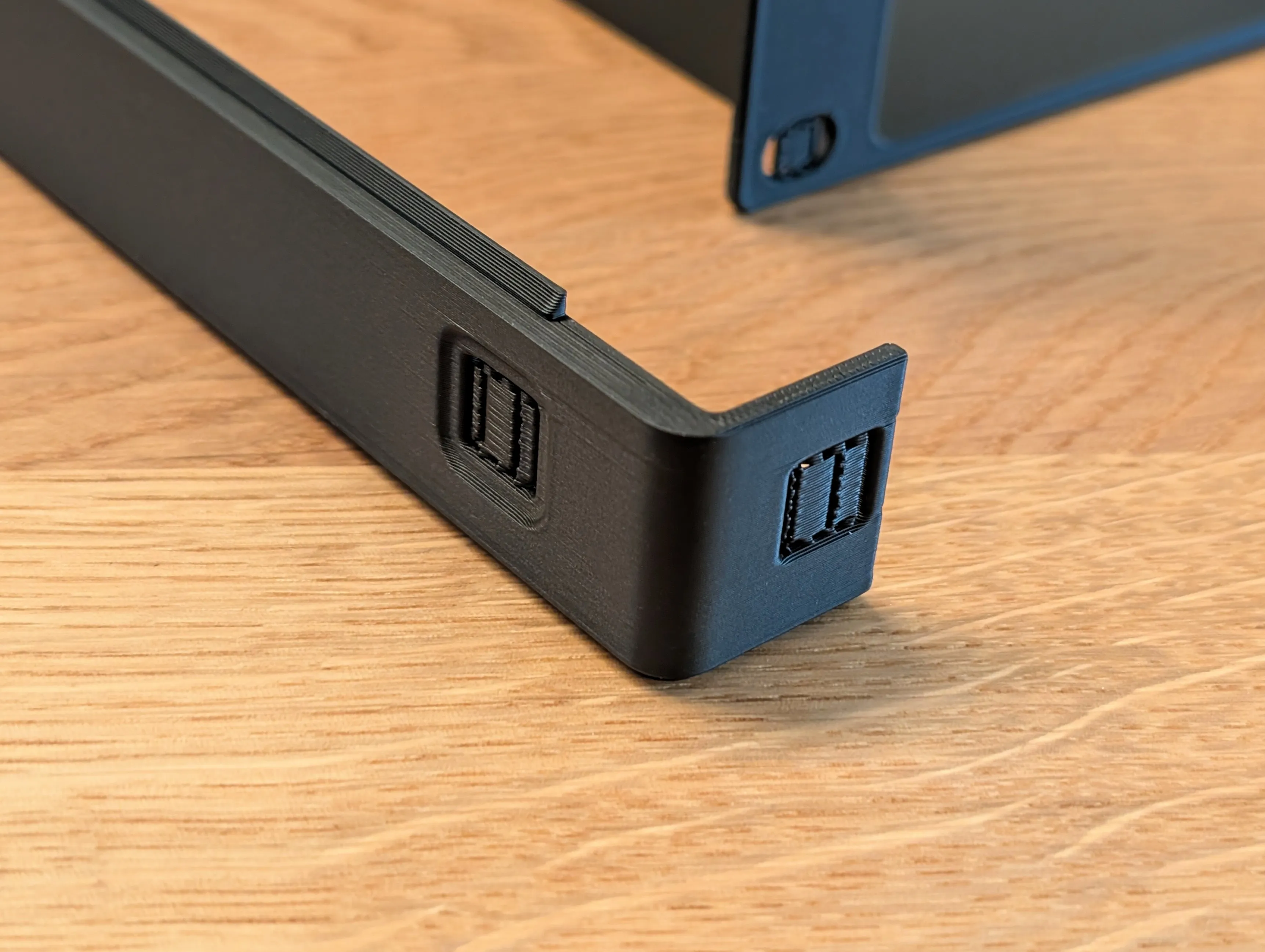 | 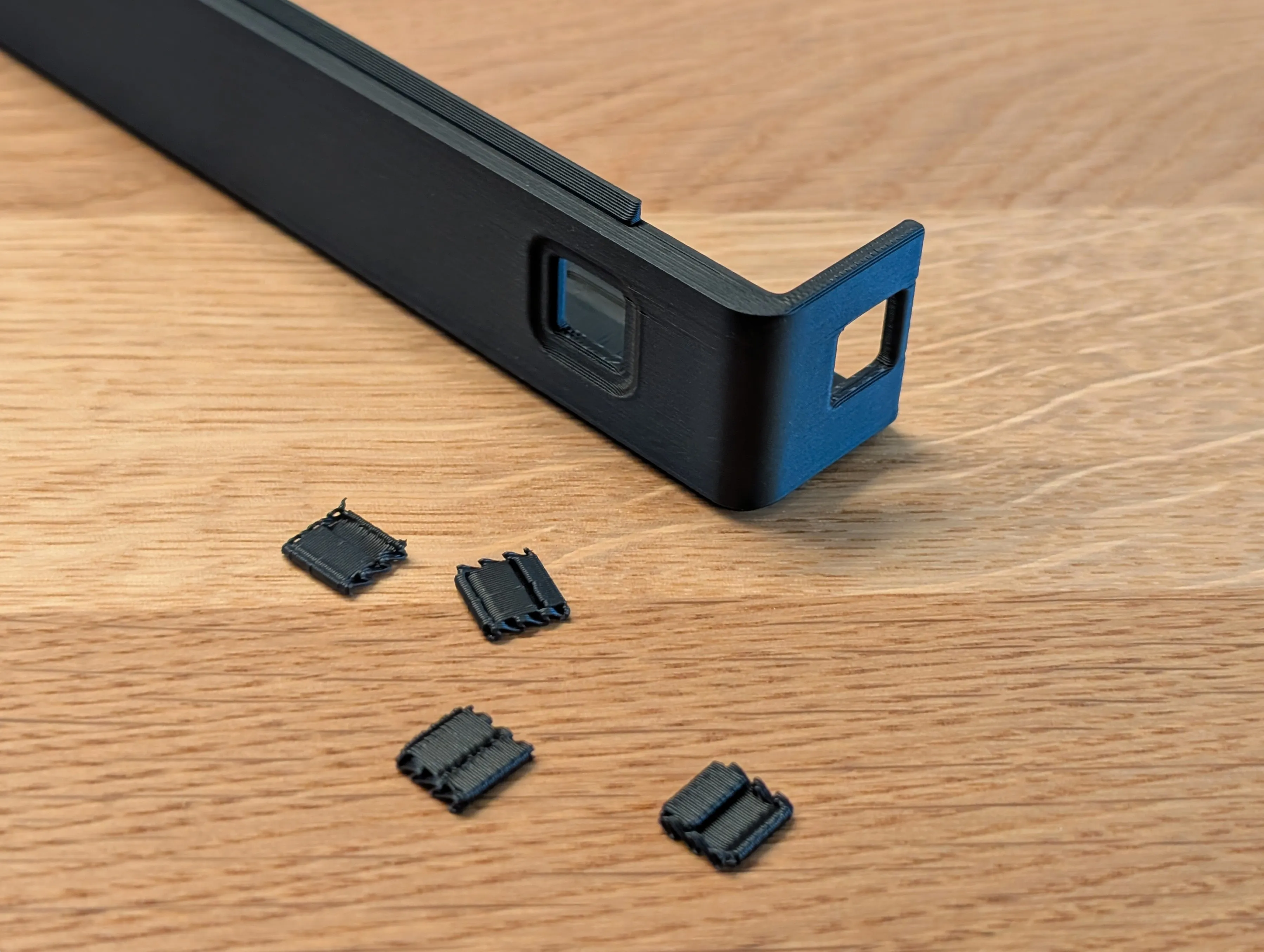 |
Assembly
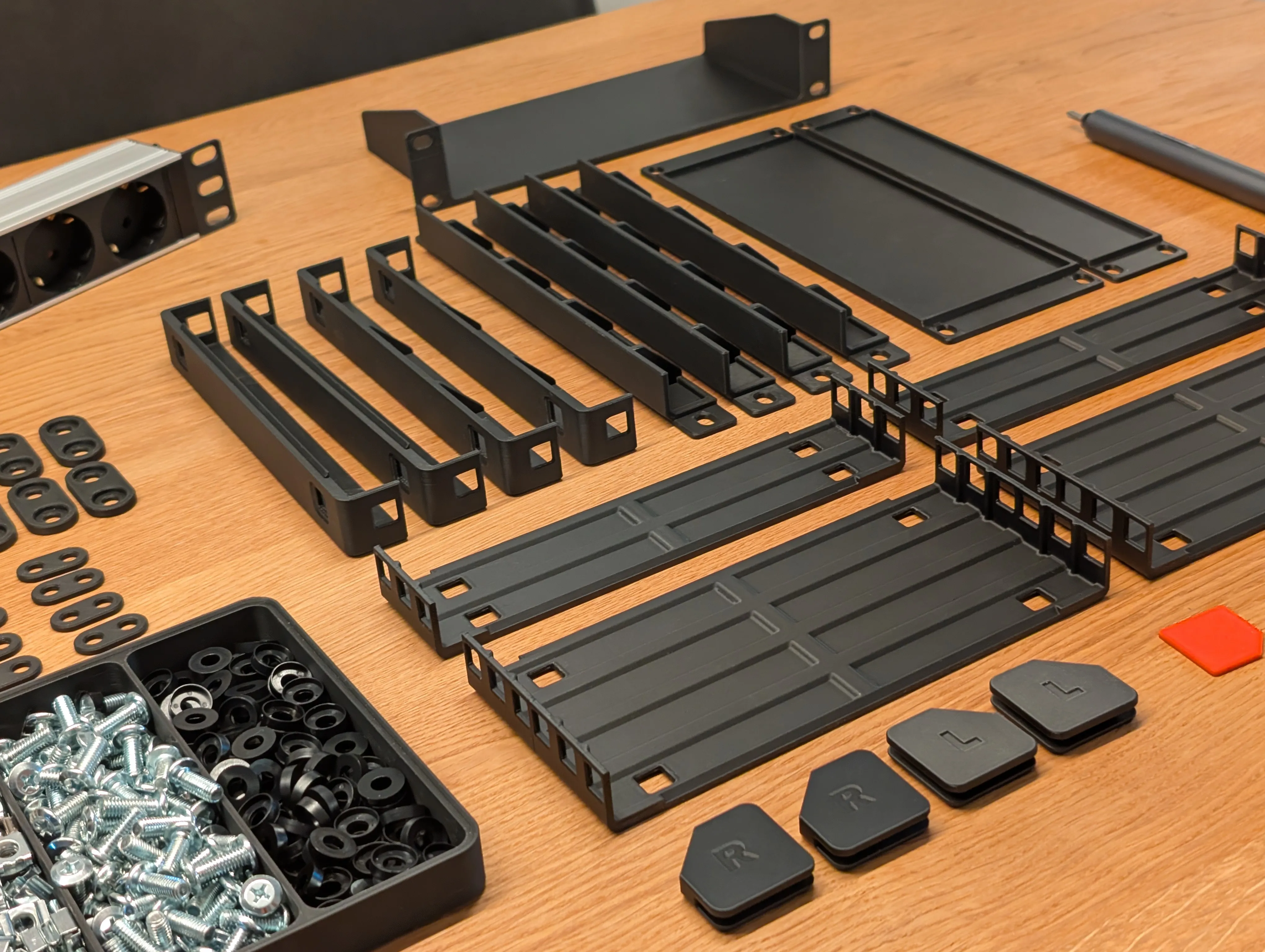
Bottoml
| You’ll need:+ 2x Bottom side parts (labelled with a B) + 2x Cross Panel + 4x Connector Cross Panel + 4x M6 Screws and Cage Nuts | 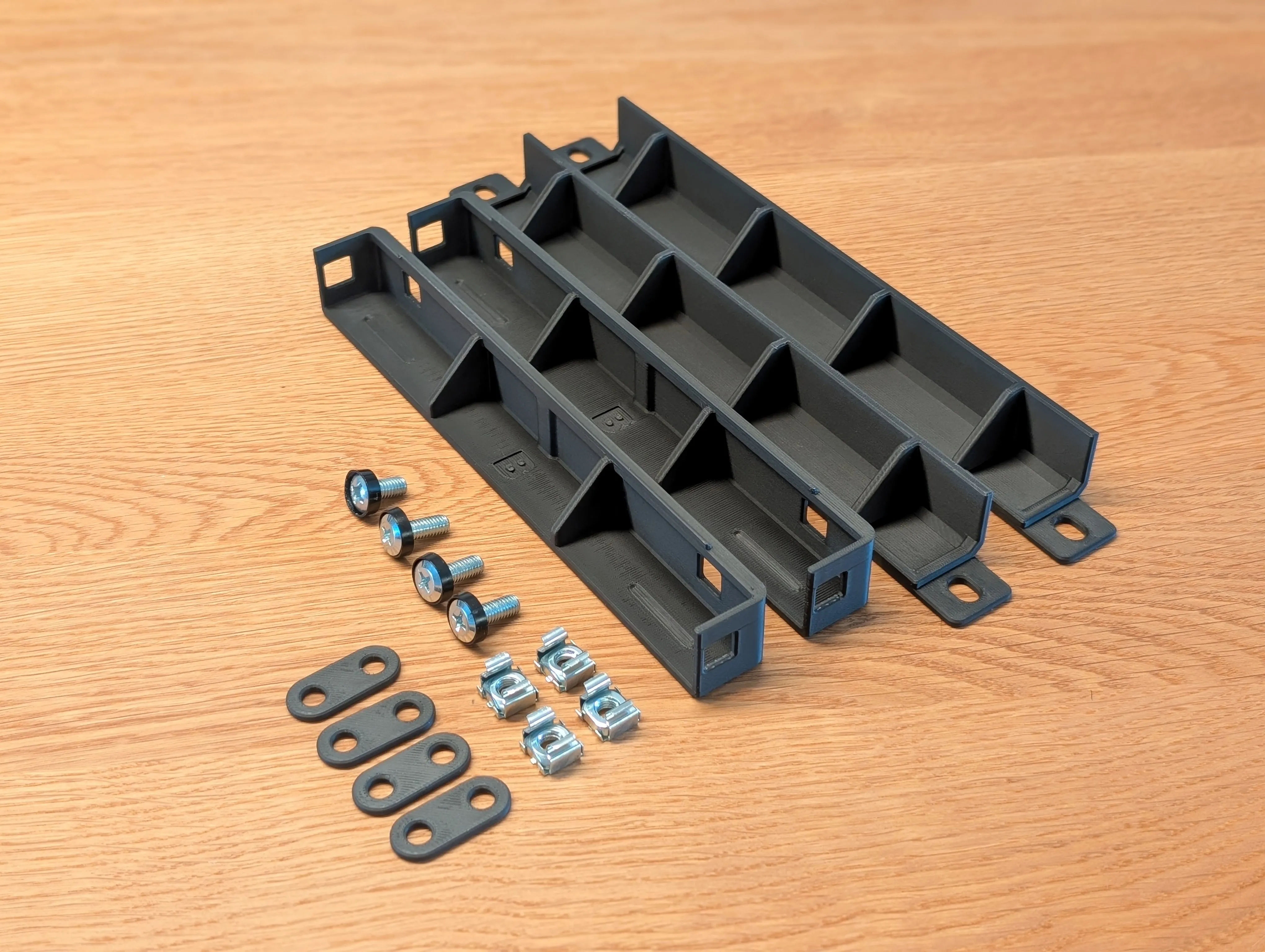 |
| Lay down the parts like this and insert the 4 cage nuts to into each of the front holes facing the cross panels. | 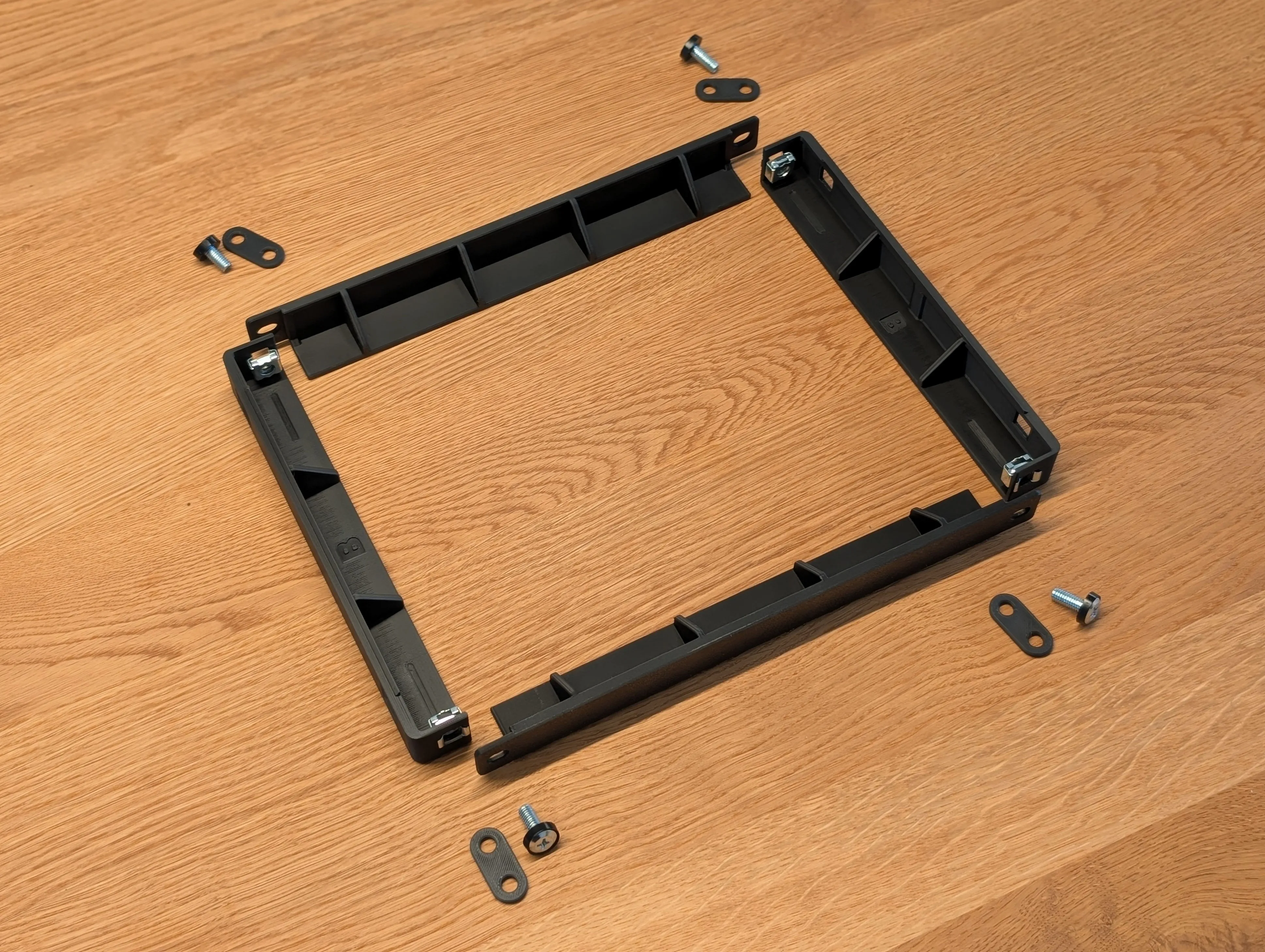 |
| Add the screws and add the connector in between. This later be used to connect to the side panels for more stability. | 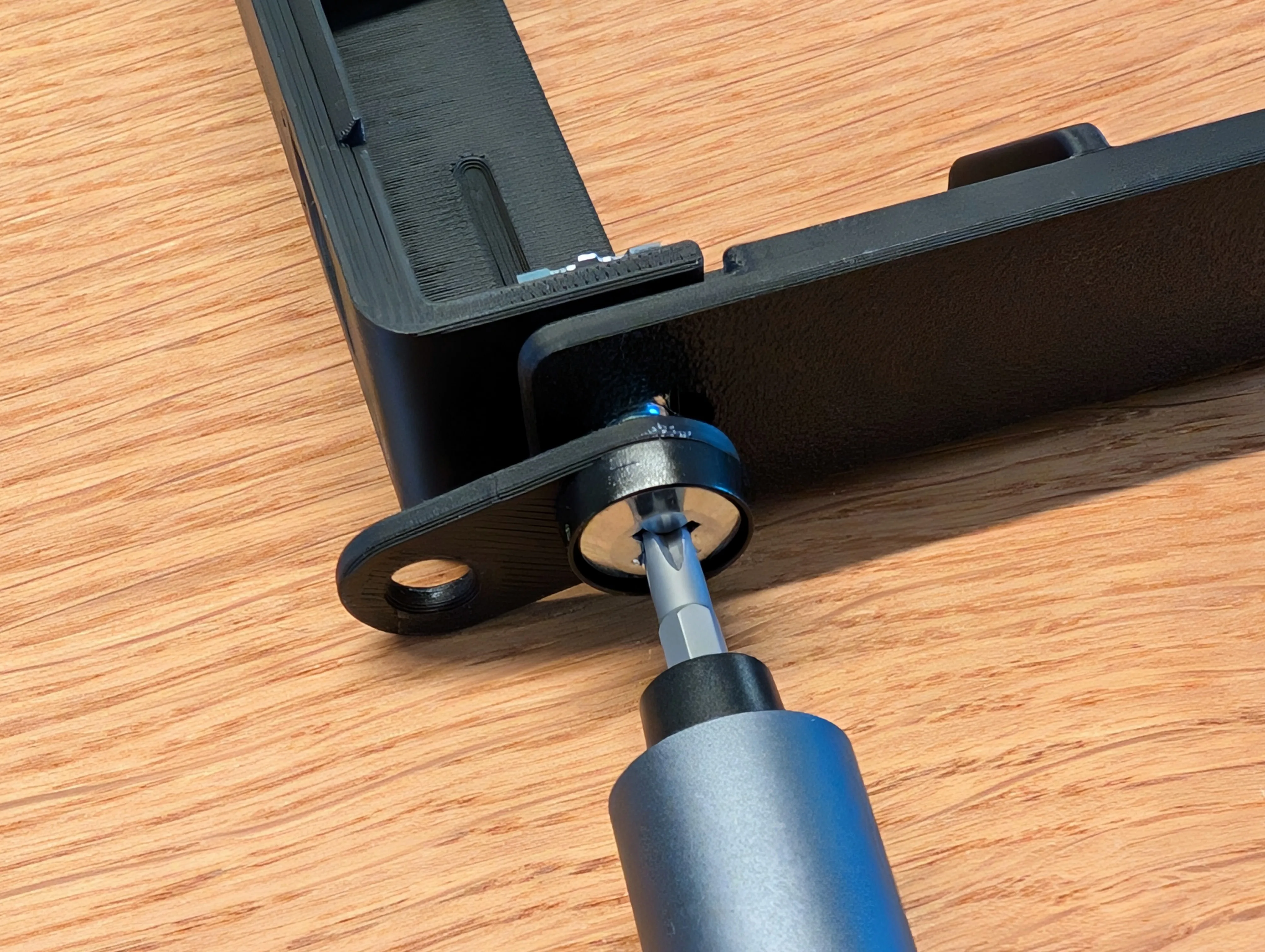 |
| Now grab the feet’s, these are the larger ones. To allow a bit more clearance to the bottom. | 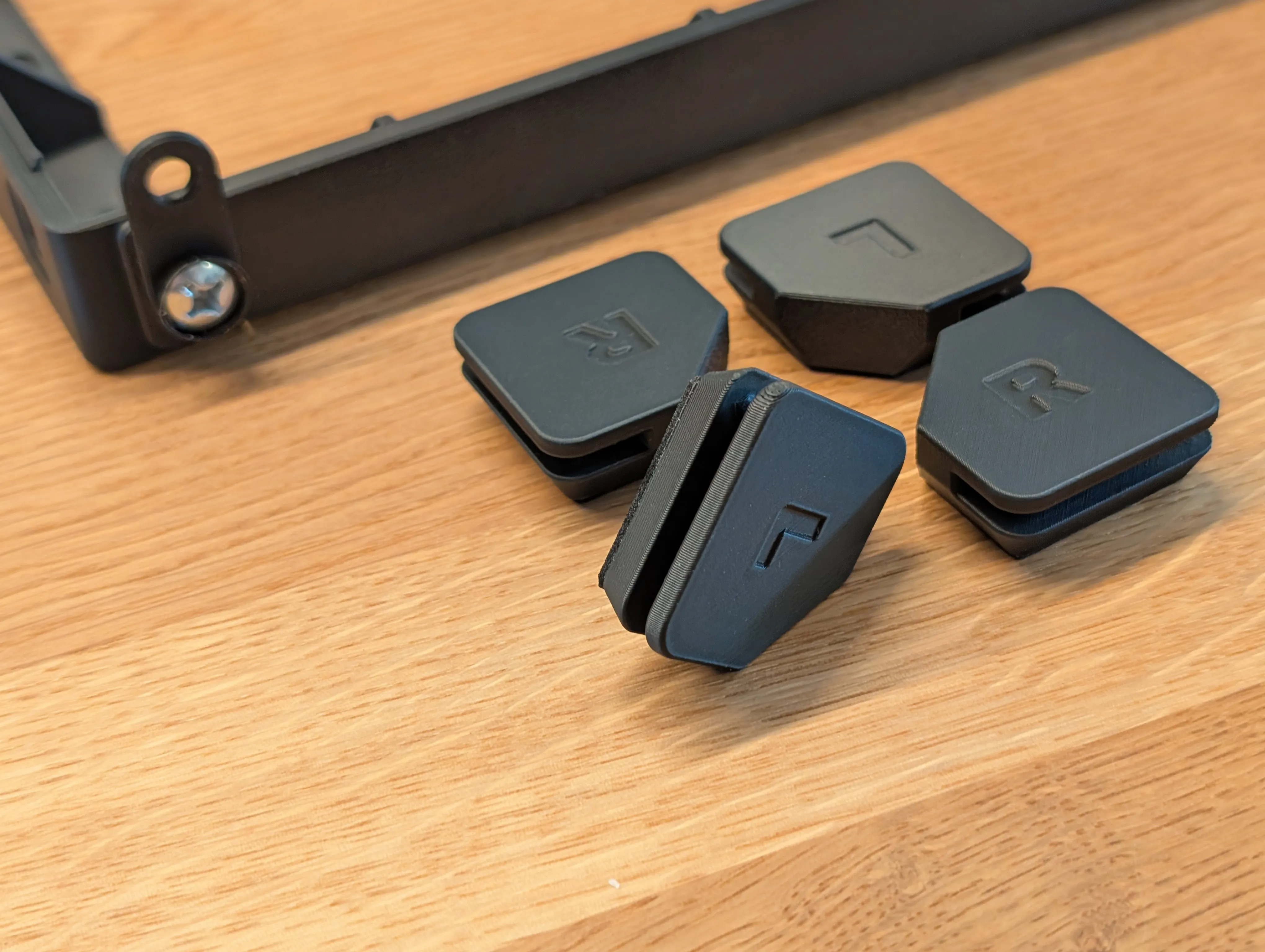 |
| Lay them out like this. Each corner is labelled with L for left and R for right. The cross panel is your origin, this one decides if it´s left or right. | 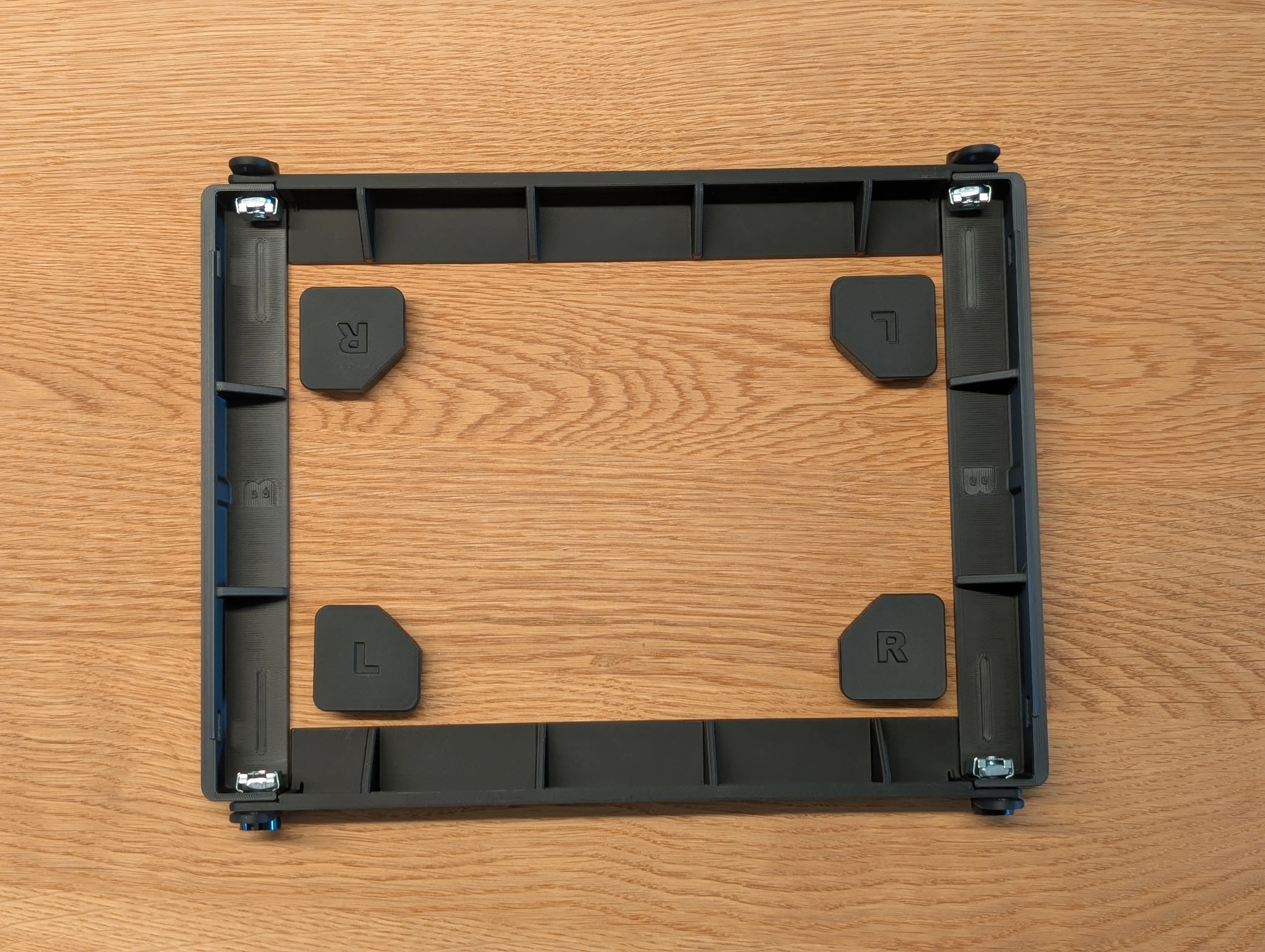 |
| You can now simply push them into place they will snap into place. (Could require some force) | 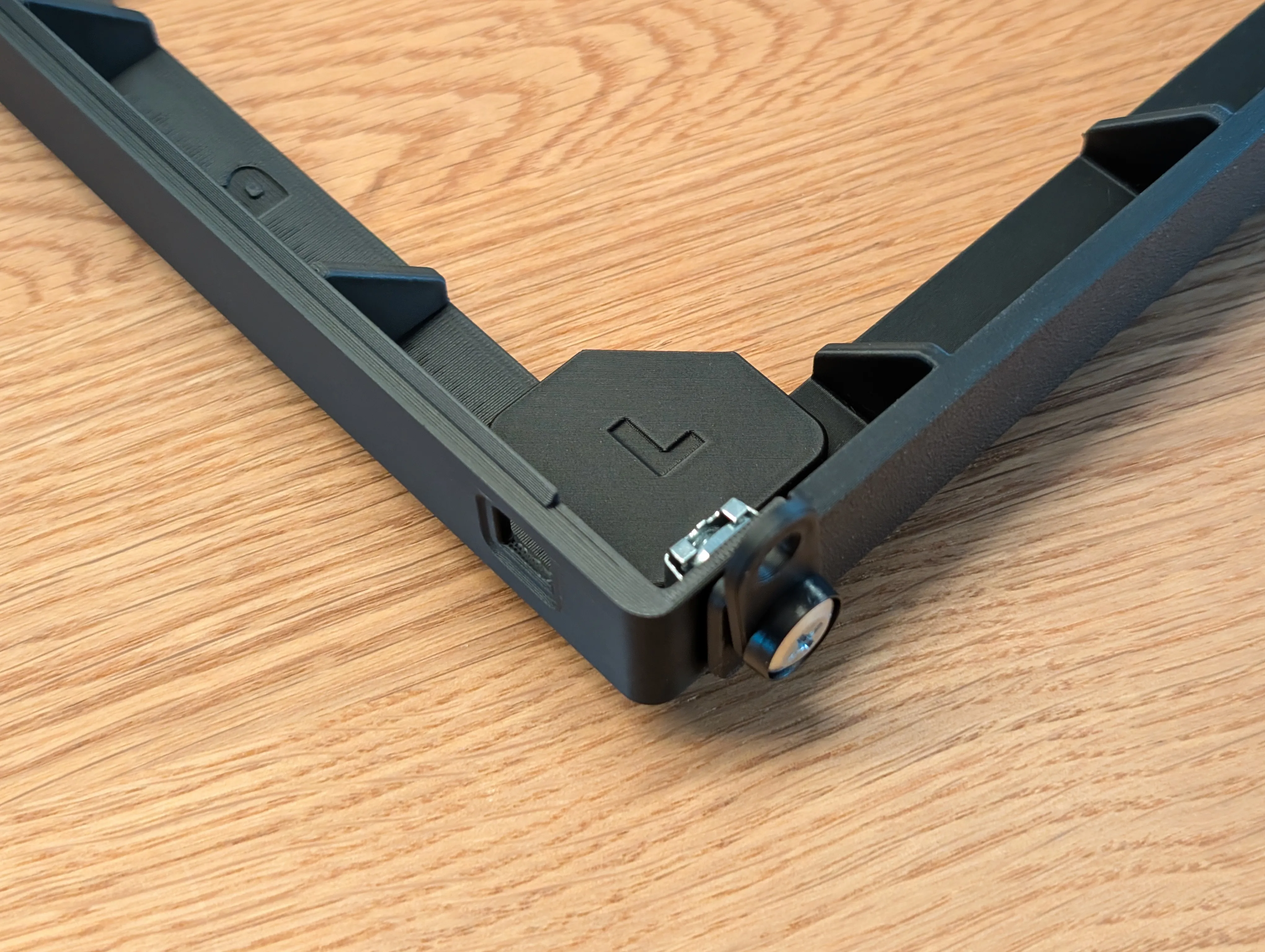 |
| It should now look like this. The feet’s also stabilize the cross panels and improve the overall stability in addition to the ground clearance. If you want to add some rubber or foam under the feet. You can use the included cutting template to get the right shape.Put it away for now. | 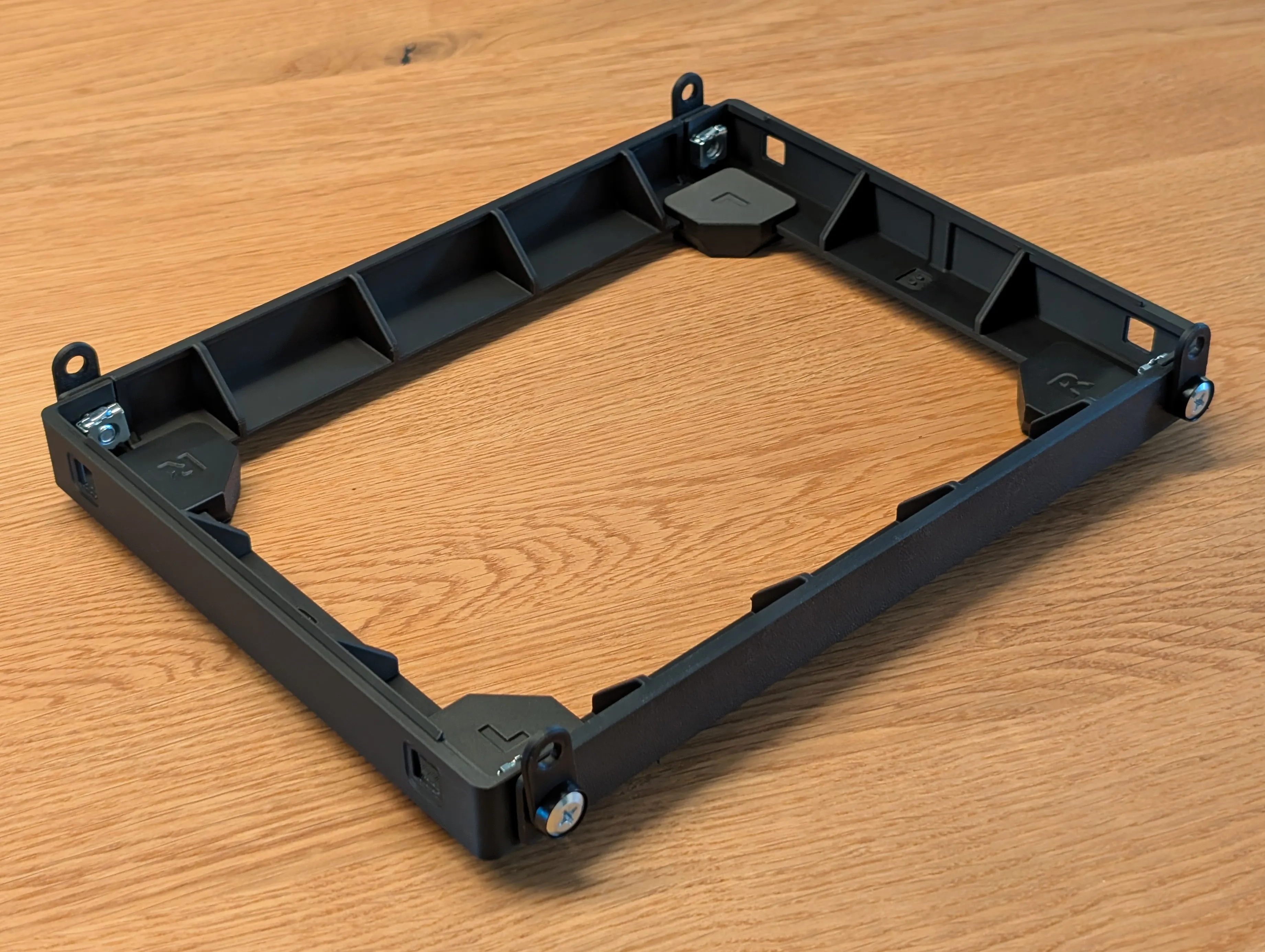 |
Top
You can repeat the process now for the Top.
You’ll need:
- 2x Top side parts (labelled with a T)
- 2x Cross Panel
- 4x Connector Cross Panel
- 4x M6 Screws and Cage Nuts
- 4x Smaller Brackets
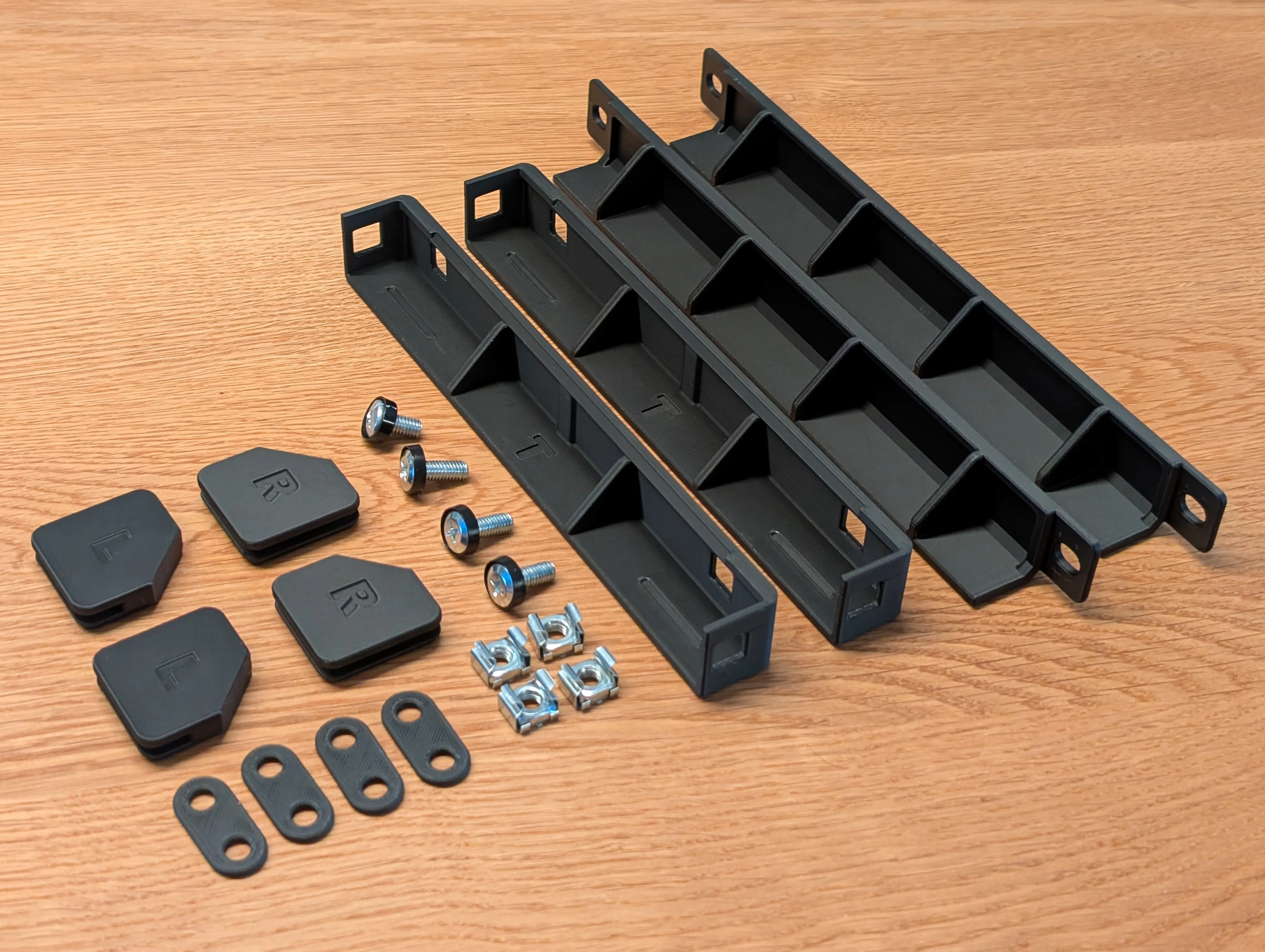
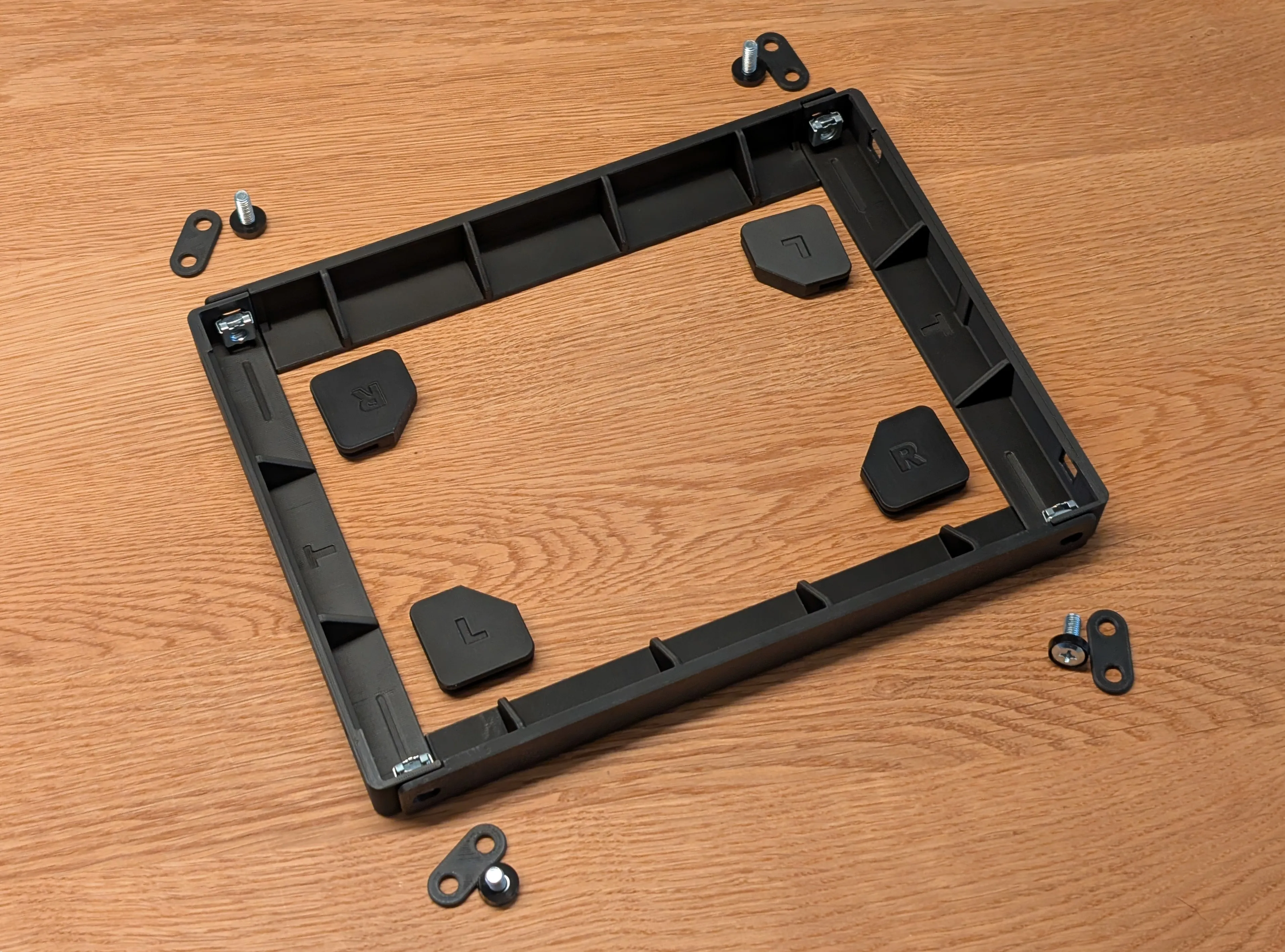
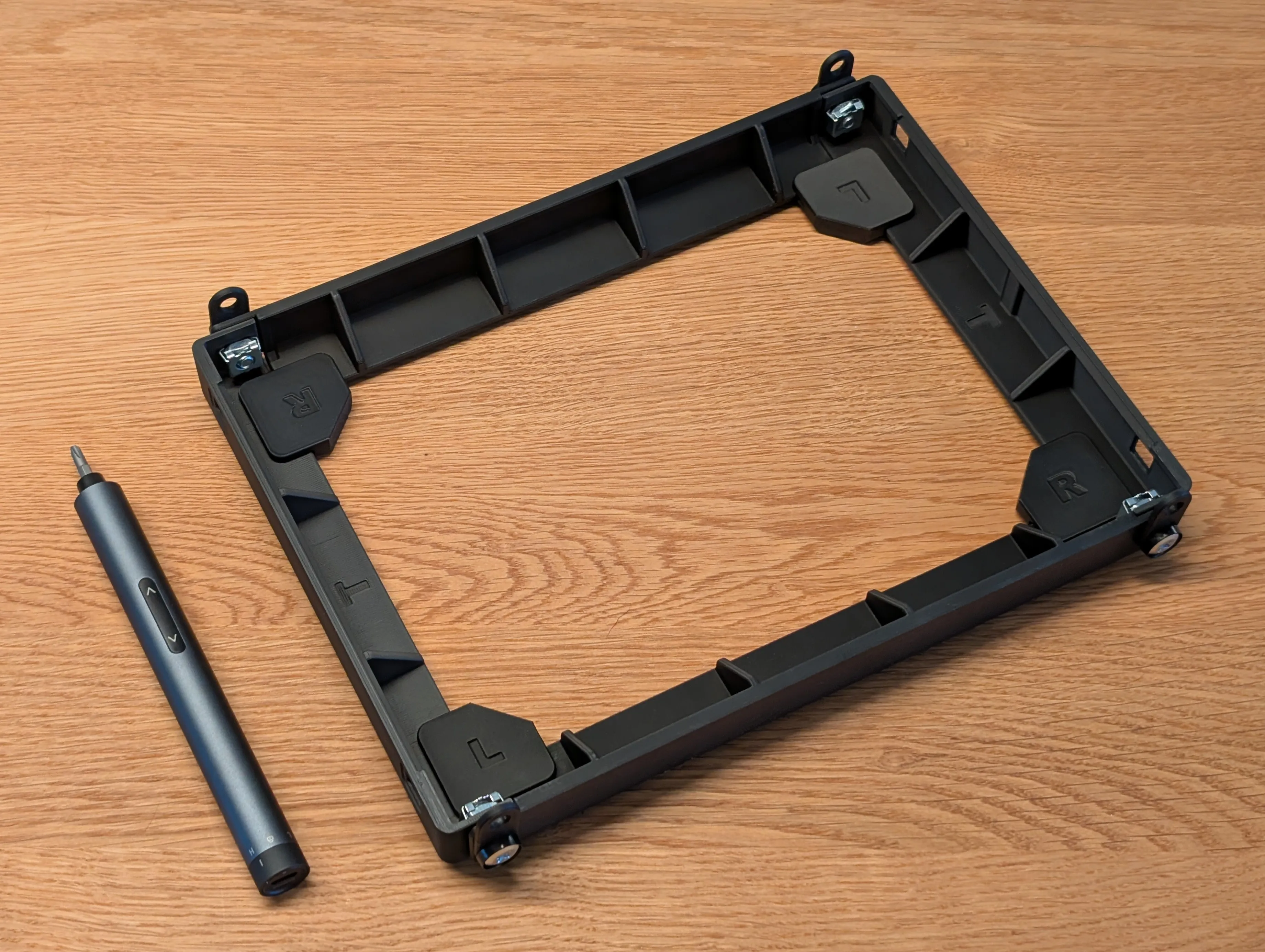 You can now also put this aside.
Top or Bottom Covers (Optional)
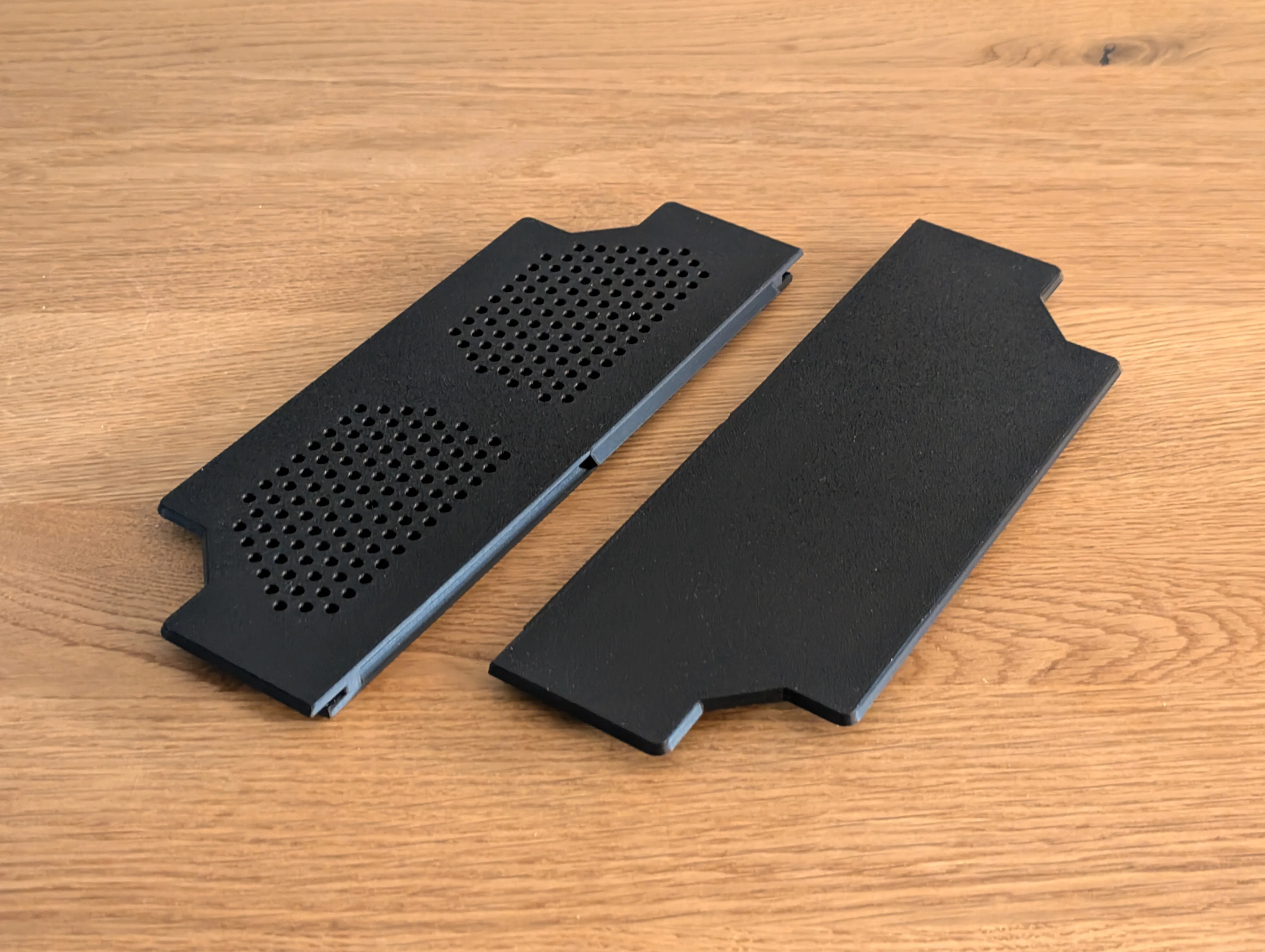
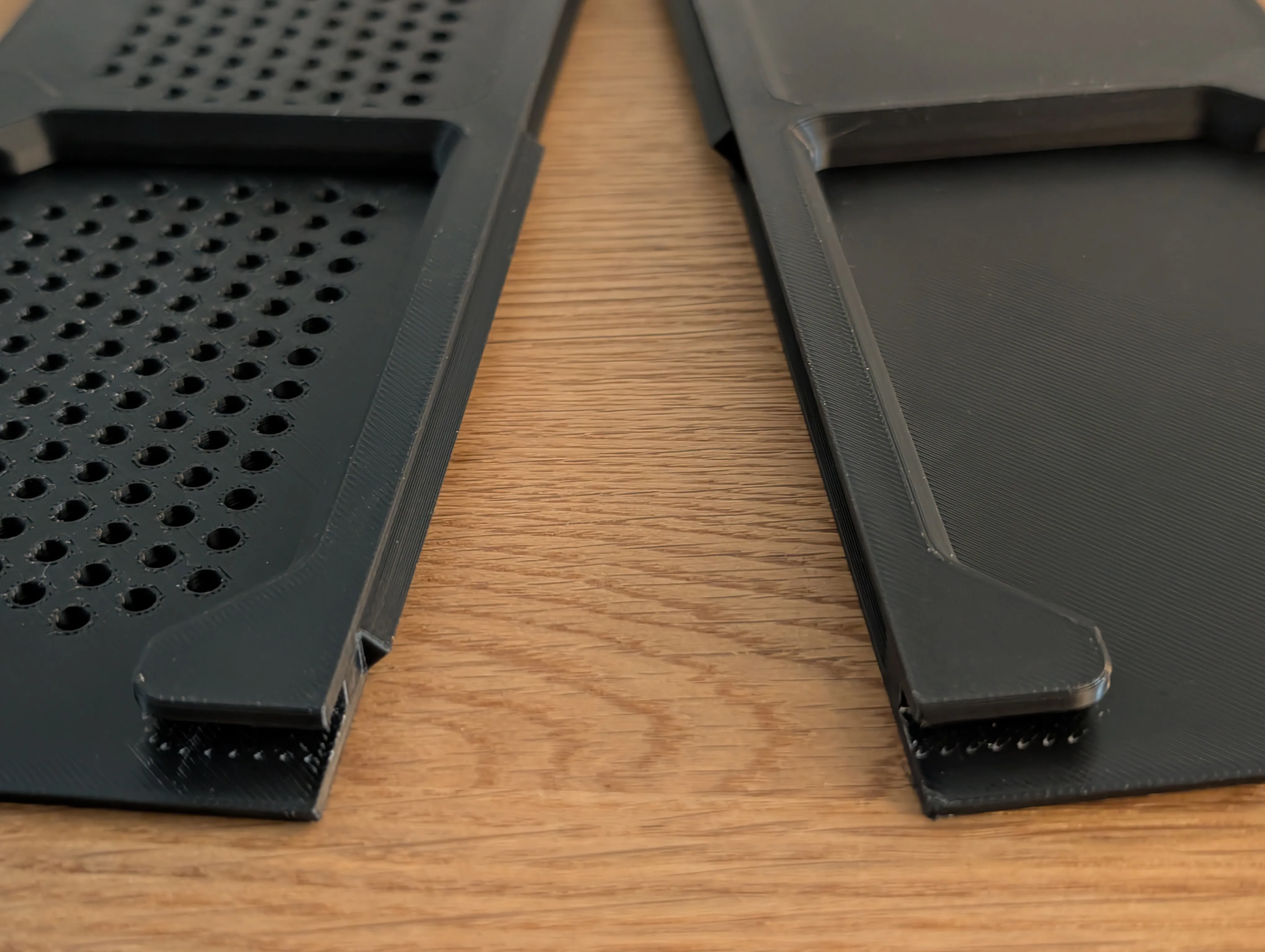
If you plan to use top and bottom covers, I’ve attached a visual guide below. The cover consists of two parts that you can combine as you prefer, either with ventilation holes on both sides or completely closed. Each part is designed with a lip that fits precisely into the other and is held in place by the overhangs. Important: Make sure to remove any support material before attempting assembly. These covers can be retrofitted, if you already have a rack, simply disassemble the top or bottom to insert them.
 |  |
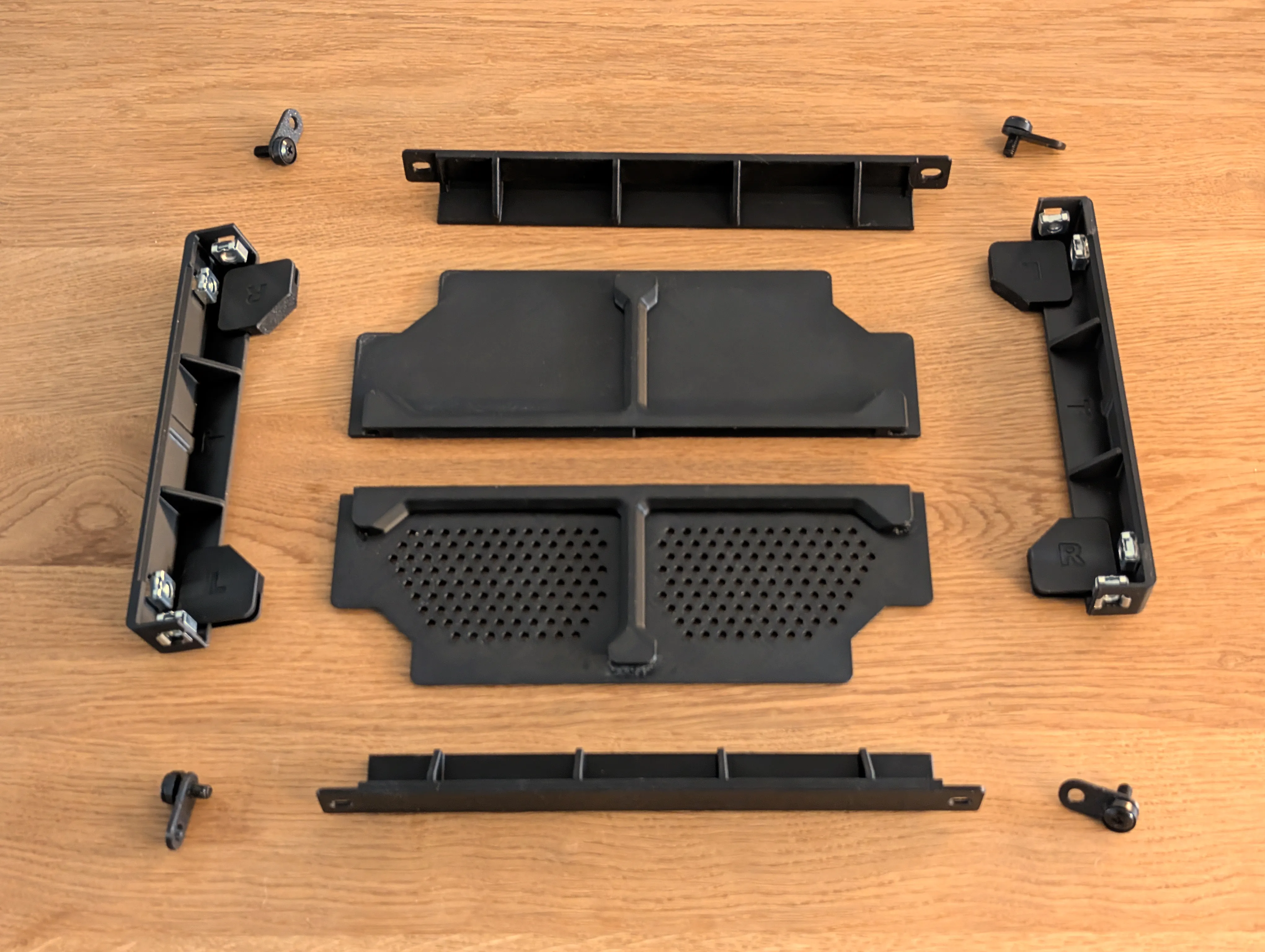 | 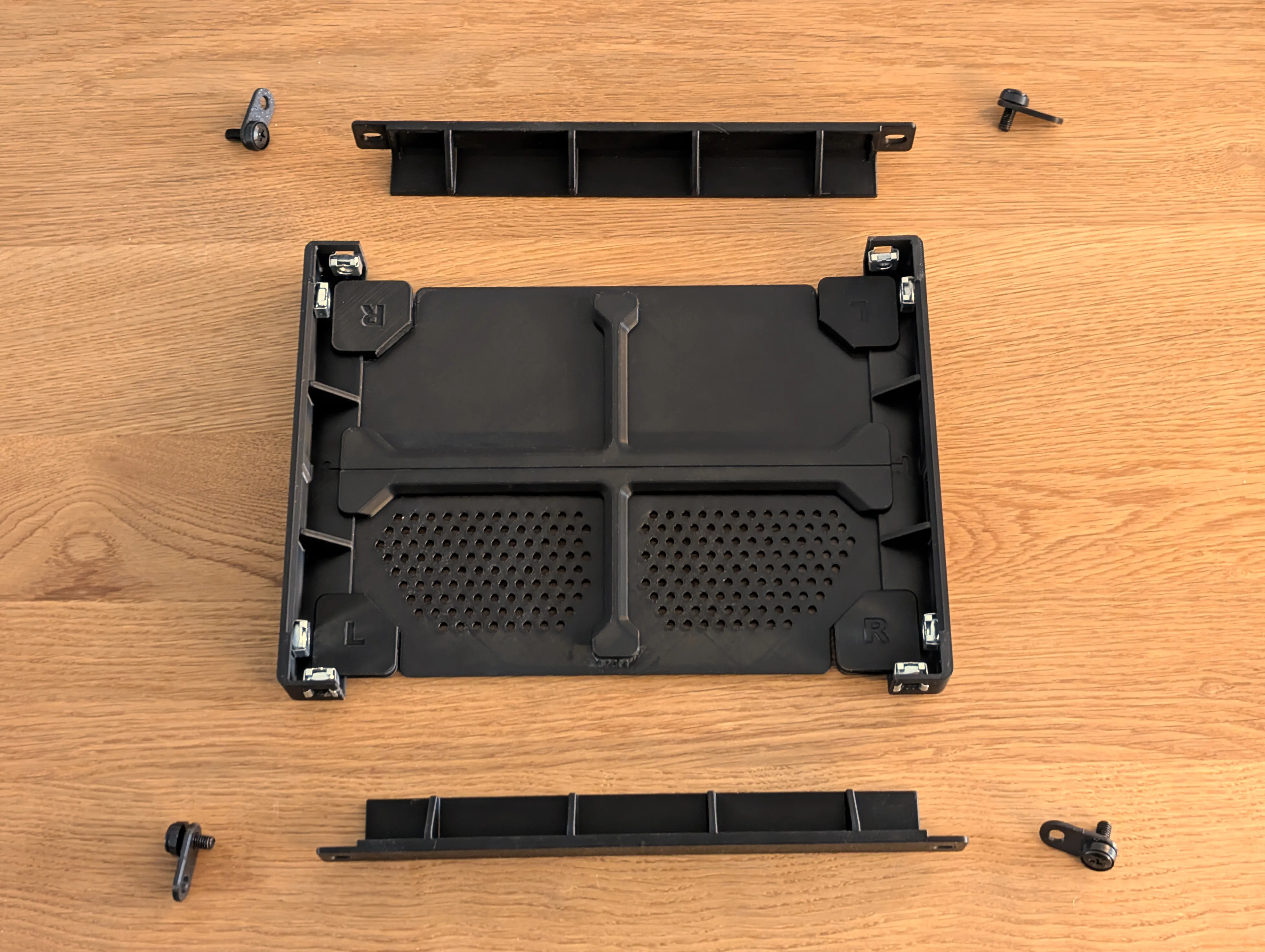 |
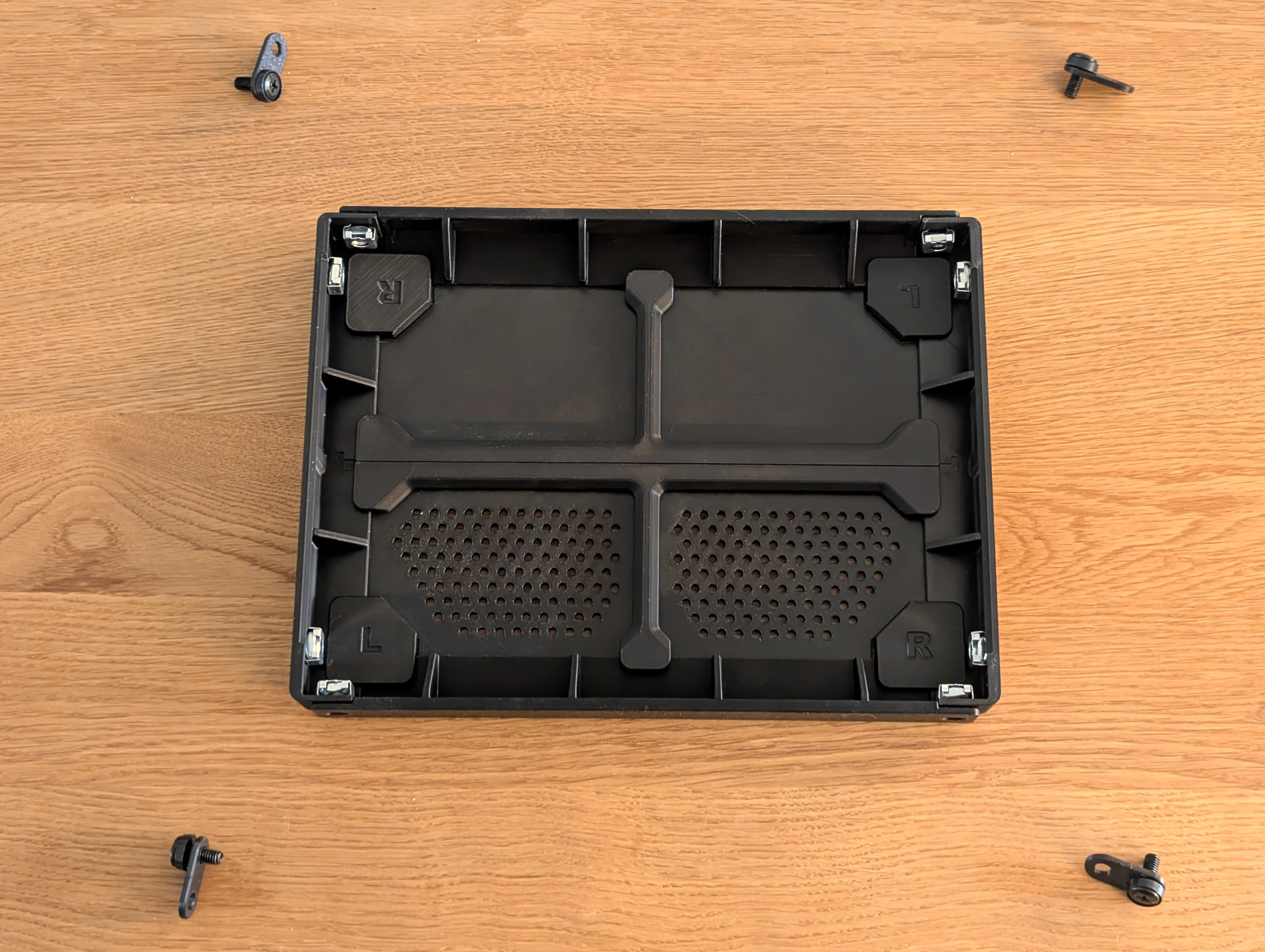 | 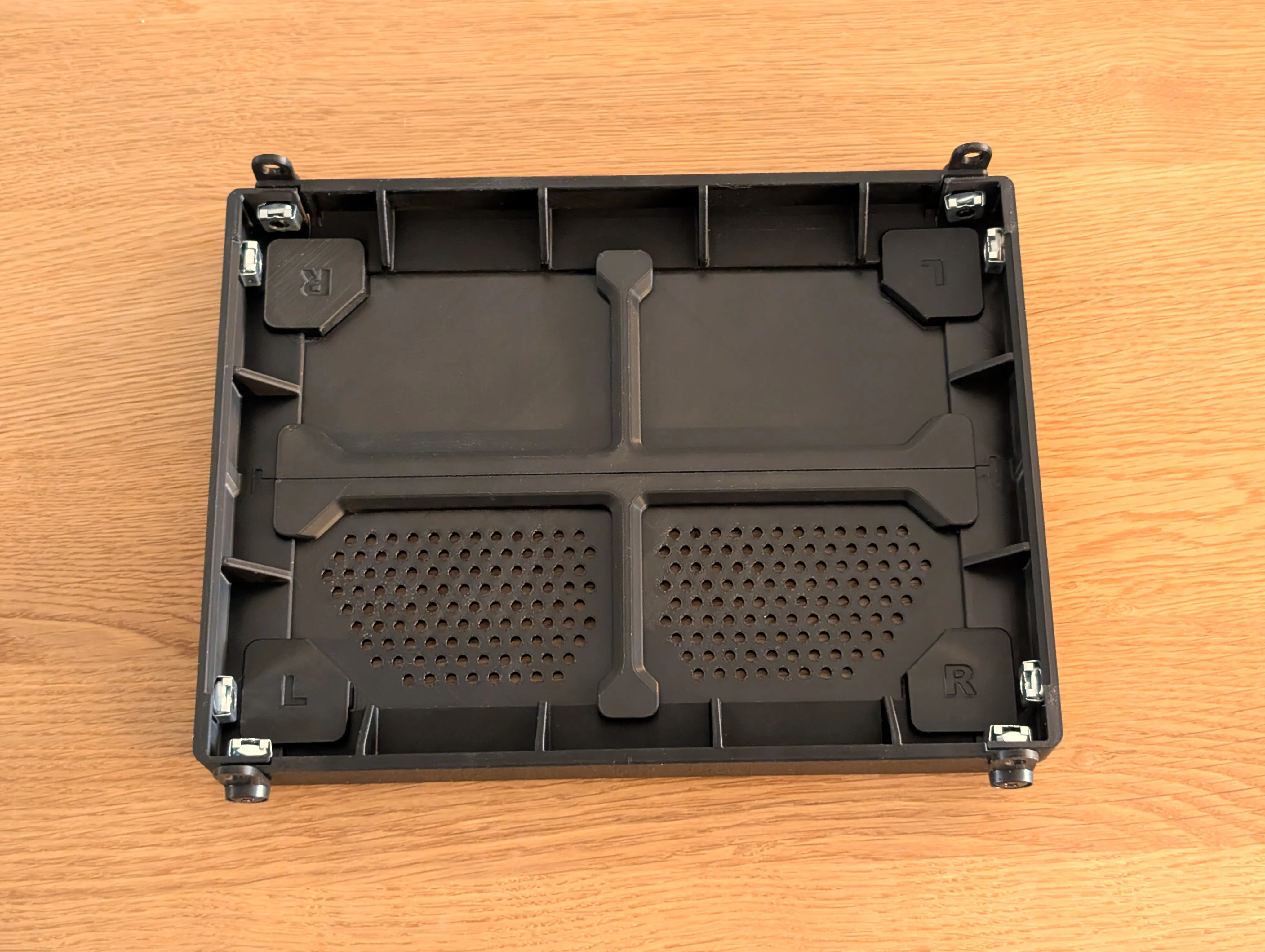 |
Sides (Skip if you only use 1 Element)
You’ll need:
- Elements you want to assemble (1U / 2U Elements)
- You need 2 Connectors to combine 2 Elements
- 4x M6 Screws and Cage Nuts to combine 2 Elements
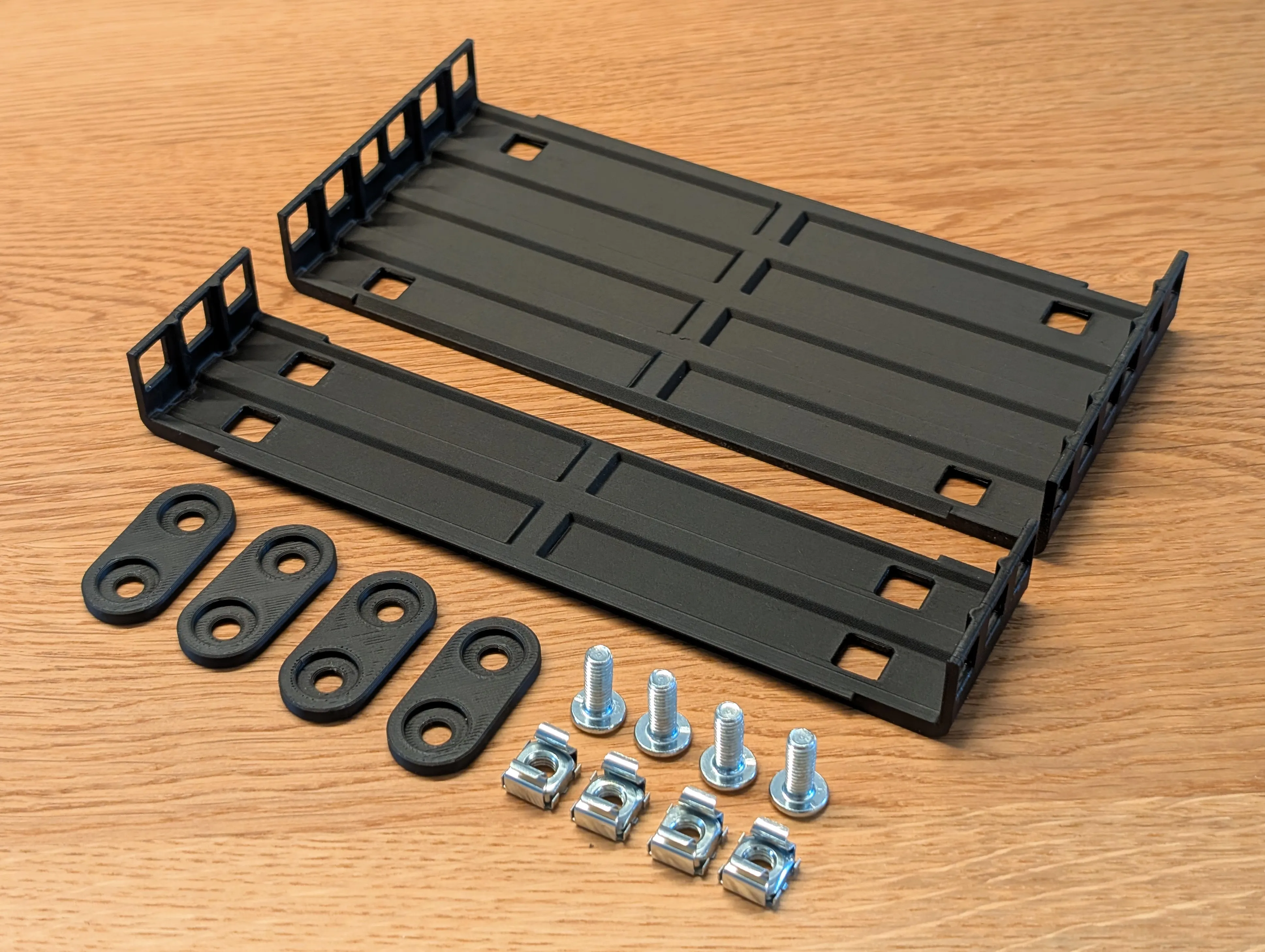 Align the elements correctly. They will only fit in one direction.
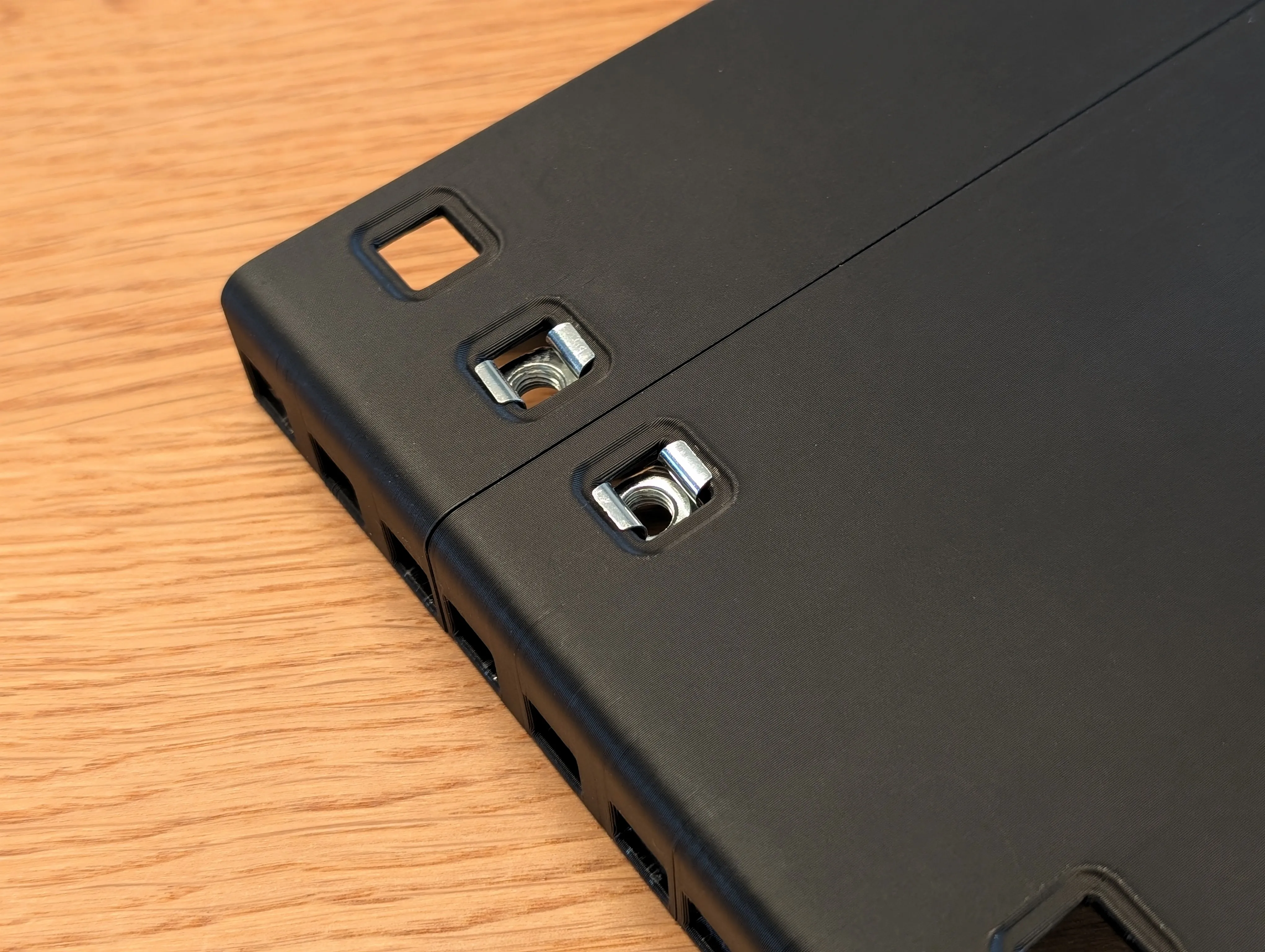
Depending on your printer tuning you may need to use a sharpie co clean the edges. They should stack flush.
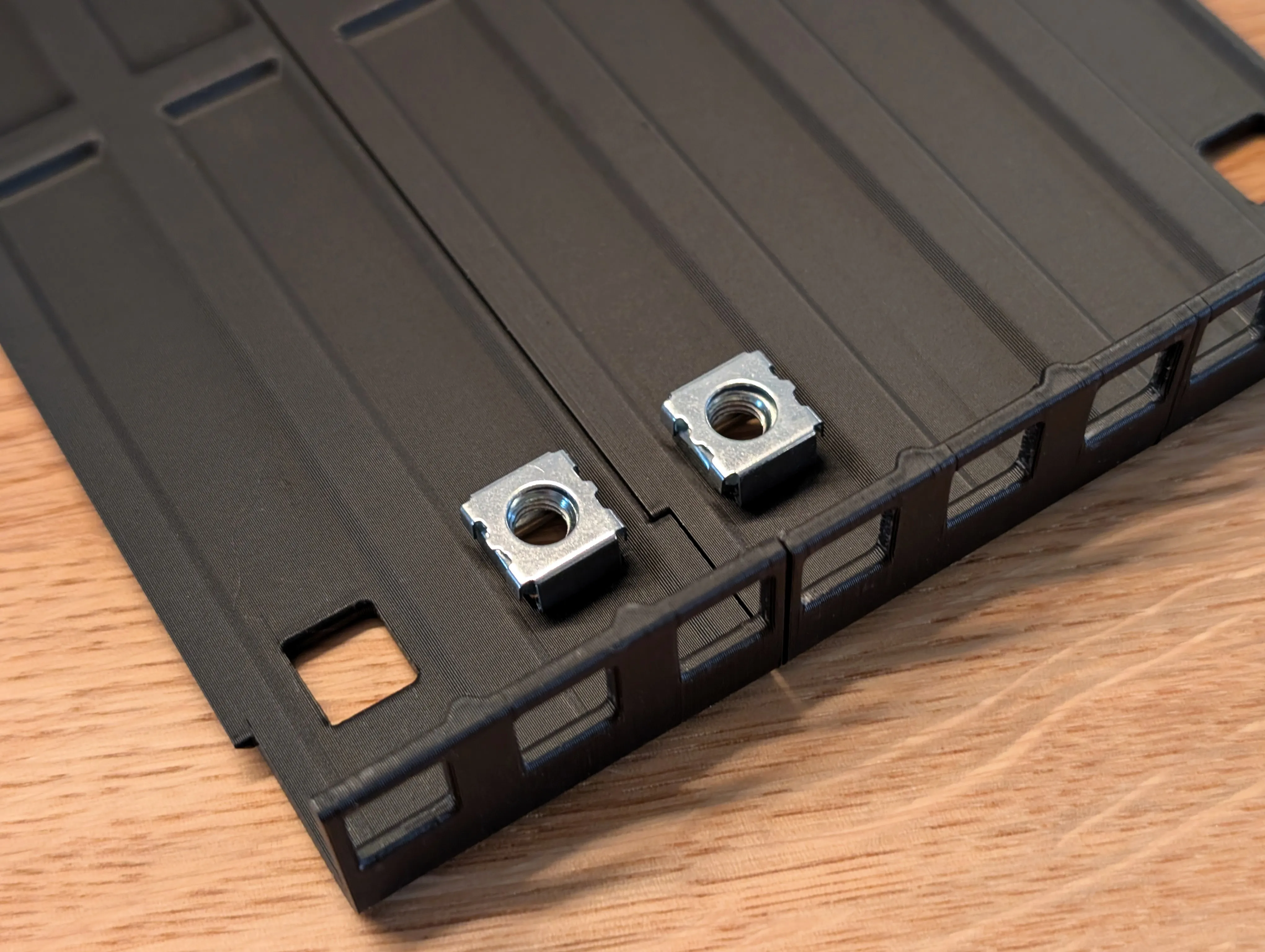 There is a .7mm indention for the clamps of the nuts to ensure the connector plates sitz flush on the side panels later on.
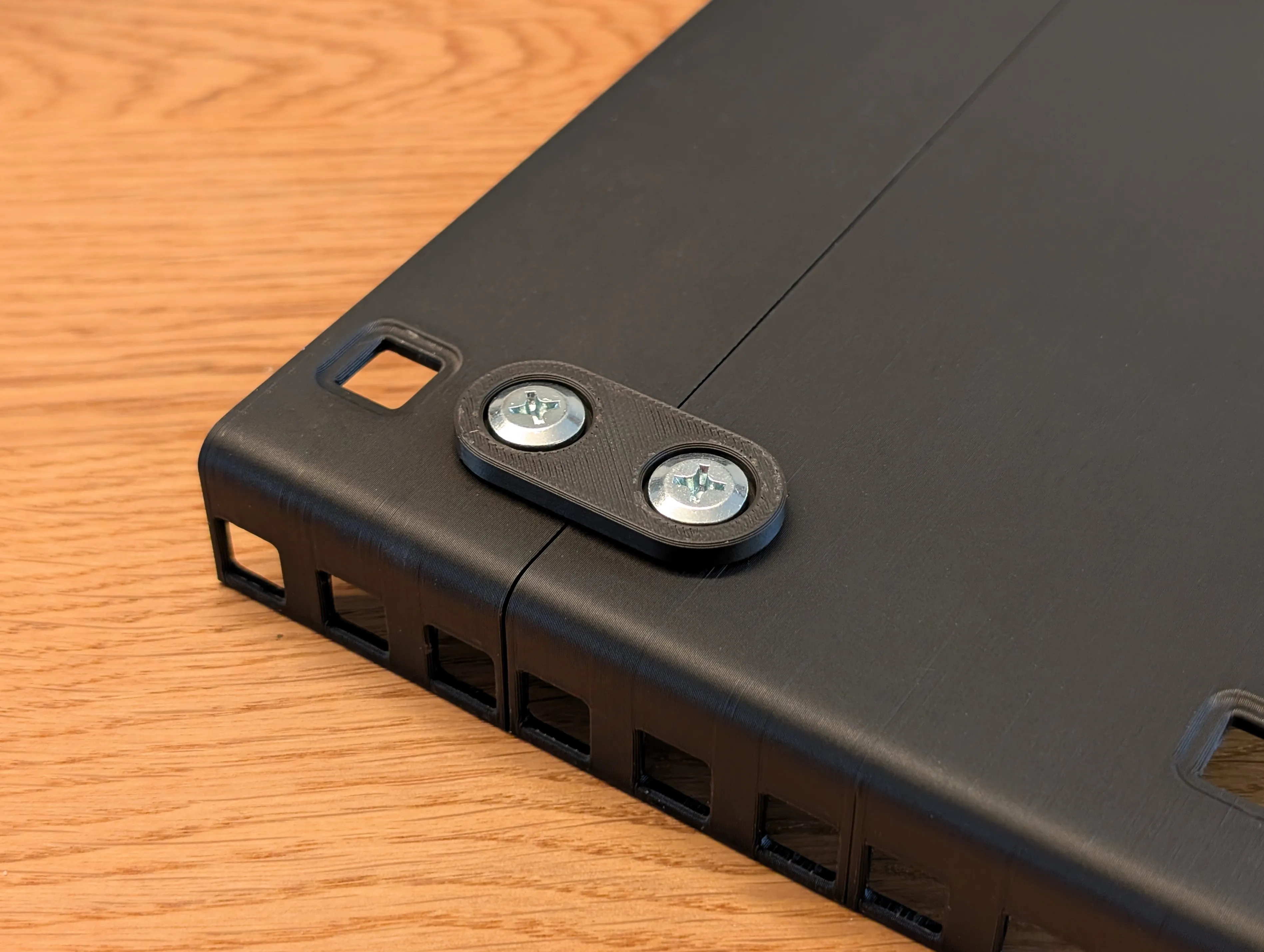
 Simply screw the connector plate in place.
 Repeat this process a second time for the other side. If you stack different kind of Elements, you can change the order here for additional stability. So, you have 1U and 2U on the left side and 2U and 1U on the right side. This is not a must.
Putting all together
| You’ll need:+ Bottom Assembly + Top Assembly + 16x M6 Screws and Cage Nuts + 8x Connectors Let’s start with the bottom part. | 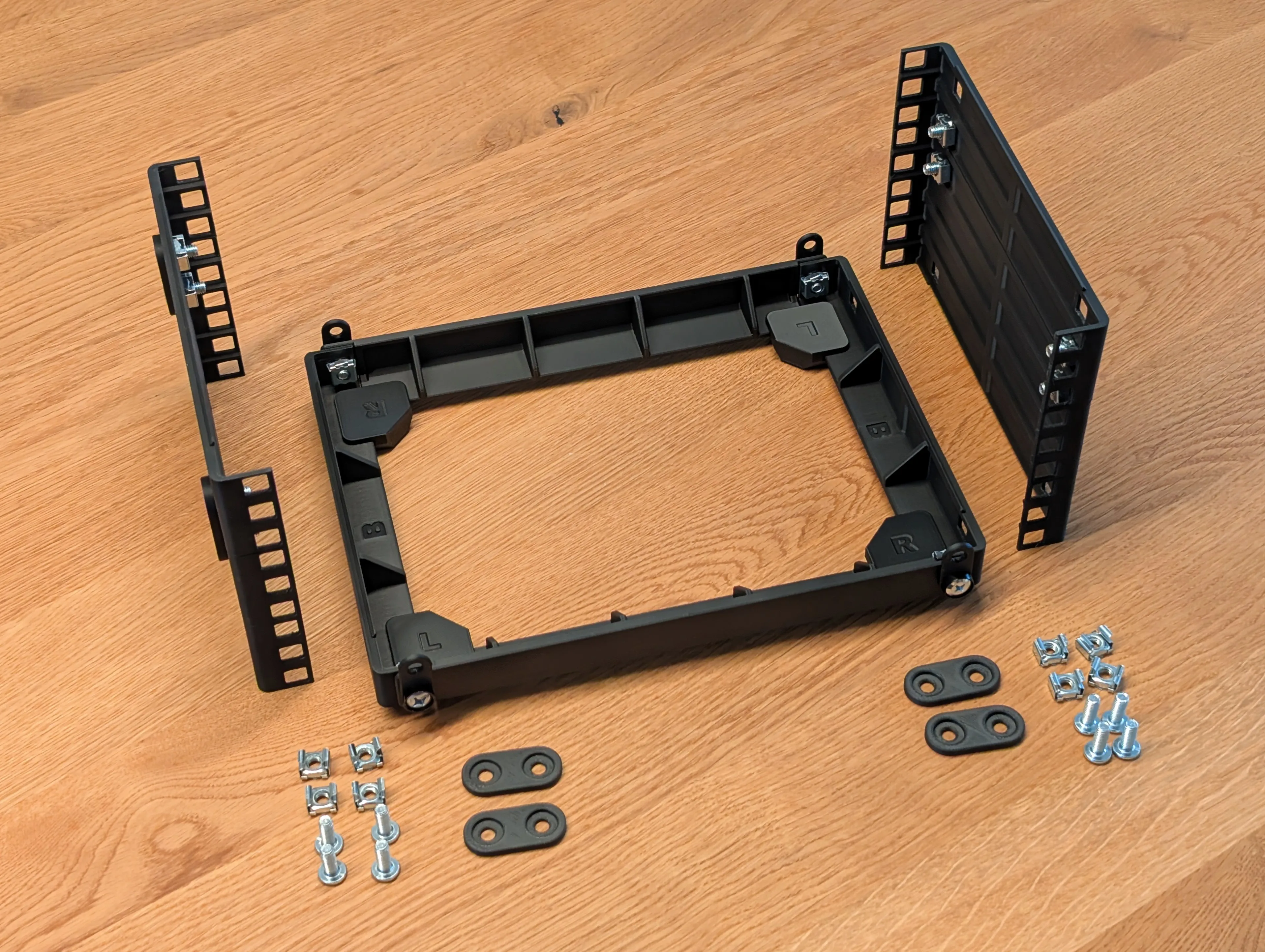 |
| Do a dry fit to see which side matches the bottom part, they connect the same way as the sides and insert the cage nuts. | 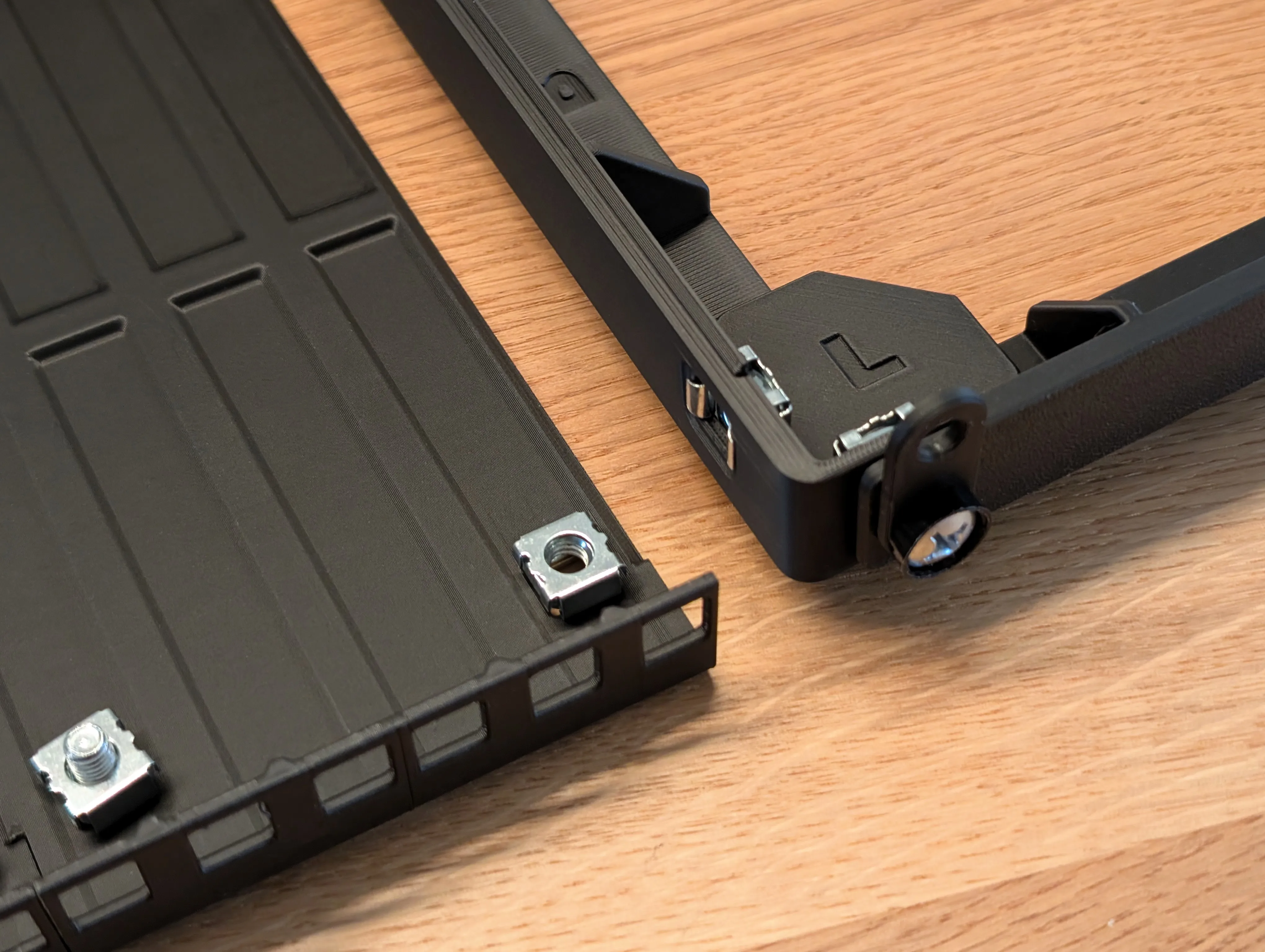 |
| Now simply screw the parts together. | 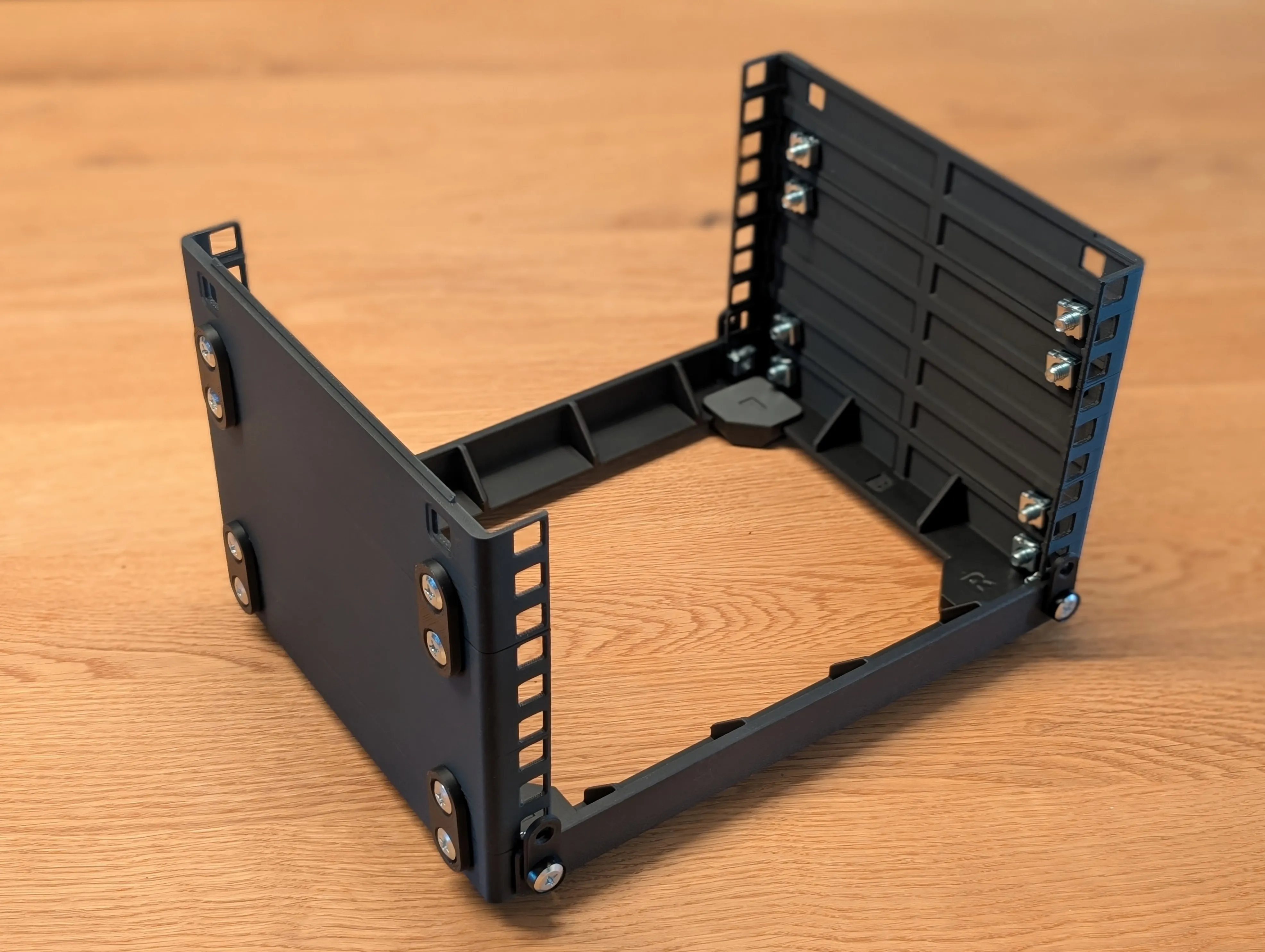 |
| Do the same for the top panel. | 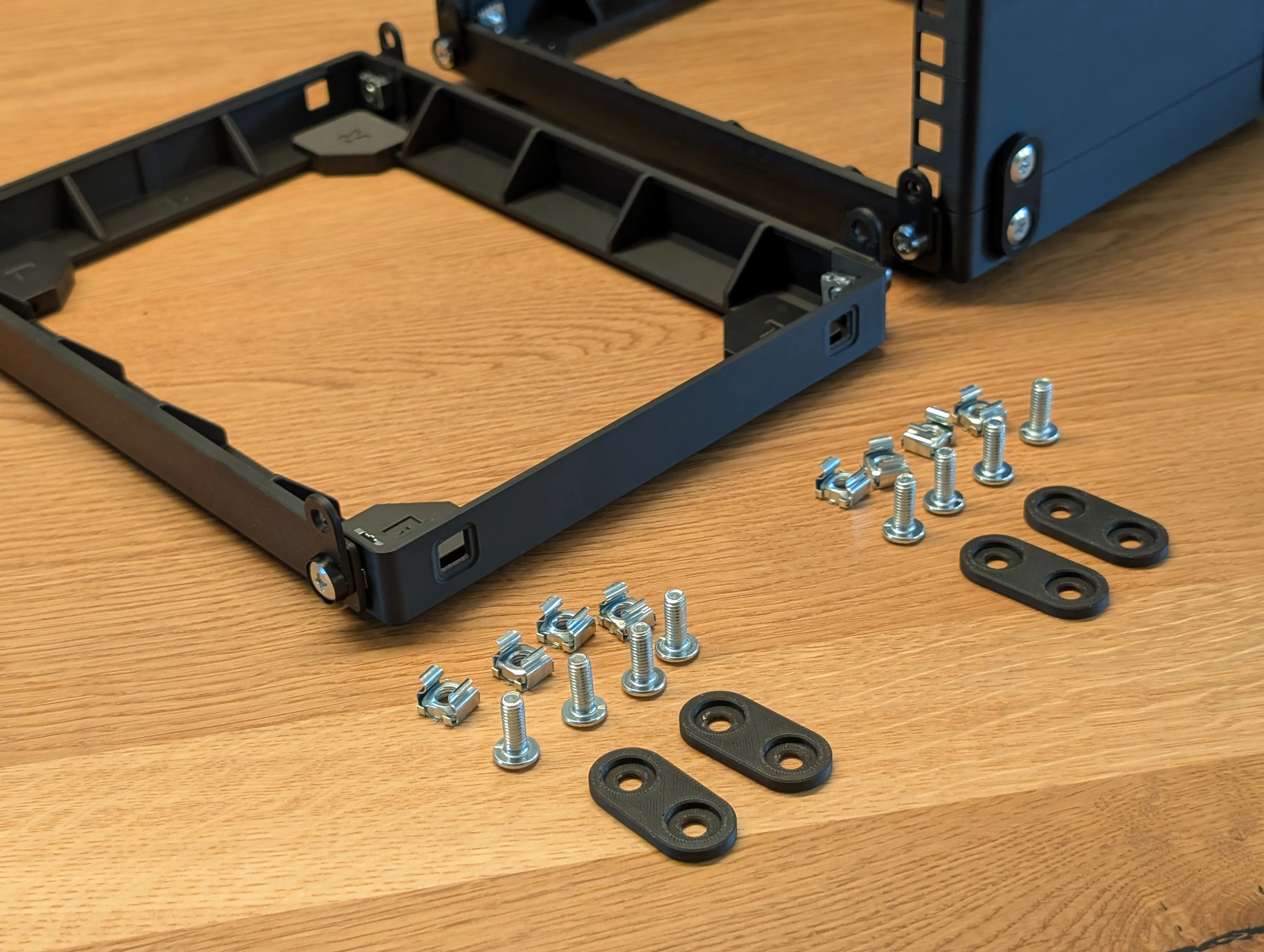 |
| You are done 🎉. | 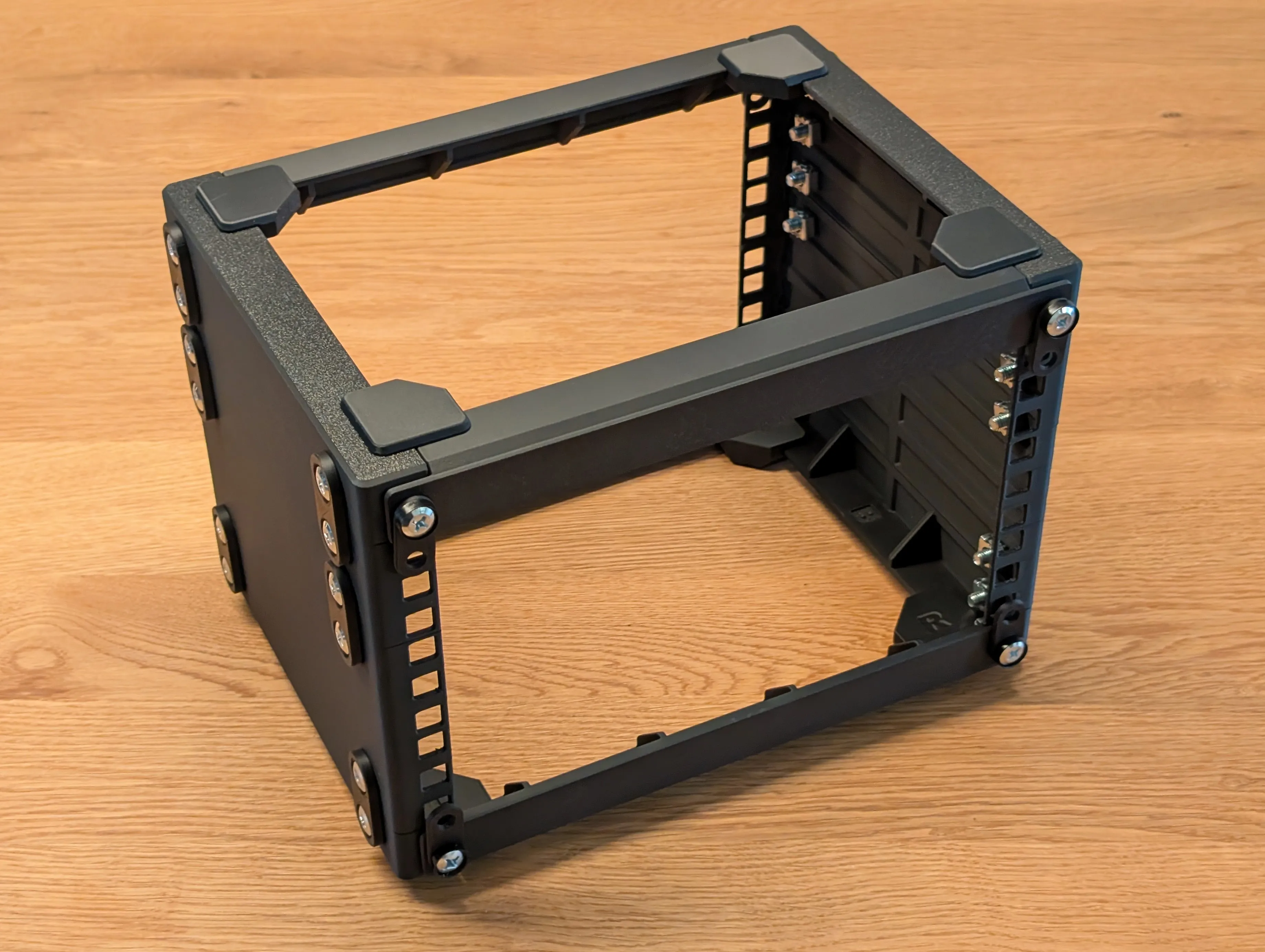 |
Make it your own!
| You can now insert the panels and design the rack to your likings. Consider adding Connectors between panels to improve the stability. | 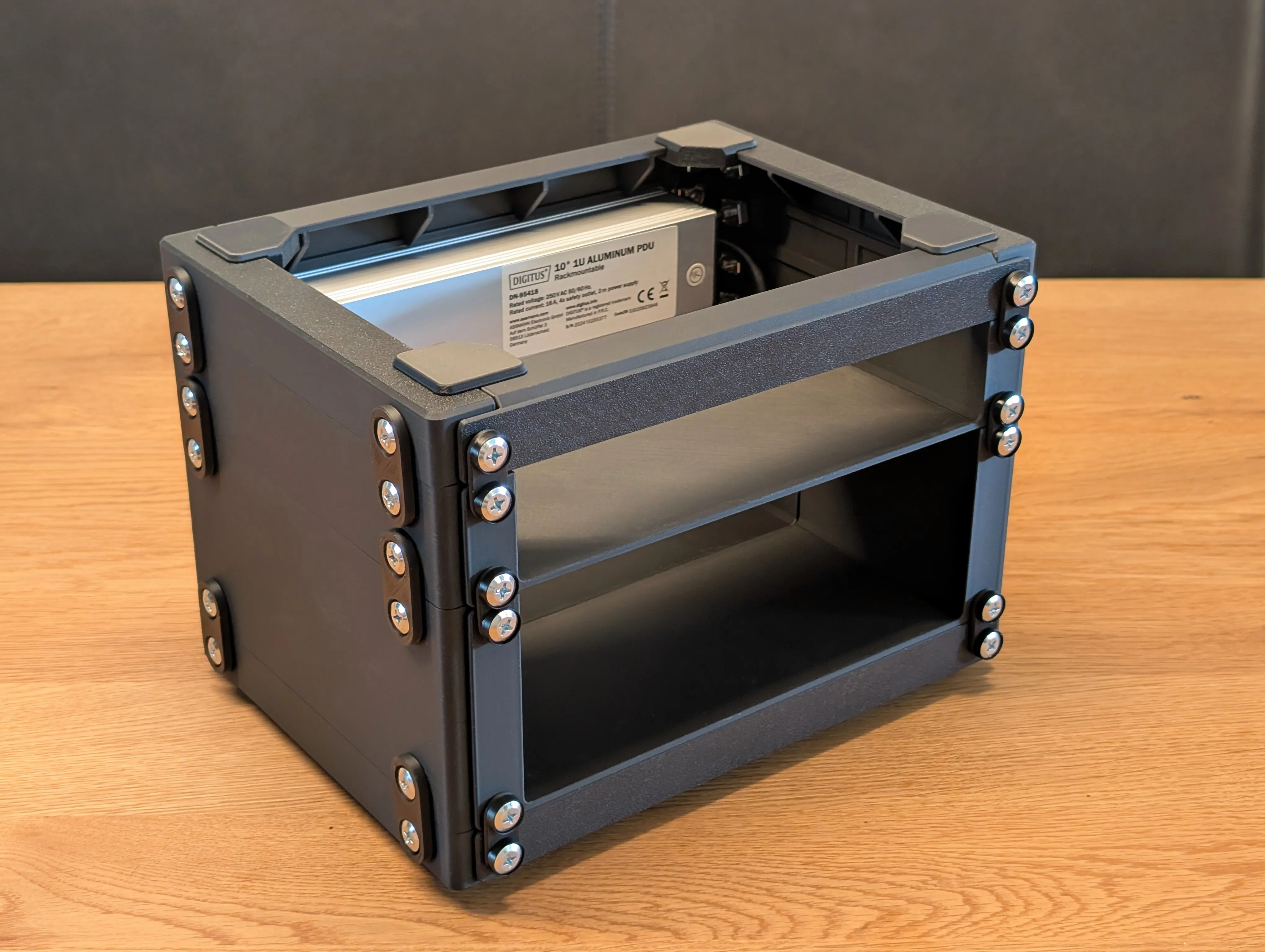 |
Current Smart Home Setup
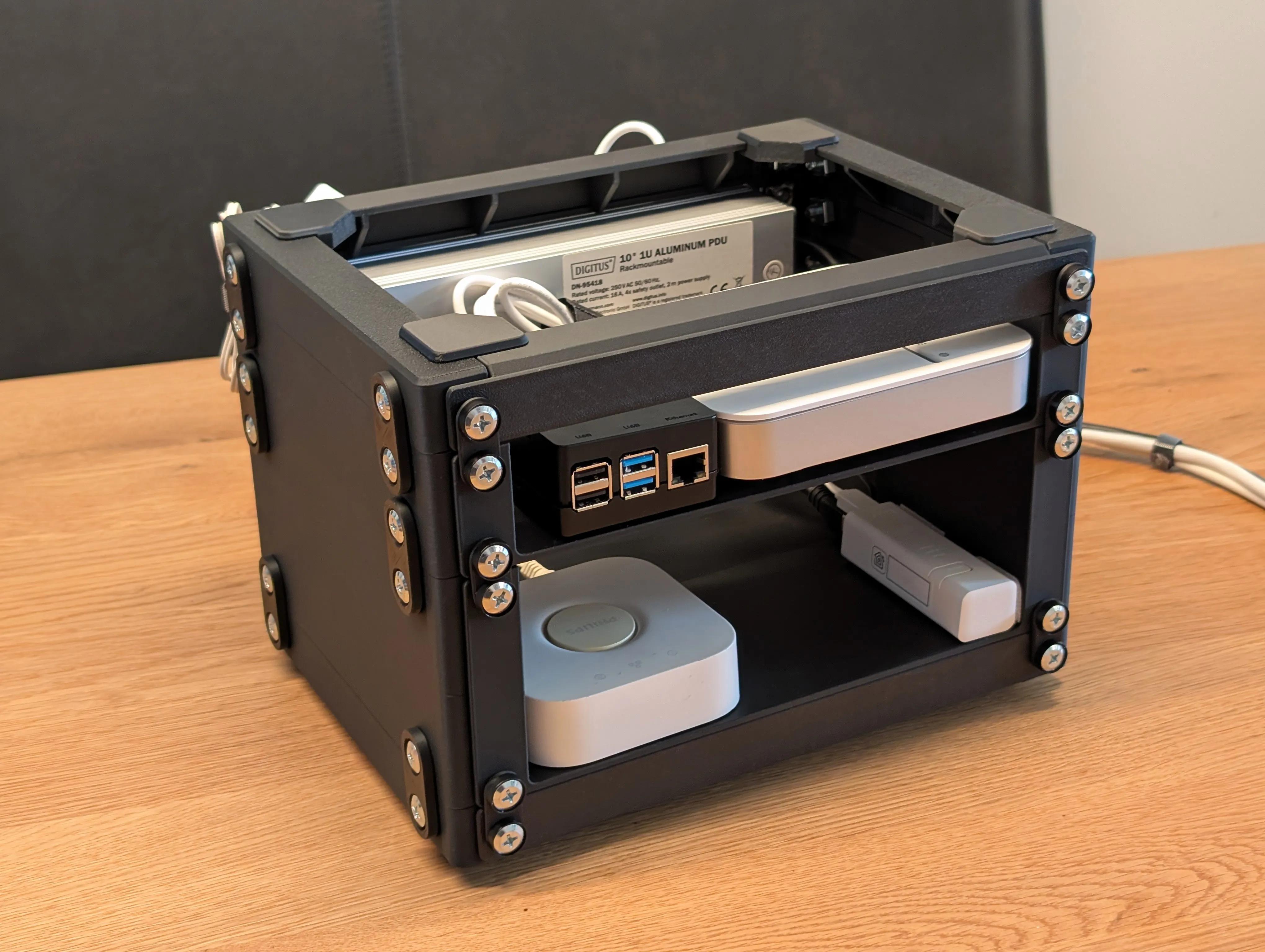 | 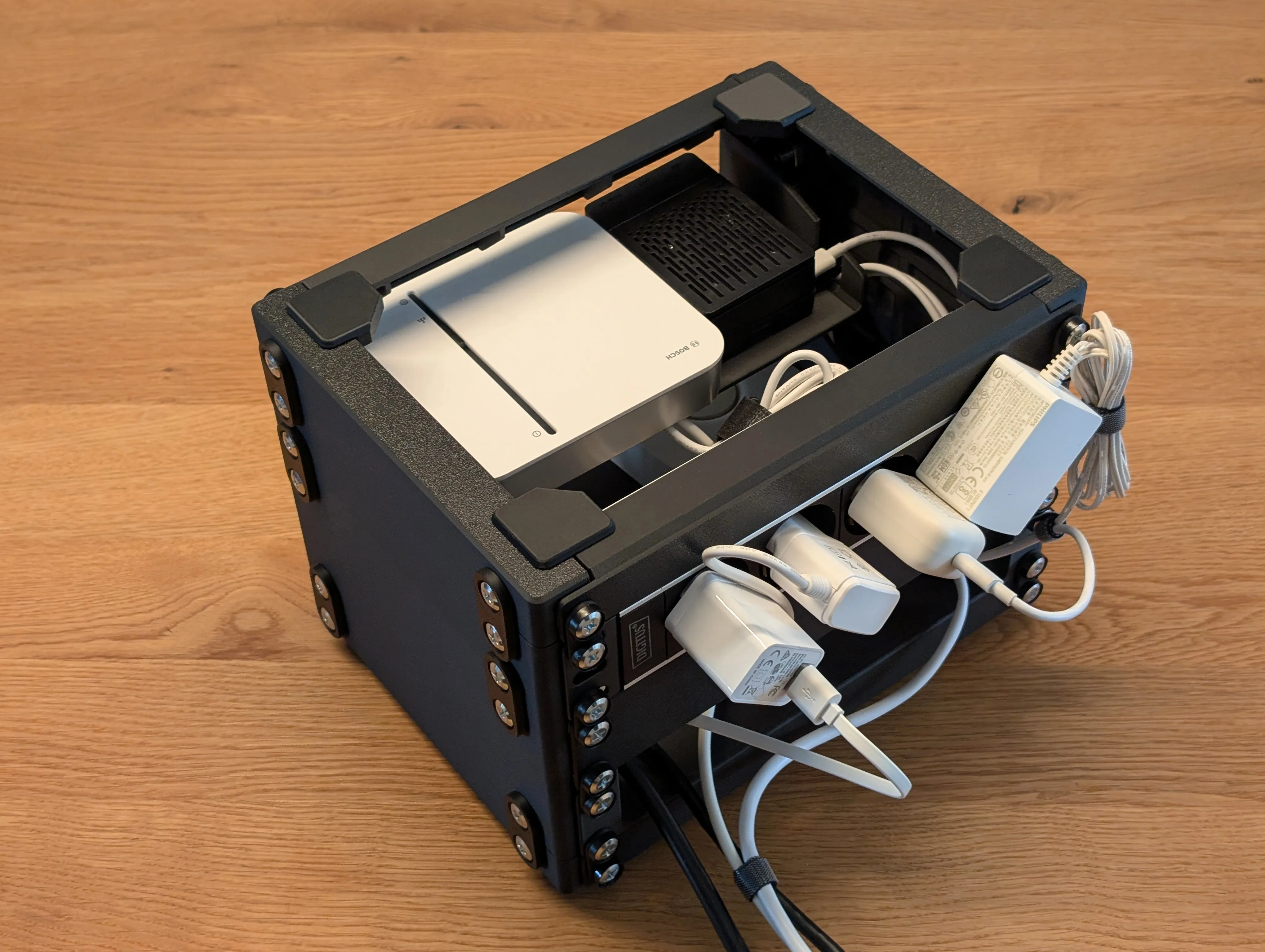 |
Extra CAD Beauty Shots
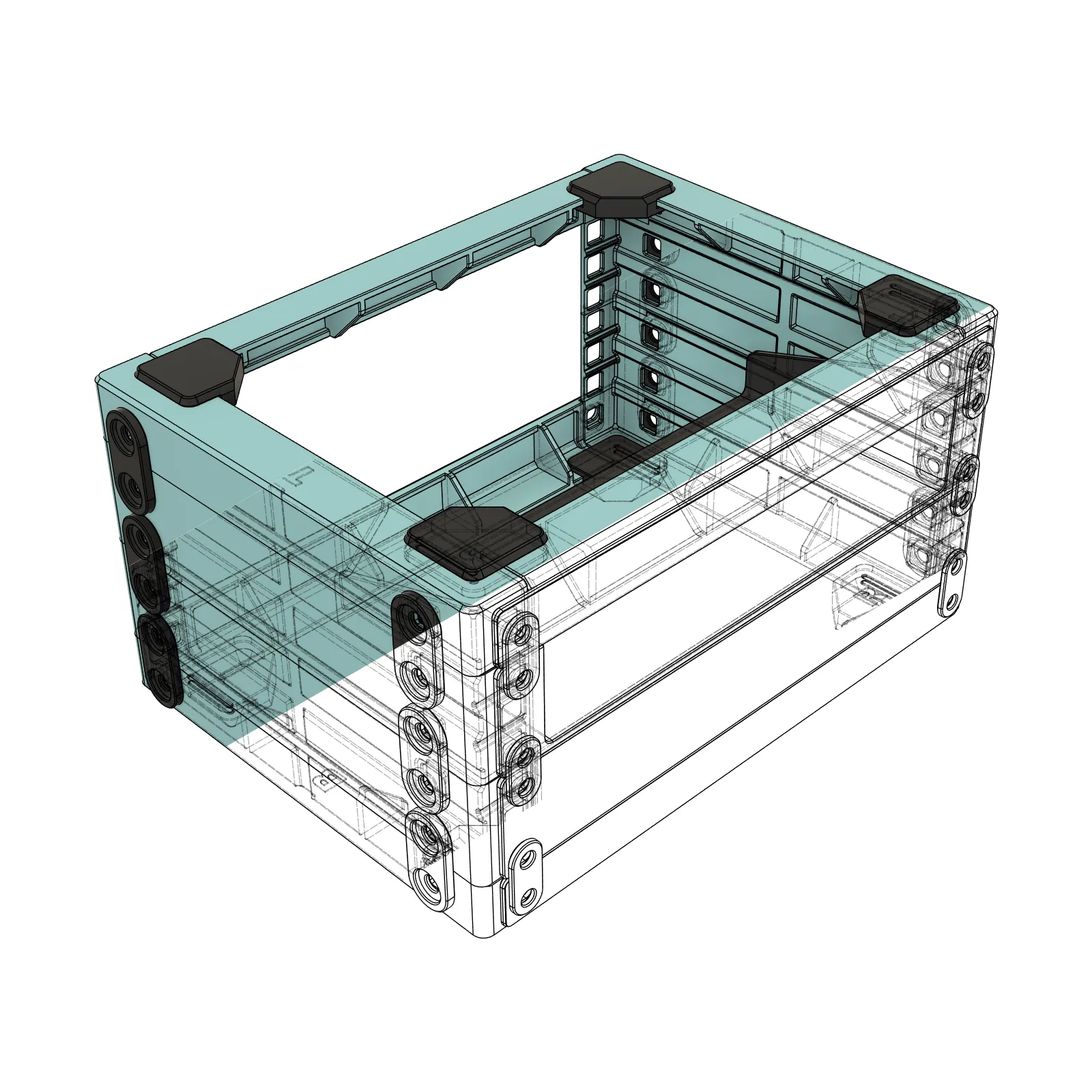 | 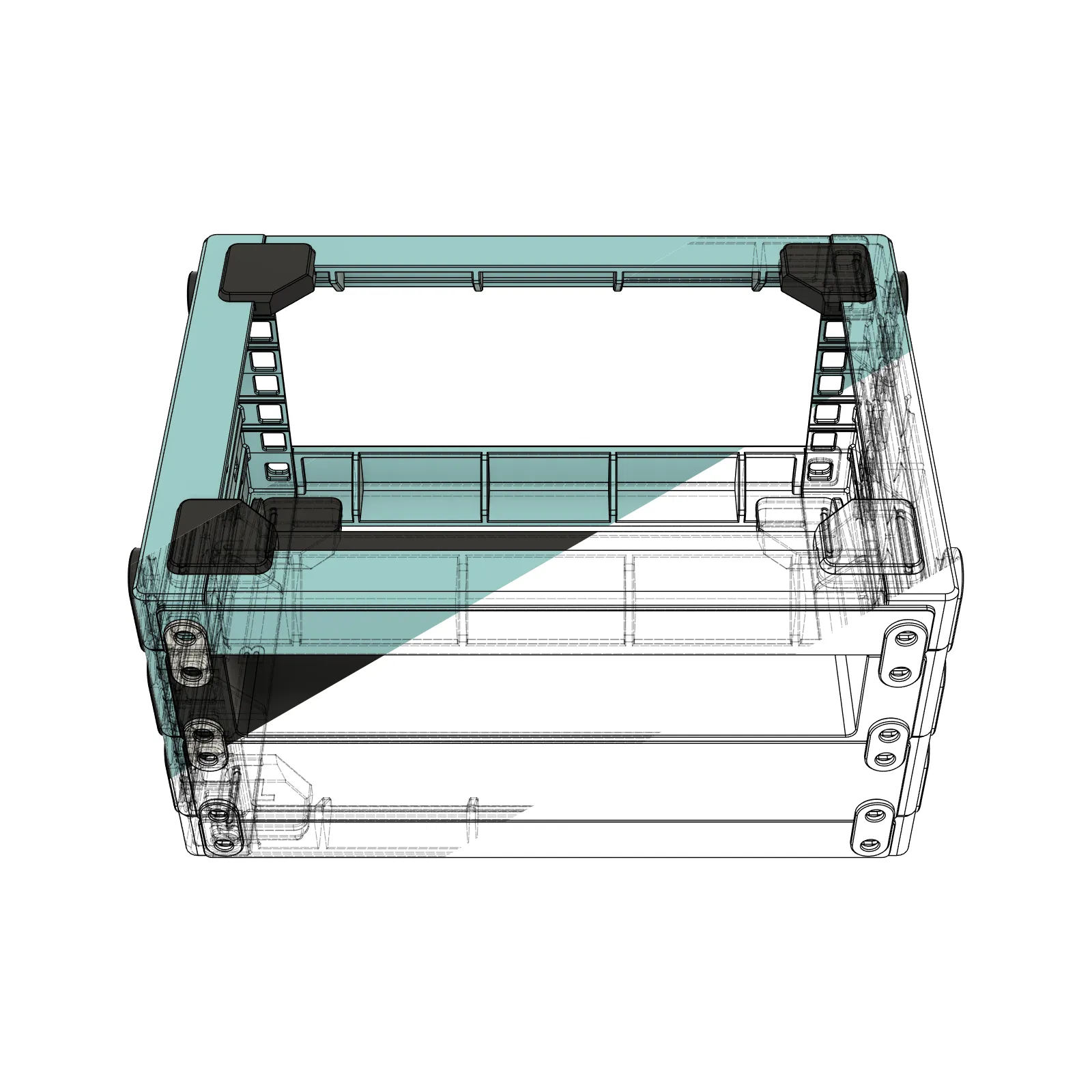 |
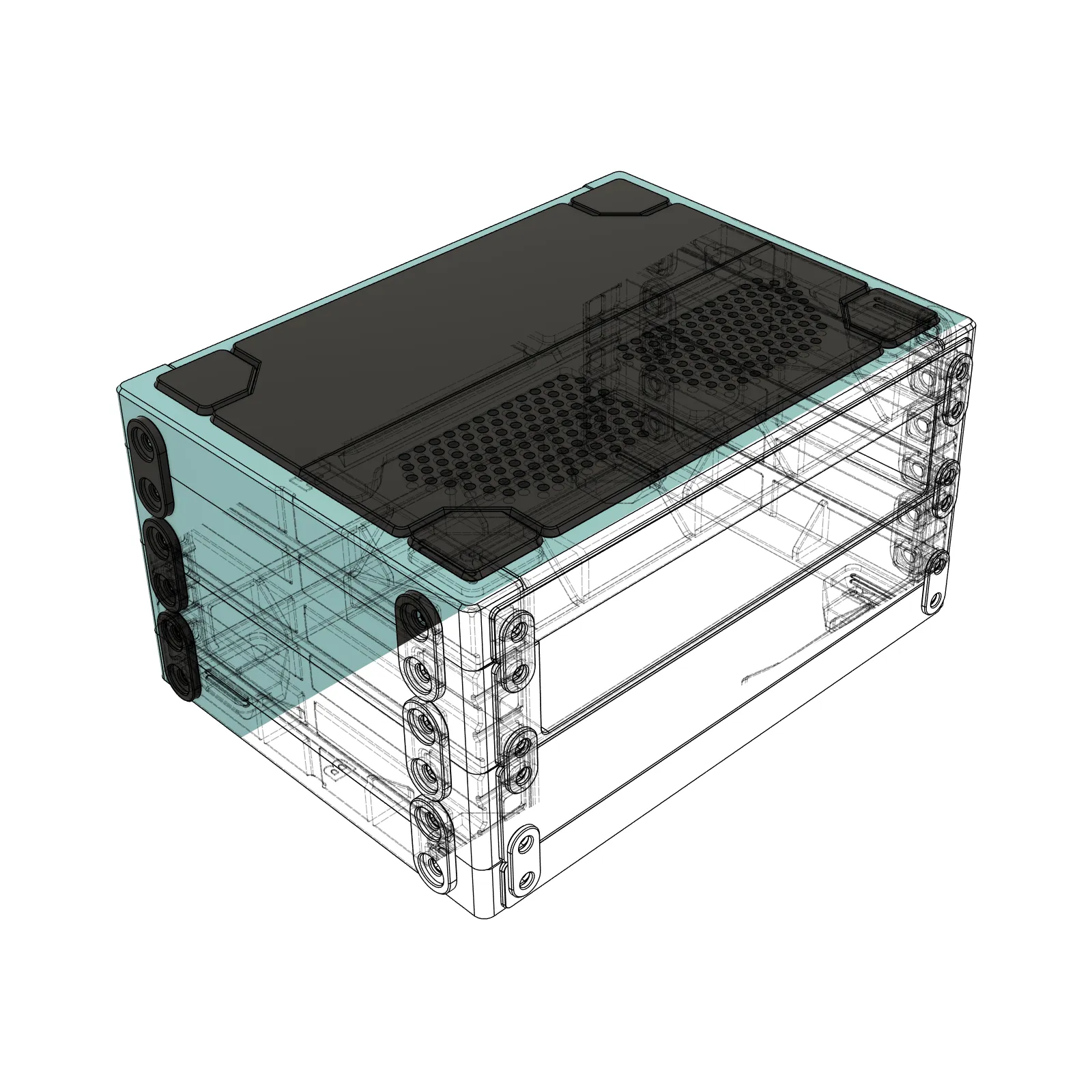 | 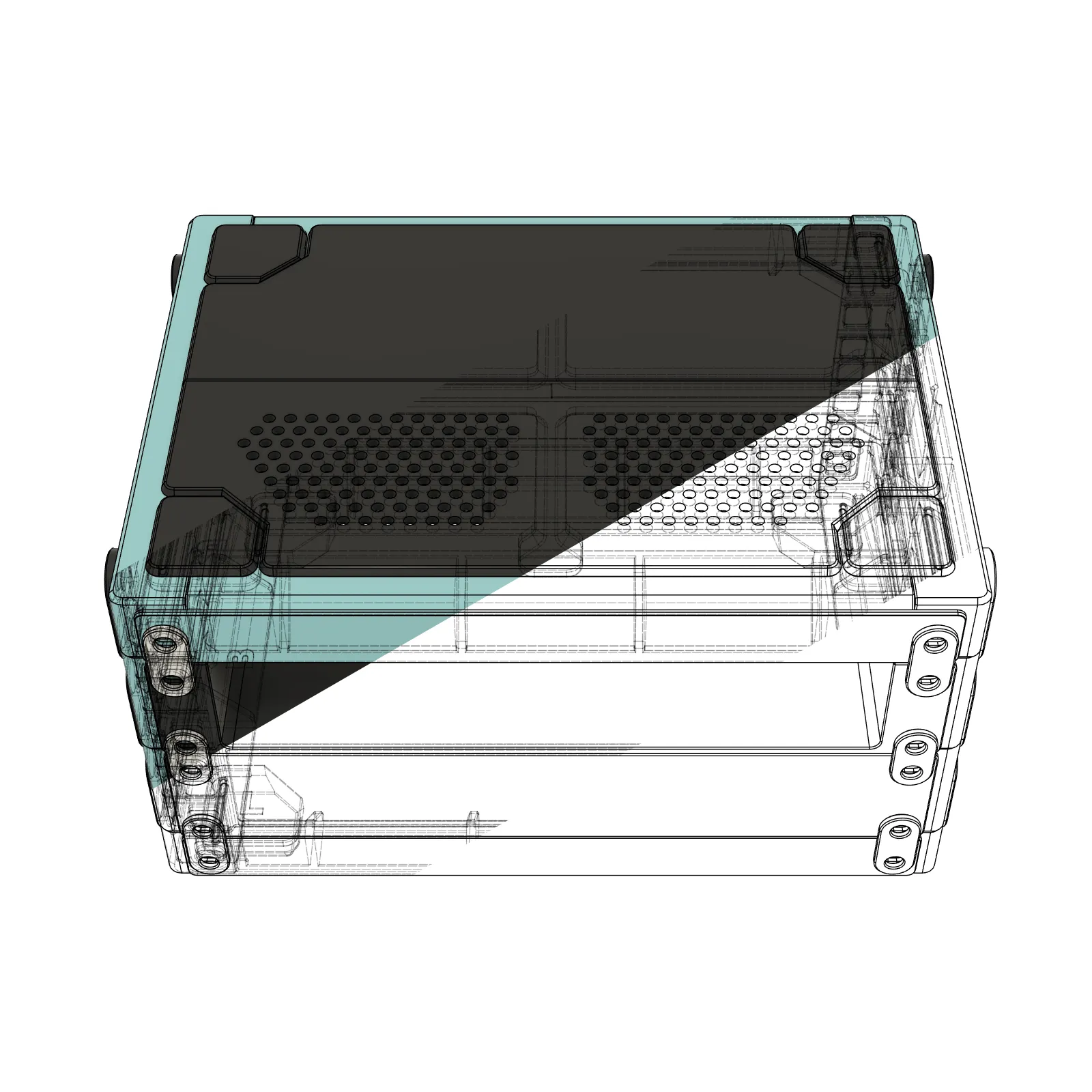 |
**I hope you enjoy the design! Please leave a comment or rating if you like it and share your feedback! **
Follow me on Instagram for unregular updates 😅.