Mozilla has released the Firefox 146.0 update. The update ships with a handful of improvements and fixes.
Firefox users on Windows 10 can backup their data from the browsers settings, to save their passwords, bookmarks, browsing data, etc. This feature requires users to sign in to Firefox sync, i.e. it is a cloud-powered feature. You can encrypt the backup with a password. This backup can be helpful if you’re switching to a new device or reinstalling Firefox, you can just restore the backup. Here is thesupport page for the feature.
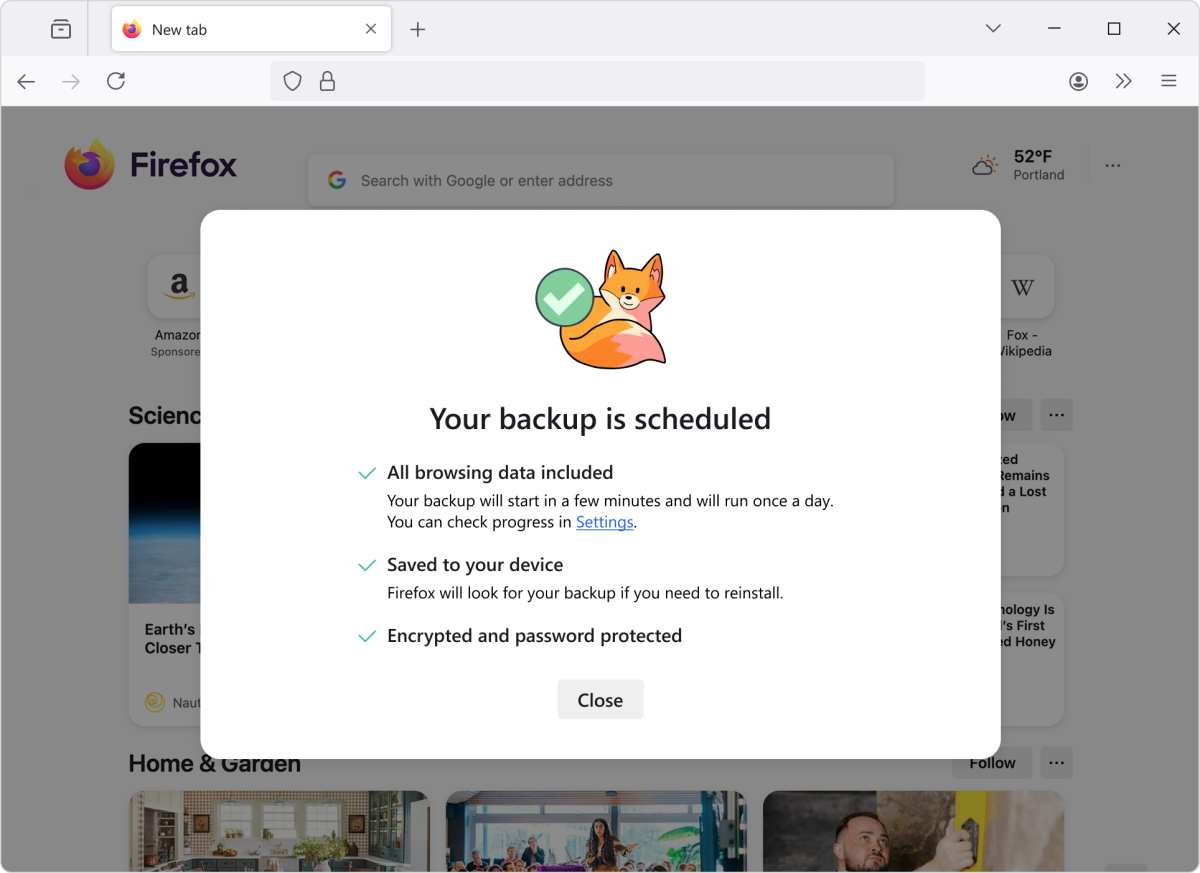 Backup is currently available for Windows 10, it’s not available on Windows 11, though it does have an optio…
Mozilla has released the Firefox 146.0 update. The update ships with a handful of improvements and fixes.
Firefox users on Windows 10 can backup their data from the browsers settings, to save their passwords, bookmarks, browsing data, etc. This feature requires users to sign in to Firefox sync, i.e. it is a cloud-powered feature. You can encrypt the backup with a password. This backup can be helpful if you’re switching to a new device or reinstalling Firefox, you can just restore the backup. Here is thesupport page for the feature.
Backup is currently available for Windows 10, it’s not available on Windows 11, though it does have an option to restore data from a backup. Mozilla says the feature will be available on other operating systems soon.
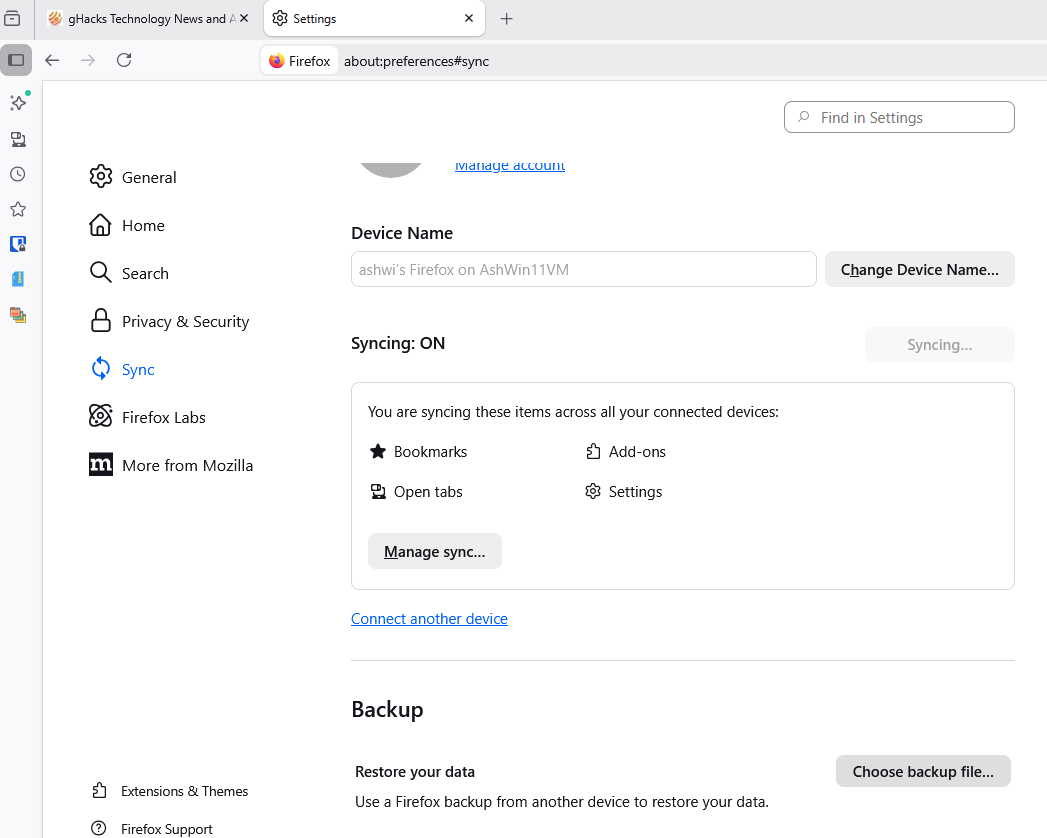
Firefox now natively supports fractional scaled displays on Wayland. According to Mozilla, this makes rendering more effective. I haven’t tested this yet.
There are a couple of enhancements to the search experience. You can now skip the results page, and view results directly in the address bar while typing your query. I wrote about the inline search experience in October, you can find more about it by reading my previous article. This feature is rolling out to users.

The address bar will display suggestions for holidays and other important dates, for English language users in France, Germany and Italy.
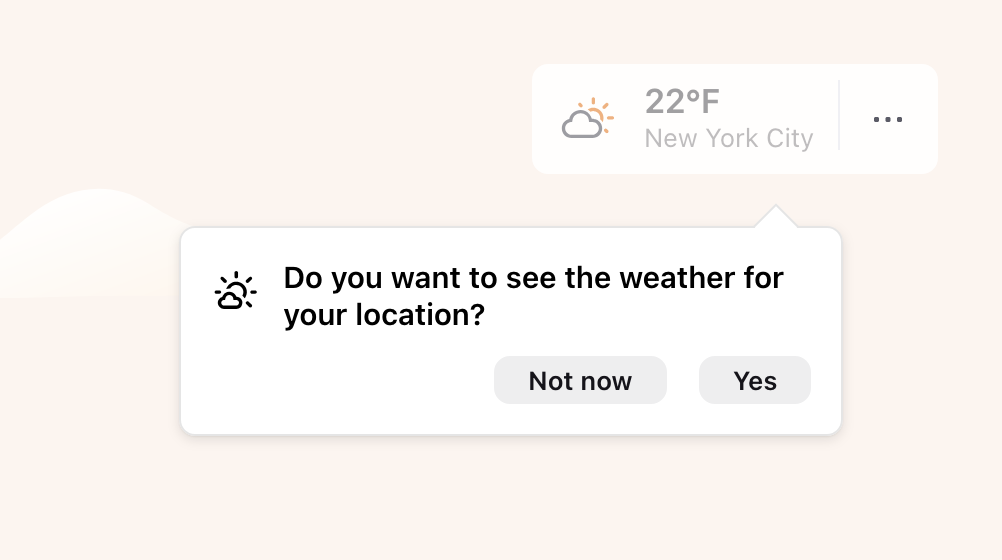
Mozilla has changed a workflow for the New Tab’s Weather option, users in the EU and some other countries can choose whether to enable location detection for the weather, or manually search for a location.
Users no longer need to enable studies/telemetry to access Firefox Labs, it is now available to all users. To access Labs, go to the browsers Settings > Experimental features, or just open this page: about:preferences#experimental
It has 3 experiments at the moment:
- Address Bar: show results during IME composition
- Picture-in-Picture: auto-open on tab switch
- Lists and timer on Firefox Home
On a side note, if you had enabled New Tab Widgets, you may have noticed that they have not been working for a week or so. That’s because the experiment had been paused due to a bug that affected the lists widget. This issue has been patched.
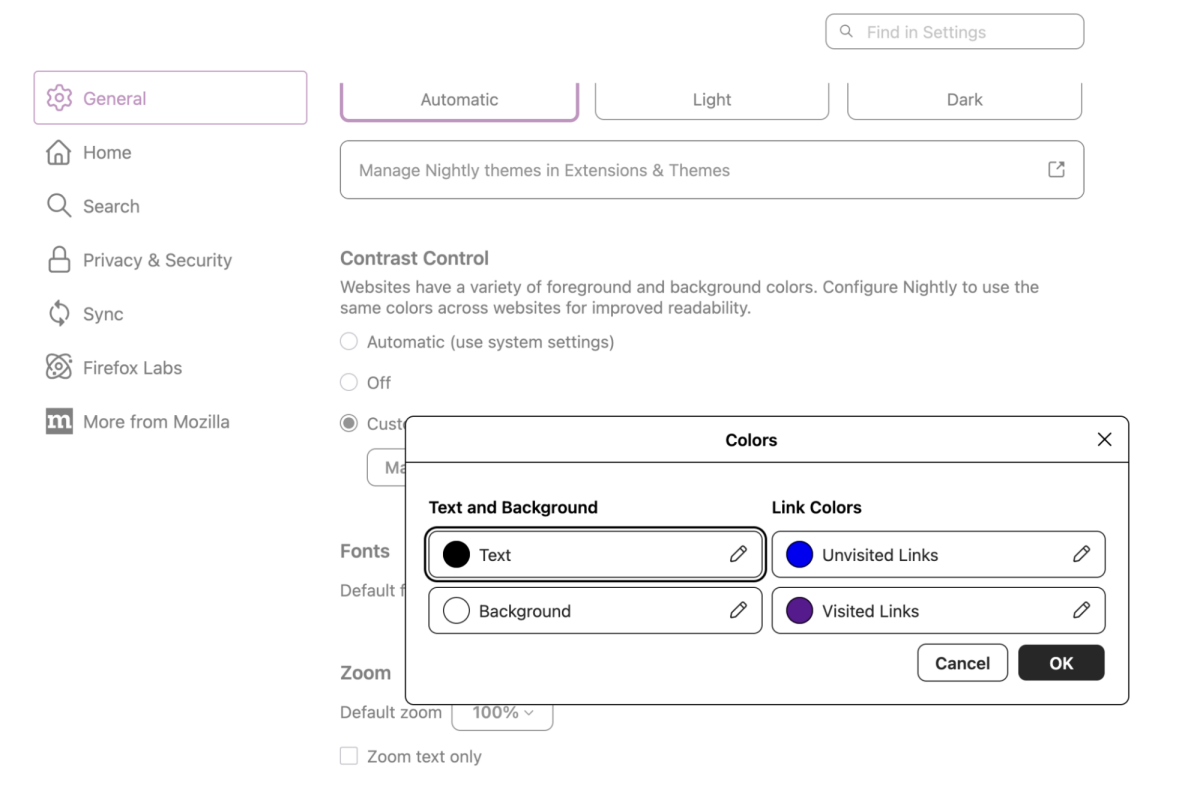
The Colors dialog in Settings now has clearer color picker controls, and displays each color sample next to its label, allowing users to understand the options that they have set, and make adjustments easily.
Firefox for Mac now uses a dedicated GPU process by default, which includes WebGPU, WebGL, and Firefox’s own WebRender. This will prevent fatal errors in graphics code from crashing the browser, it will restart the GPU process transparently.
Firefox 146 no longer supports Direct2D on Windows. Users who need Direct2D are advised to use Firefox ESR 140.0 or higher. Mozilla has fixed a bug in the Windows version of Firefox, that prevented users from selecting a tab, when the browser was maximized and the cursor was at the top of the screen. This issue affected users with some monitors.
Firefox 146 is currently available for download at Mozilla’s FTP servers, it should be released on the official website shortly. Firefox ESR 140.6.0 has also been released.
Advertisement