Get stunning blog images, always on-brand, with various styles and formats available
How to Generate On-Brand Blog Images
Generate professional, on-brand blog images in three simple steps
1
Paste Your Content
Copy and paste your blog post or article. Single image or multi-section mode.
2
Choose Your Style
Select from 21 artistic styles and 6 different formats. Hover to preview.
3
Generate & Download
Click generate and get your on-brand images in seconds. Download and use in your blog.
Choose Your Artistic Style
From hyperrealistic photography to anime, cyberpunk to watercolor
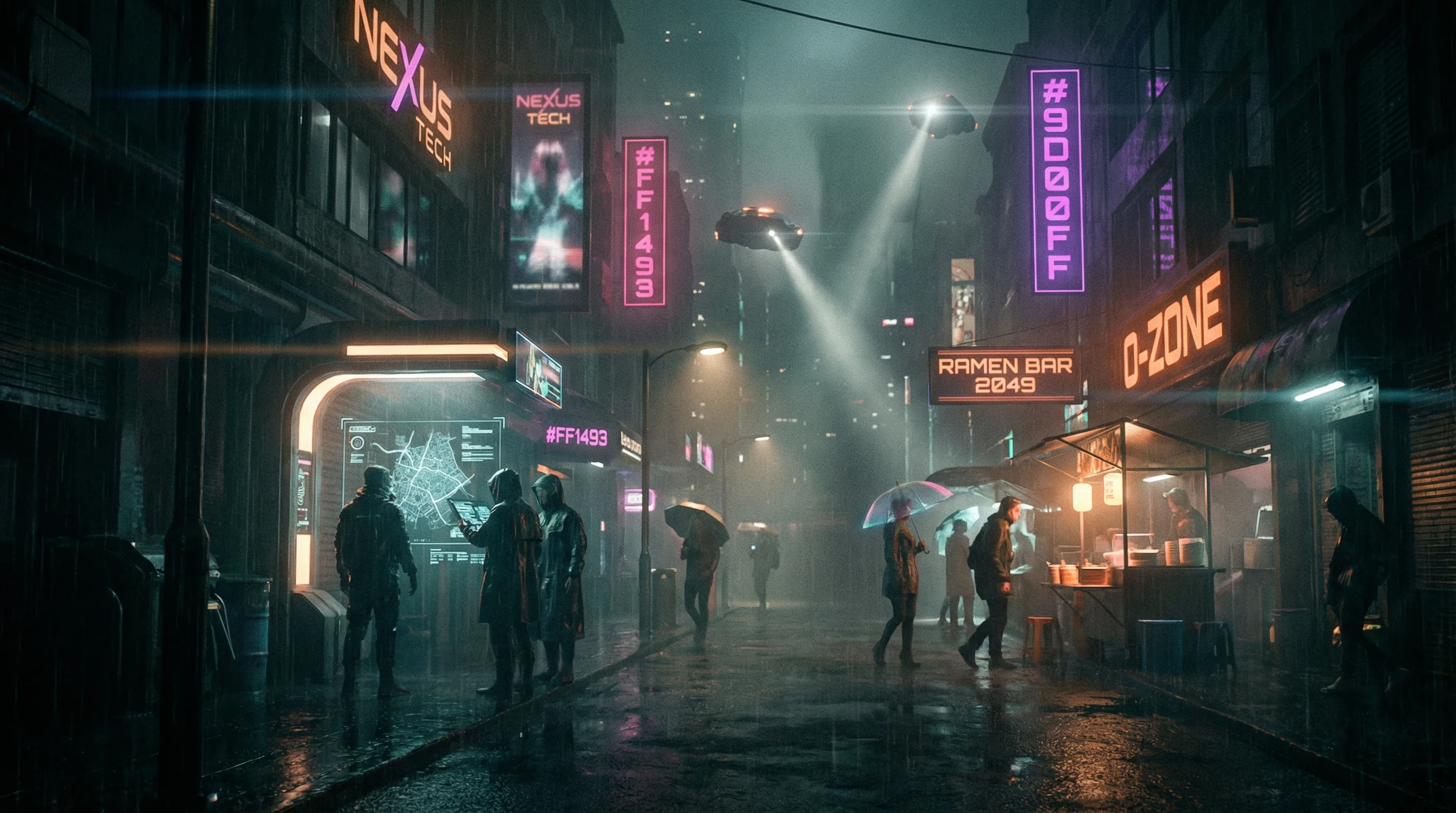
Cyberpunk

Studio Ghibli
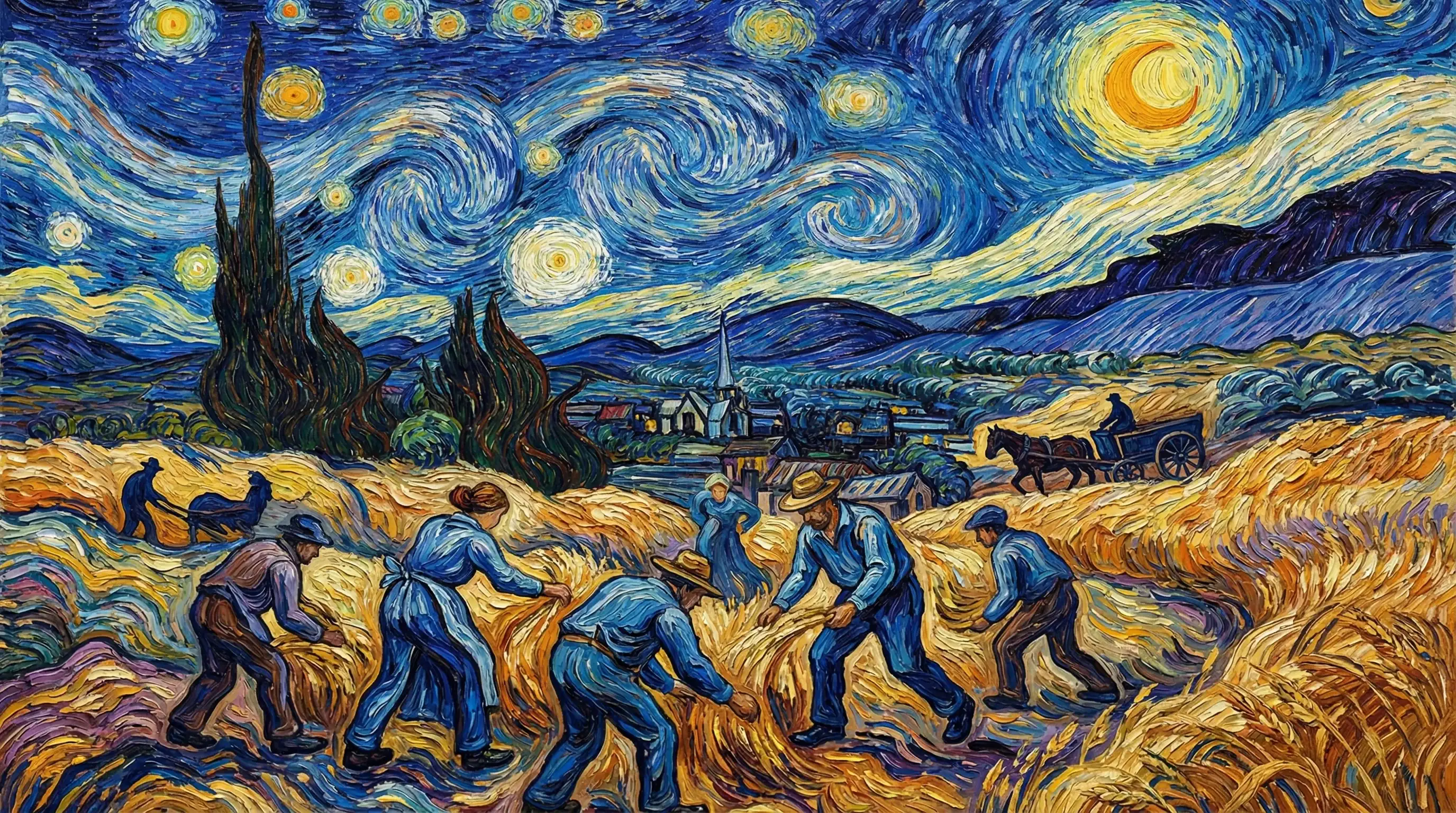
Van Gogh

Hyperrealistic
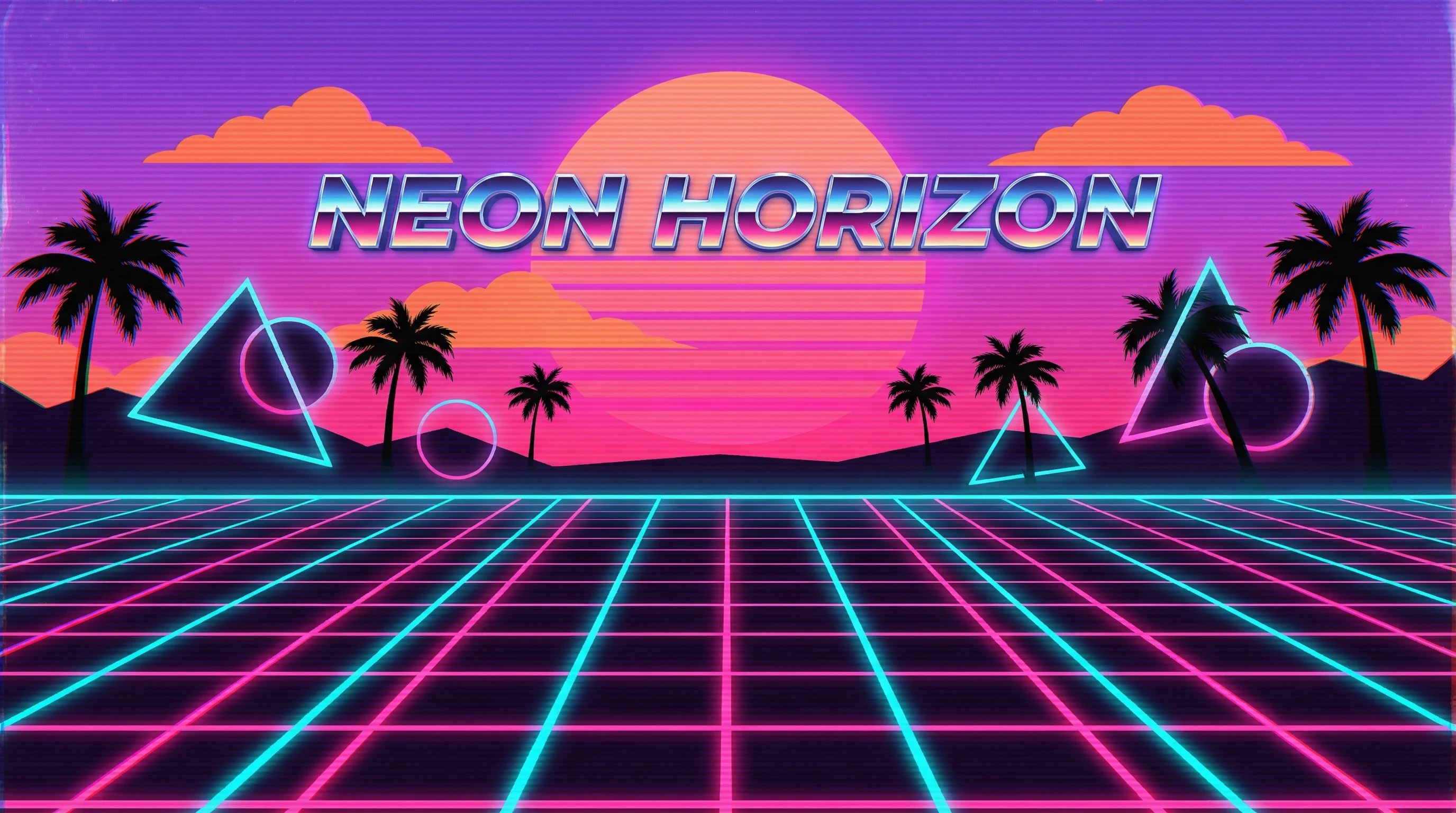
Synthwave
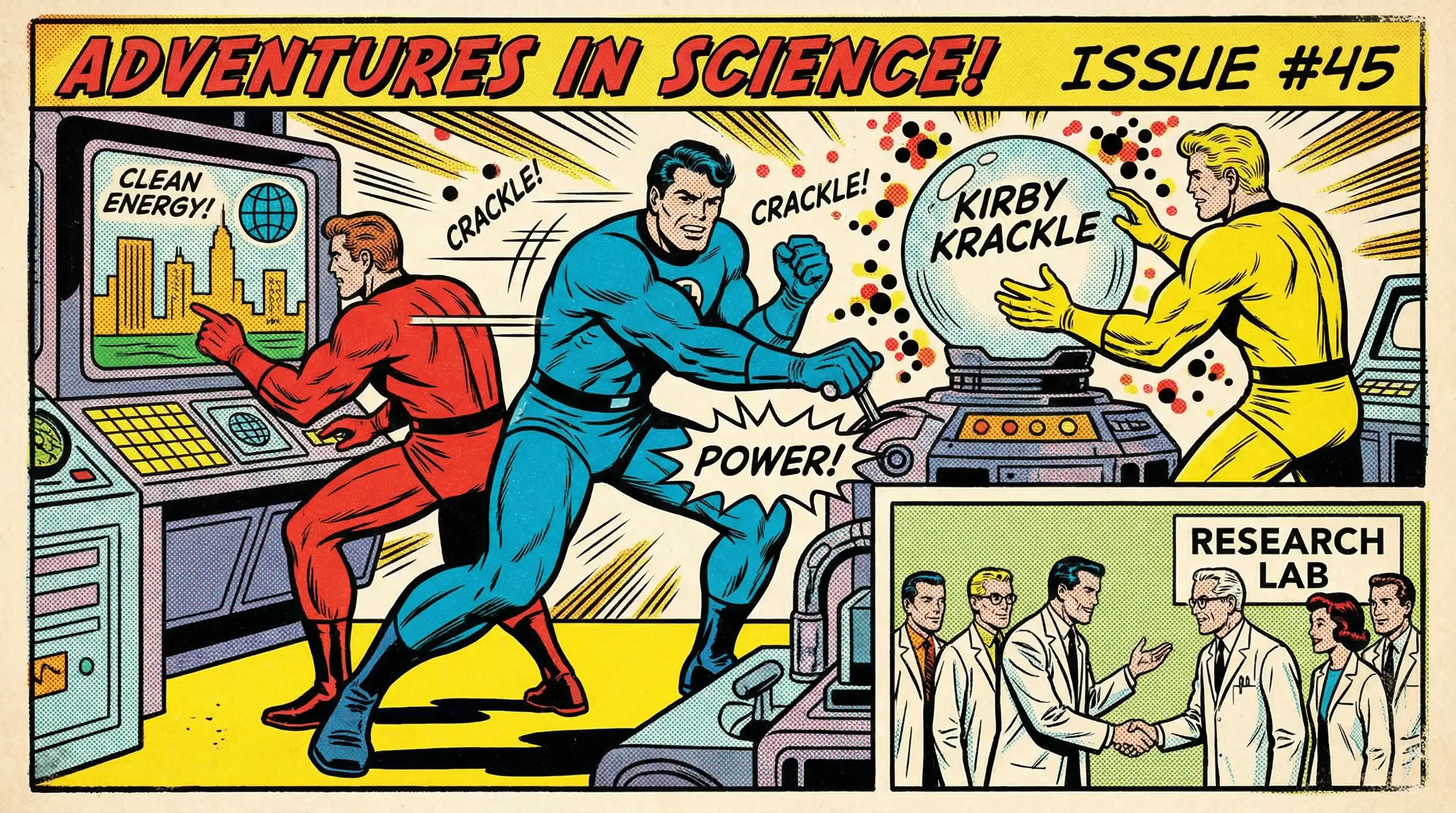
Marvel Comics
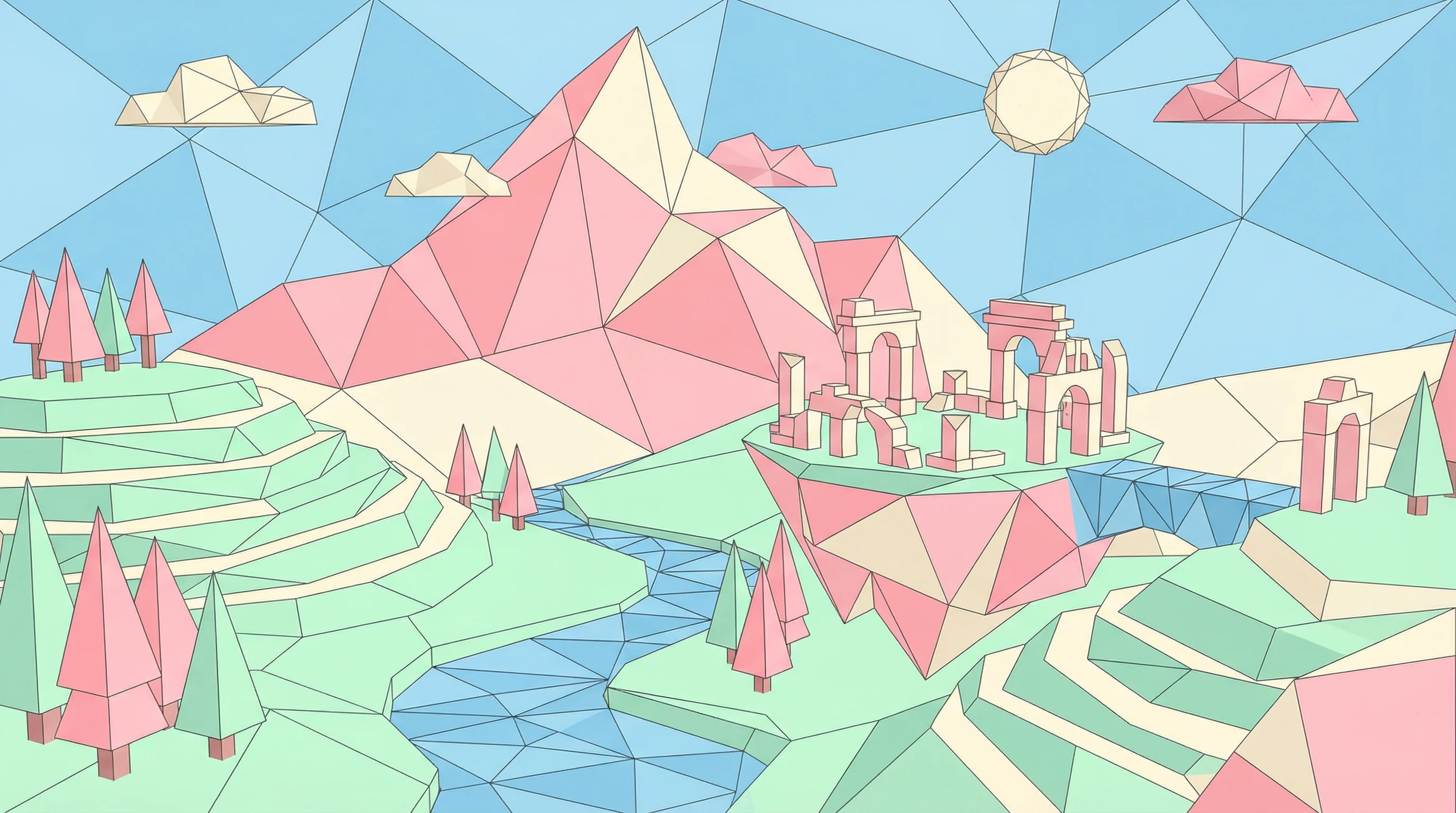
Low Poly
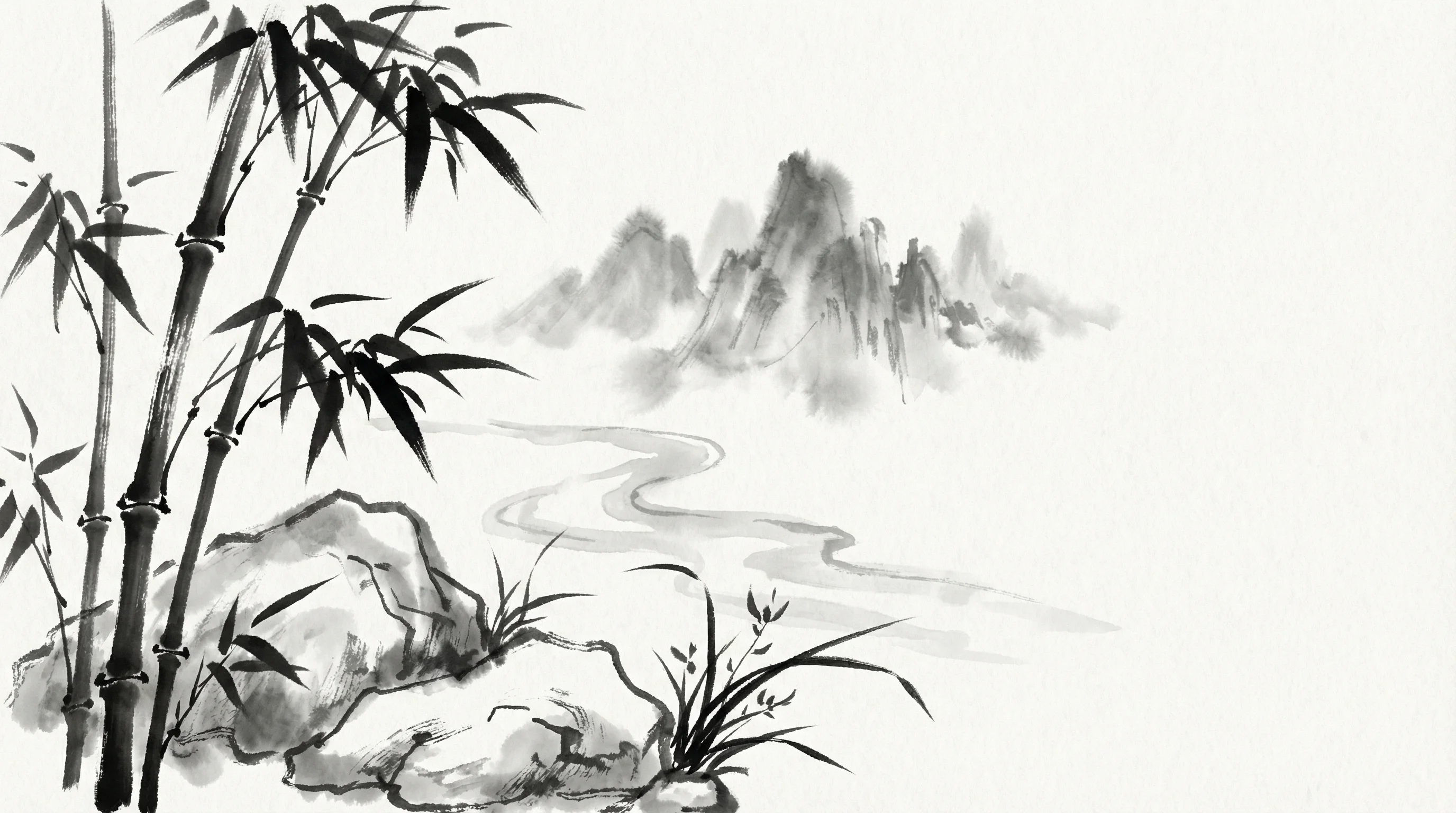
Sumi-e Ink
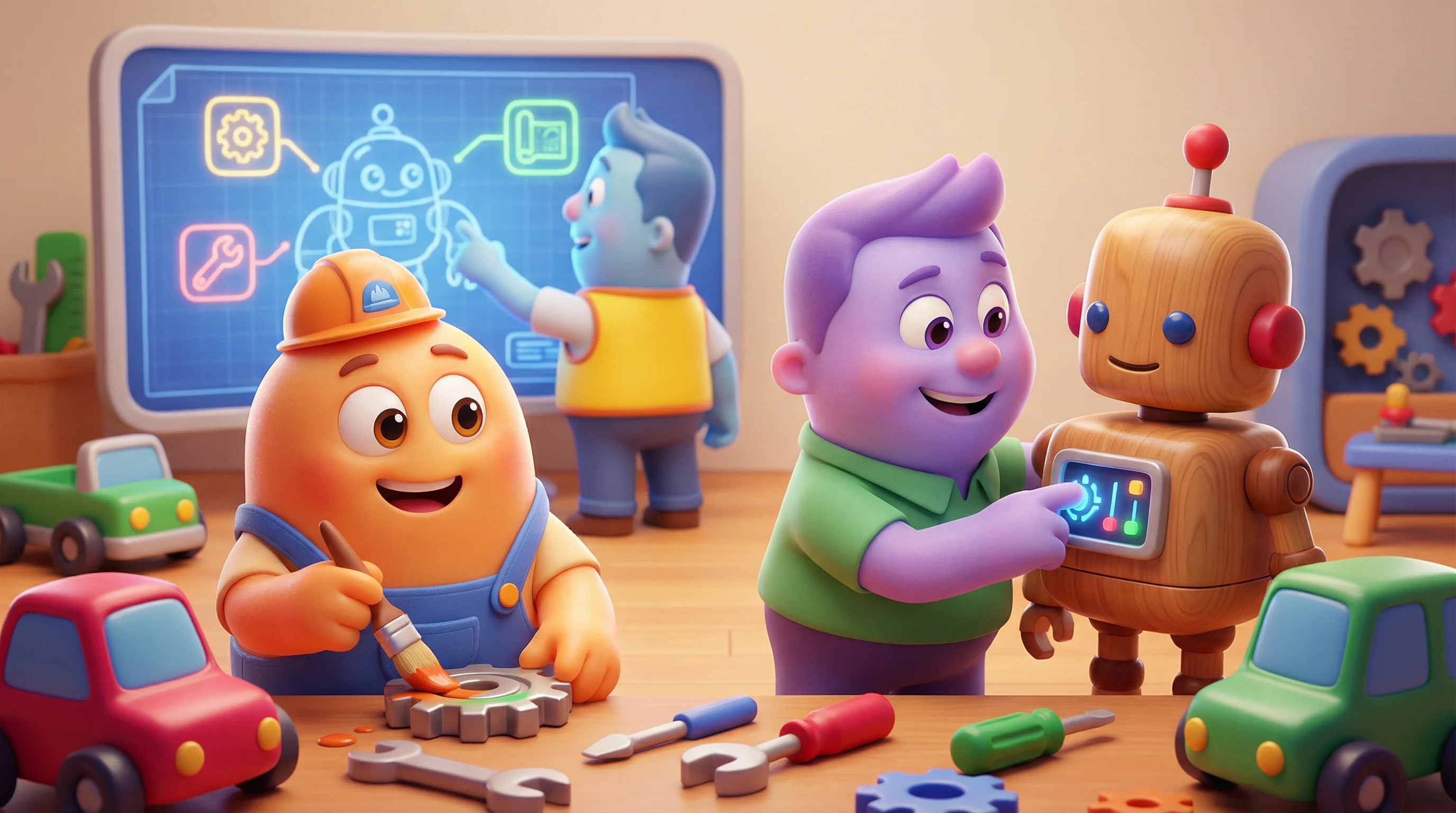
Pixar 3D
Perfect For Every Content Creator
Whether you’re a blogger, marketer, or founder—create professional, on-brand images in minutes
📝
Bloggers
Create eye-catching header images that match your article’s tone and style
→ Increase engagement and visual appeal
📊
Content Marketers
Generate infographics and diagrams to explain complex concepts visually
→ Boost content performance and shares
🎨
Social Media Managers
Maintain consistent brand aesthetics across all your social posts
→ Build recognizable visual identity
💼
Tech Writers
Illustrate technical documentation with professional diagrams and schematics
→ Make complex topics easier to understand
🚀
Startup Founders
Create professional visuals without hiring a designer or photographer
→ Save time and budget on visual content
📰
Newsletter Creators
Add engaging visuals to your email newsletters and increase open rates
→ Stand out in crowded inboxes
Frequently Asked Questions
Everything you need to know about generating on-brand blog images
Still have questions?
Ready to Create Stunning On-Brand Images?
Join thousands of content creators generating professional, on-brand images in seconds