 Visit my new newsletter site at thedannchronicles.com
I’ve wanted to move from Substack to Ghost for years and decided to really get serious about it a couple of months ago. After way more work than I expected (isn’t it always?), the brand new The Dann Chronicles website is live!
To celebrate the launch of the new website (which I’m super excited about), I wanted to give a tour and a behind-the-scenes look at …
Visit my new newsletter site at thedannchronicles.com
I’ve wanted to move from Substack to Ghost for years and decided to really get serious about it a couple of months ago. After way more work than I expected (isn’t it always?), the brand new The Dann Chronicles website is live!
To celebrate the launch of the new website (which I’m super excited about), I wanted to give a tour and a behind-the-scenes look at the making of. I built a new custom theme for my Ghost website (which is the reason it took so long) and there are a ton of little Easter eggs and fun sprinkled about that I don’t want you to miss.
Additionally, by documenting my thinking and decision making, I may be able to help others who want to do a similar project or adjacent work.
Choosing Ghost
The reason that I’ve stuck with Substack for so long is because it’s free. Substack monetizes its service by taking a percentage of subscriber revenue. As a totally free newsletter with no paid tier, this means Substack is completely free.
I’m not, however, the biggest fan of the company, and that made me want to find a reasonable alternative. I researched competitors, but most other options cost a decent amount of money for a subscriber list my size.
Substack’s free offering newsletter without a paid tier is fairly unique. Most Substack competitors offer a generous free tier, but my newsletter was already over that limit in most cases. And, while the monthly cost of these services is very reasonable for a publisher monetizing their blog, it’s a shocking sticker price for someone self-funding a fun hobby/side project.
The one exception is Kit (formerly ConvertKit), which launched a free tier up to 10,000 subscribers recently. I considered migrating to Kit after that announcement, but 1) limitations in website design and 2) required participation in their “creator network” ruled it out for me. For most others, I think Kit is probably the best choice if you want to get up-and-running with a beautiful newsletter with zero headache. But for me, I want a little bit more control (and headache).
The single platform that consistently shows up at the top of “best newsletter platform” lists is Ghost.
Ghost is an open-source CMS designed specifically for newsletters. The fact that it’s open source means you have the option to self-host the service on your own servers for free, or you can pay for Ghost(Pro) and have Ghost host your website for you.
Ghost was my top pick since I first started exploring Substack alternatives, but the price always gave me pause. I have experience self-hosting, which really means I know the real value of a managed service. But Ghost(Pro) was going to cost me $46 per month and bump to $63 per month once I crossed the next subscriber count threshold. That’s hard for me to justify for a free newsletter.
Alternately, I explored self-hosting. Getting a dedicated Virtual Private Server seemed overkill and also just as expensive as Ghost(Pro). I considered a DigitalOcean Droplet, which would be a much more reasonable $5 per month. But after some reading on Reddit, I discovered PikaPods.
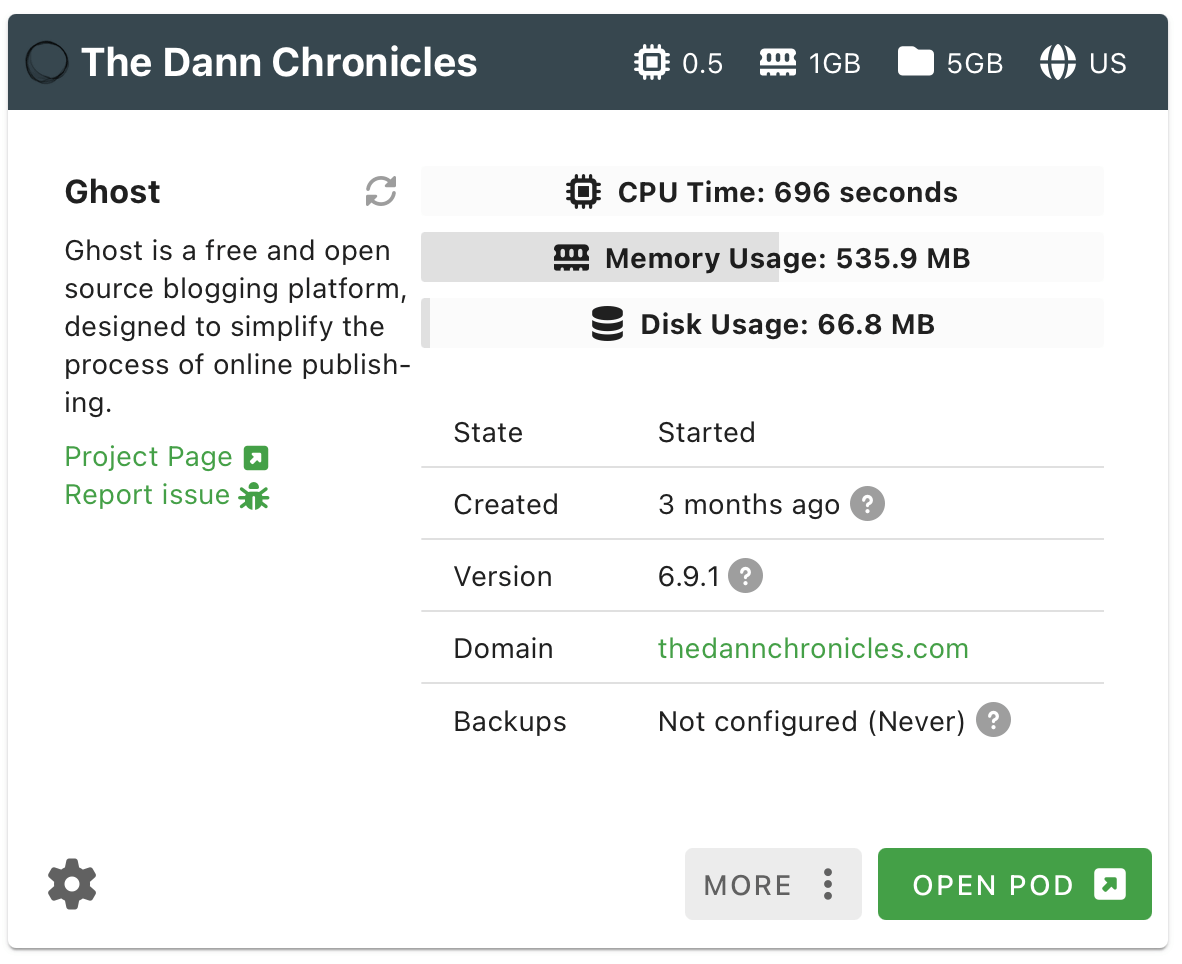
PikaPods offers Ghost hosting for ~$2.50 a month, and user feedback is very positive. In the spur of the moment, I created an account and spun up a Ghost instance. It took about two minutes. That’s the moment I officially decided to switch to Ghost. That was three months ago.
The next task was to find a Ghost theme for the site. I spent a ton of time browsing both free and premium themes, but nothing was quite right. I had a very specific idea of what I wanted in my head, and I couldn’t find that prebuilt.
My main website, dannb.org, is a Hugo website that uses a custom theme I built. And that was well before AI coding assist tools. I decided I might as well build my own custom Ghost theme and get exactly what I want.
AI-assisted Ghost theme development workflow
I utilized artificial intelligence heavily in the making of my custom theme. I plan to write a different post sharing my process in detail, but here’s a quick overview of how I worked:
- Used the Ghost Starter Theme as a base, opened it in Cursor
- Used a Claude project with custom instructions to brainstorm and generate detailed Github Issues based on a template I created
- Picked a single issue I wanted to work on and instructed a Cursor Agent to pull the issue details via the CLI, create a new Git branch, and work on completing the requirements
- Iterated with the Agent and tested each feature on a local Ghost install
- Once everything was working, tell the Agent to commit changes, push remote to Github, and open a Pull Request that closes the Issue.
- Manually reviewed the Pull Request on Github, and merged if everything looked good.
- Returned to Cursor and told the Agent that the merge was completed and instructed it to checkout the main branch and pull changes
- Commits to the main branch in Github auto-deploy to my Ghost instance in PikaPods. Visited my Ghost PikaPods instance for final testing of each feature.
Typically, I would batch work on feature brainstorming and issue creation, generating a long list of issues added to the Github repo. Then, I’d jump into Cursor and work on those issues one at a time.
Working this way made it super easy to test and track individual features and roll back when I needed to. Utilizing AI allowed me to work at 10x - 20x the speed of non-AI-augmented development. It allowed me to build in a ton of fun features into the site (which I’ll share with you in this article).
This was my second time making a custom theme for a website (the first being dannb.org), but the first time utilizing AI for development assistance. It really feels like having a super power. And identifying this solid solo-developer workflow made the process feel clean and organized.
Homepage
One of the reasons I wanted to create a custom Ghost theme is because I had a strong image in my head of what I wanted the homepage to look like. Mainly, I wanted a hero section followed by the full content of my latest newsletter. Since this is a free newsletter, I wanted the latest edition to be available to anyone and everyone visiting the site.
Hero section
I knew I wanted two things for my hero section: 1) a strong call-to-action to sign up for the newsletter and 2) a fun and playful vibe that matches the voice of the content.
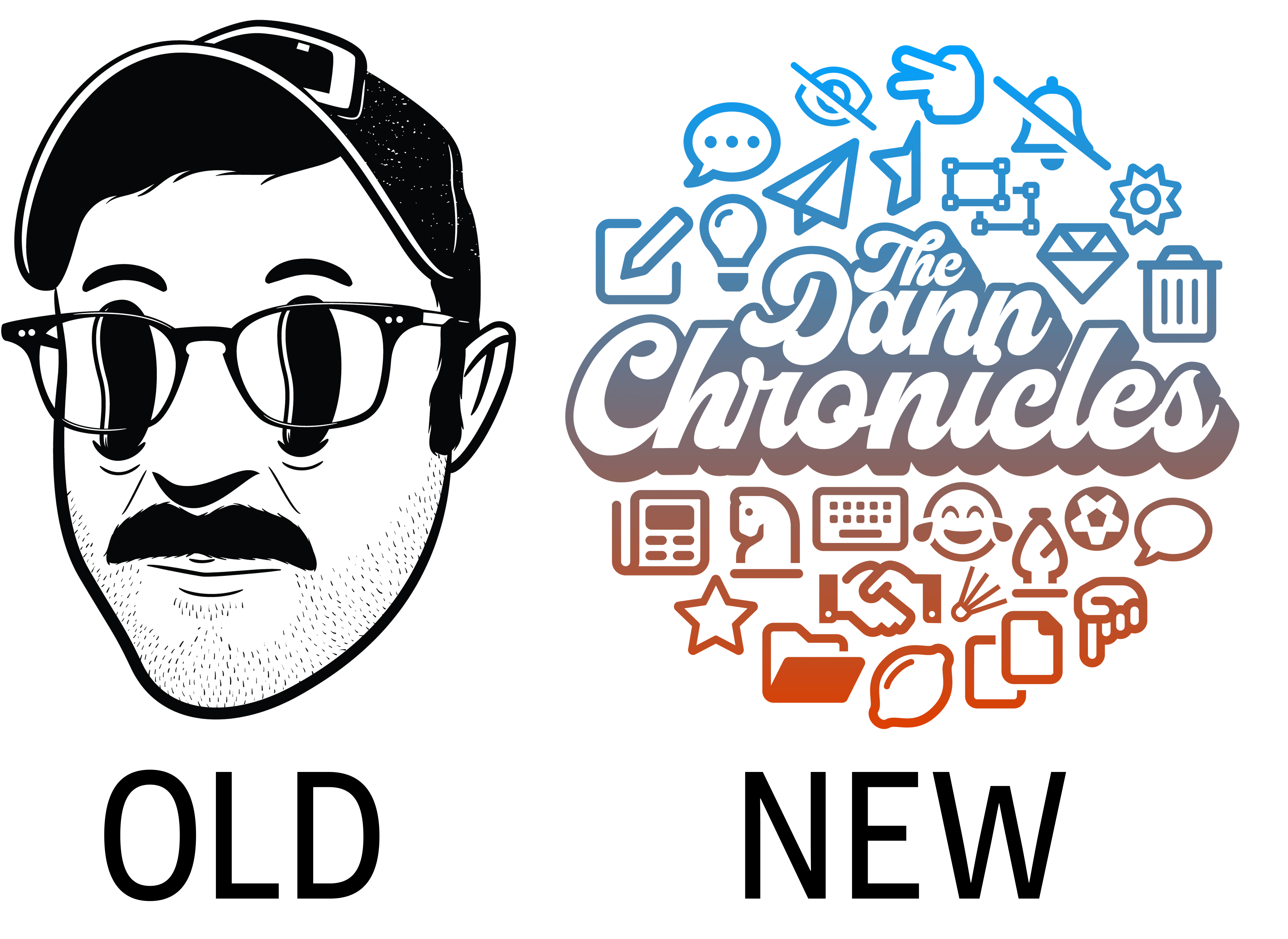
I created the Dann Chronicles circle logo two years ago as a way to teach myself the design tool Figma. Branding on my old Substack site centered more around my Hollow Eyes logo, which is fun but not specific to The Dann Chronicles and not quite the right match for the new site.
I spent a good amount of time noodling on the copy in the hero section. I wanted to write something that would accurately reflect the reasons people read the newsletter rather than why I write the newsletter.
I drafted several versions and shared these with a few close friends for feedback. Additionally, I added a short survey to my latest newsletter to solicit feedback and hear why people stay subscribed. I used this data to iterate on the copy before finally landing on the text you now see.
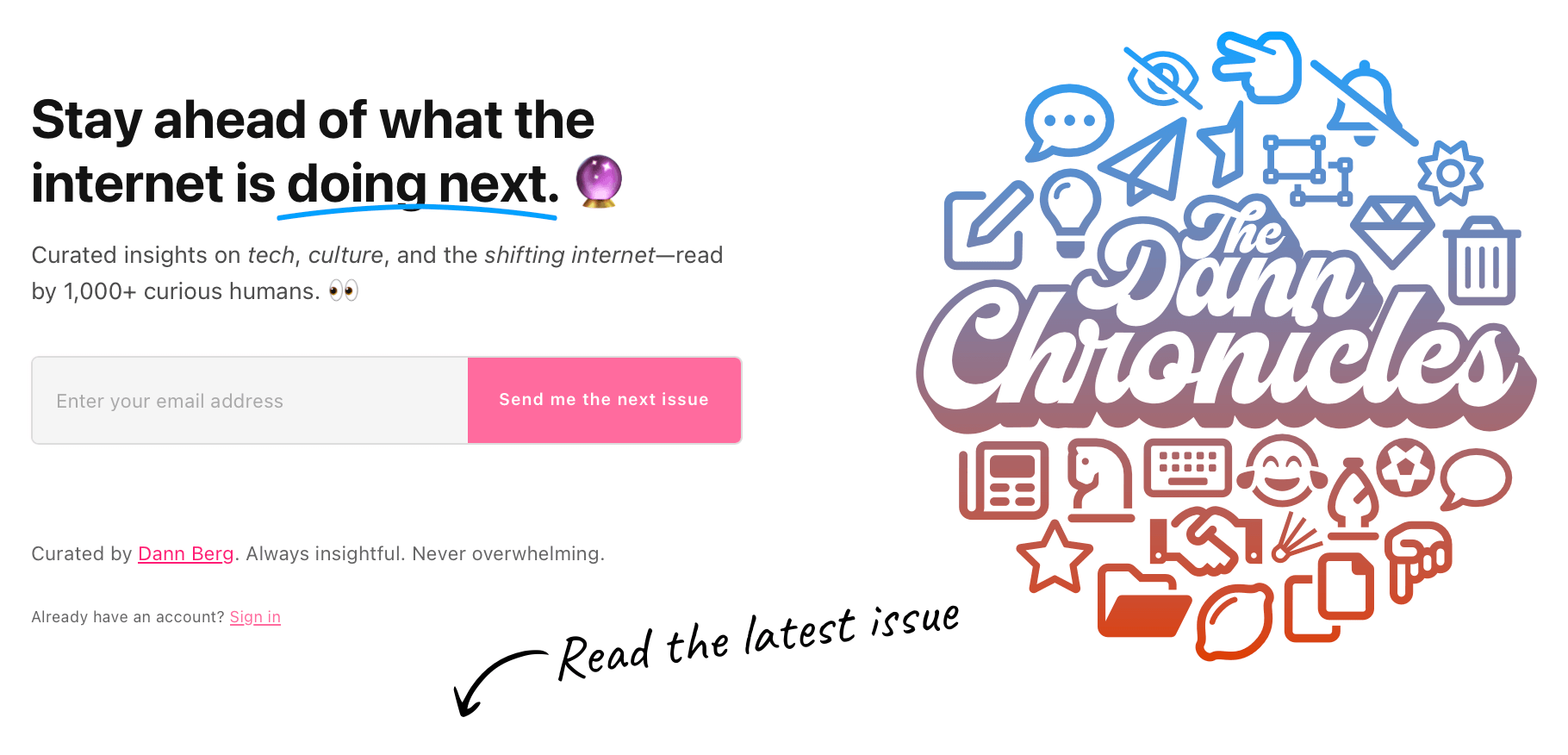
But I still needed to add some fun. I took inspiration from my own newsletter, plus I browsed several other newsletter websites, pulling out elements I wanted to add to my hero section. This included an emoji in the headline (matching the style of headlines in my newsletter) plus a delayed underline effect to emphasize part of the header.
Next, I added a subtle pulsing light behind the email submission form in order to draw attention. And, if you’re viewing the site on desktop, you can move your mouse around the circle logo for an interactive animation.
Lastly, I wanted to draw people’s attention to the fact that the latest edition can be viewed in full directly on the homepage. I used a handwritten font and found a doodle arrow, creating an SVG file in Figma to add to the bottom of the hero section.
These little details are what give the site a little personality.
Testimonials
My newsletter has a small1 but loyal following, earning an email open rate well above industry average (~40%). As I mentioned above, I sent out a short survey to learn more about why people like my newsletter and use that information to drive the design and copy of the new site. Plus, with people’s permission, I wanted to use that feedback as social proof to encourage others to sign up.
The survey I sent out had several open-ended questions, such as, “What’s your favorite thing about The Dann Chronicles?” “If you were describing The Dann Chronicles to a friend, what would you say?” and “What makes The Dann Chronicles different from other newsletters you read?”
Aside from usable content for the site, this feedback was an absolute pleasure to read. Often, sending out my newsletter feels like releasing content into a void. So hearing people’s thoughts and the reasons why they subscribe really reinforced my love of publishing every month.
With that said, responses didn’t really yield many direct cut-and-paste quotes. Instead, each survey response was filled with valuable information that needed slight grammatical and structural reforming to really work as a testimonial.
Once again, I used AI to help with this. I provided the form responses in CSV form and explained the full context. I then iterated on each testimonial, staying as true to the original responses as possible while creating testimonial statements that would work well for the site.
Then, for responders with reformed quotes I wanted to use on the site, I sent a follow-up email thanking them for responding to the survey and confirming the use of the slightly tweaked quote.
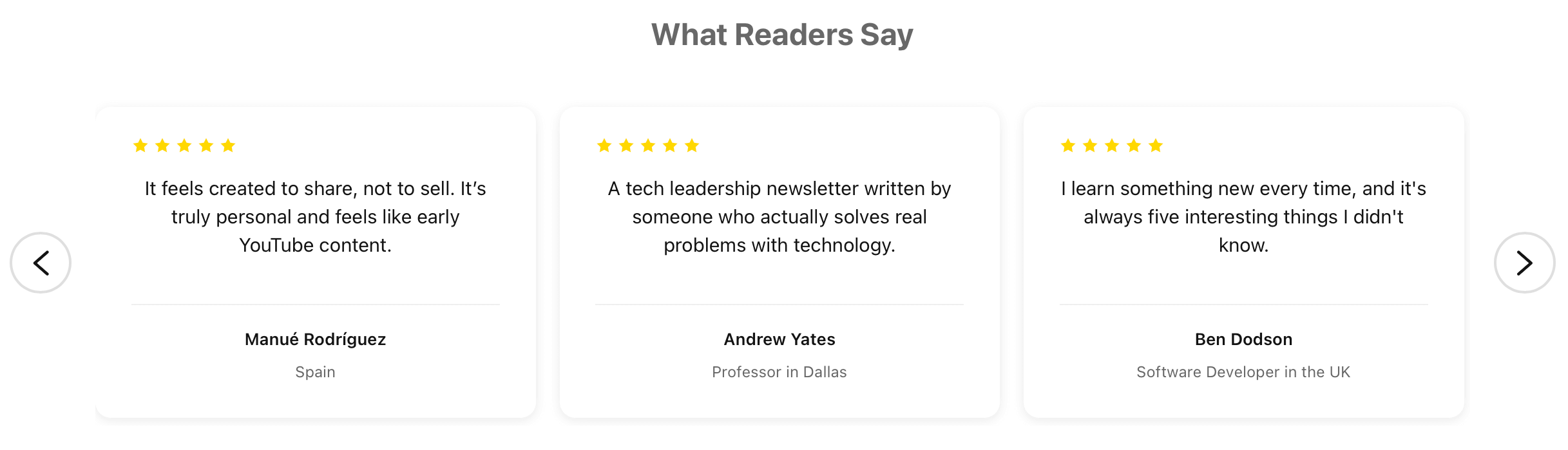
I used a Cursor agent to design the testimonials section on the website, providing layout and structure feedback until I had something I liked. I also made sure that these testimonials could be updated in the Ghost Admin theme settings, allowing me to add/remove/update quotes without editing the custom template itself.
Both the hero section and the testimonials are only shown to unsubscribed or logged out users. Once a person subscribes, and is logged into the website, both these sections are replaced with a small circle logo at the top of the page followed by the full content of the latest edition of the newsletter. Nifty.
Miscellaneous fun
I won’t go over every single fun detail that I added to the site (they’re plentiful), but I want to highlight a few of my favorites.
Confetti surprise!
When a user scrolls to the very bottom of the page, they’re treated to a confetti explosion animation. It only triggers once per page load and adds a fun bit of personality to the website.
I can’t figure out if this will be annoying/distracting in the long term or if it’s a value-add to the site. I should probably give this effect a toggle option in the theme settings, but for now it’s hardcoded into the theme.
Claps
This was one of the more complicated features to add to the website. I really like how my Substack site had a simple heart reaction button on each post, similar to the Clap button for Medium posts. This is not a feature that’s native to Ghost, but it’s fairly simple to build.
Using AI assistance, I built a serverless backend for a custom clap/applause button system for my newsletter, powered by Cloudflare Workers and KV storage. Unless something goes horribly wrong, this feature should stay in the free tier and not cost a dime.
Archive page
I played around with the design of the Archive page a lot before settling on something I liked. The standard grid layout didn’t quite look right, so I switched to a single column design and increased the width.
Additionally, instead of pagination, I wanted a “Load More” button to load older posts on the same page.

I copied the footer copyright text from dannb.org to this new site.
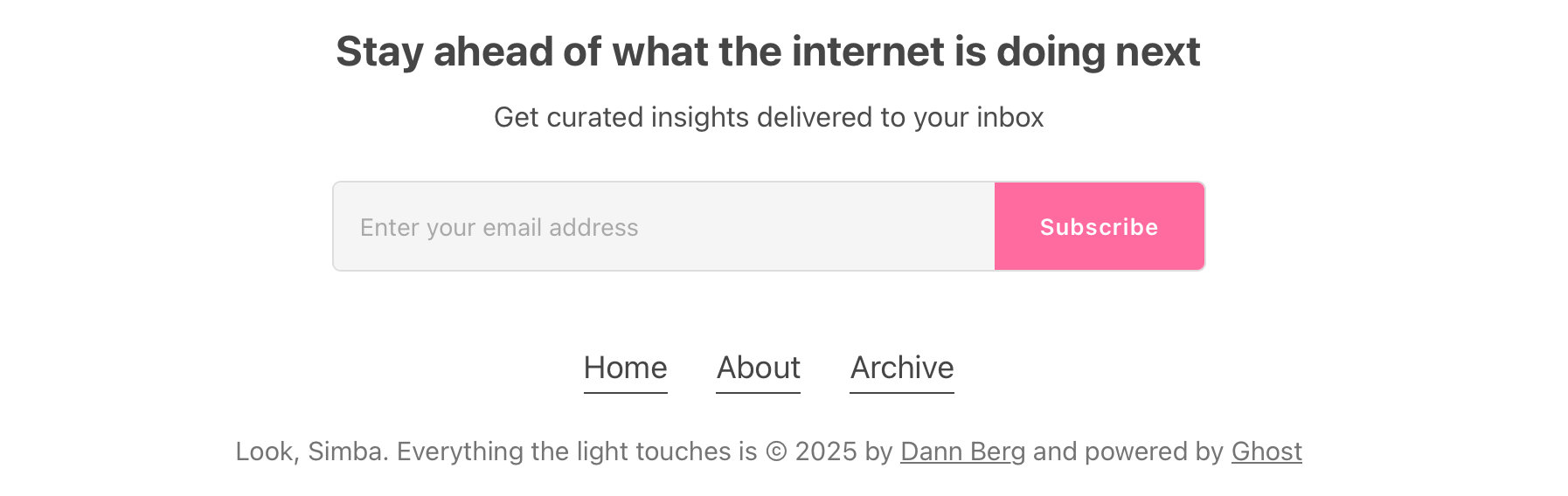
As a childfree adult who is not a Disney Adult, I haven’t seen a Disney movie in decades. Still, this Lion King reference feels like a fun easter egg, and I’ll continue using it on my various websites.
Final thoughts
It brings me a lot of joy to have fun on the internet. I do this by publishing my monthly newsletter, creating occasional YouTube videos, and building websites full of delightful (hopefully) little surprises.
My biggest takeaway from the development process of this new custom Ghost theme is that Artificial Intelligence greatly improves my skills and ability. It also has a reverse exponential impact on development time—what would have taken weeks in the past is now just an hour or two.
The Dann Chronicles newsletter is a passion project that’s been going for five years strong with no end in sight. It is, and always will be, free. If you like the new site, and the content interests you, you should sign up. And if not, don’t.
I’m pleased with how this website turned out. If you like certain elements, feel free to copy them on your own site. Let’s all build a little bit more fun into the internet.
You can join my newsletter at The Dann Chronicles.
I understand that 1,000+ subscribers isn’t necessarily “small” to many people. I, however, do think of that number as small compared to 1) other similar newsletters I follow and 2) my ambitions. ↩︎