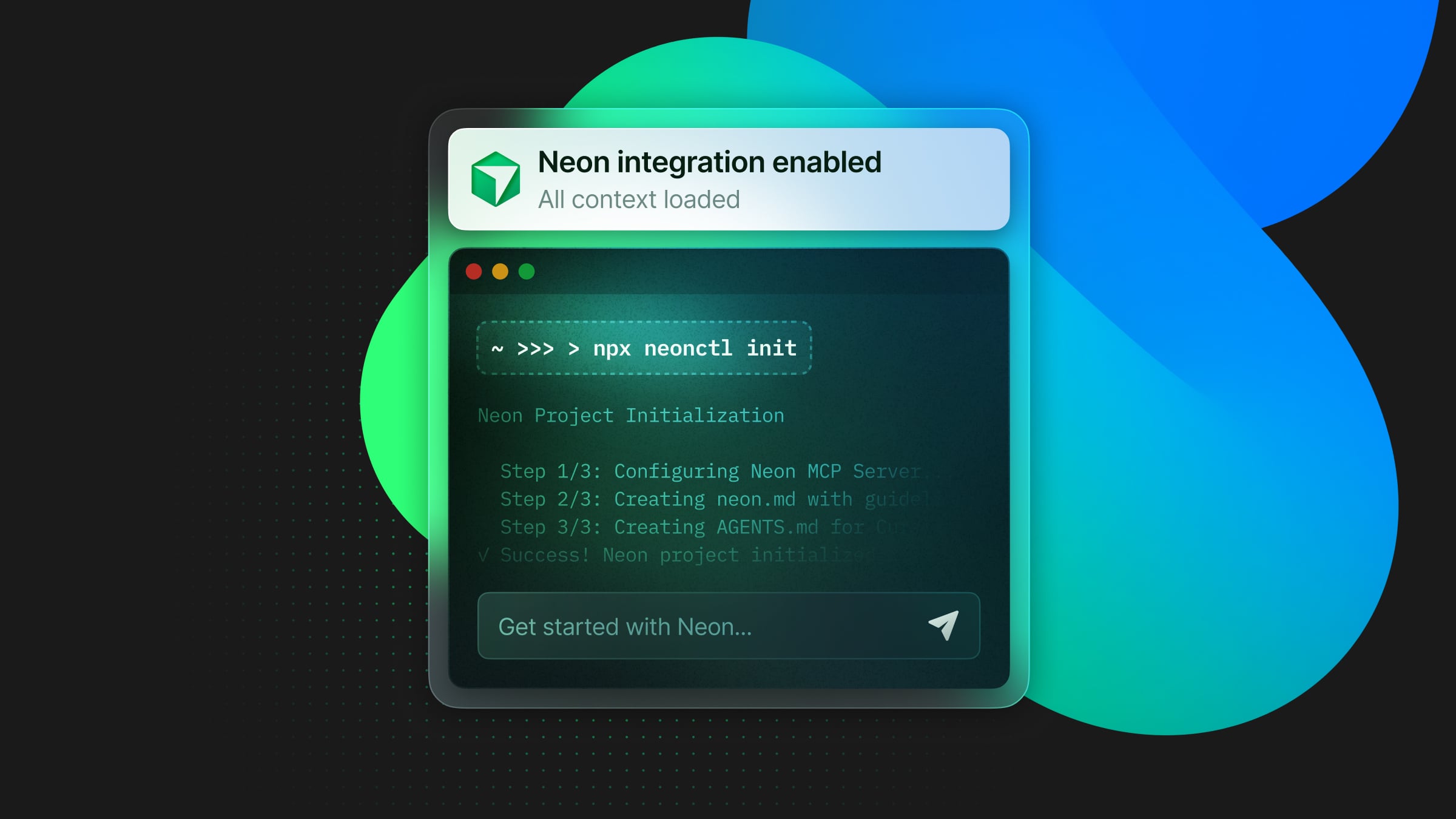
**We’ve built a new way to connect your app to Neon right from Cursor. **You can now run a single command to set up your Neon project, configure the MCP server, and enable the Neon integration:
npx neonctl@latest init
With this one command, Cursor gains full Neon project context: connection details, schema, and best practices – so you can confidently rely on it for complex tasks like database migrations.
Let’s walk you through it.
When you run npx neonctl@latest init the CLI walks you through a short guided setup that handles everything automatically:
Adding Neon ...
**We’ve built a new way to connect your app to Neon right from Cursor. **You can now run a single command to set up your Neon project, configure the MCP server, and enable the Neon integration:
npx neonctl@latest init
With this one command, Cursor gains full Neon project context: connection details, schema, and best practices – so you can confidently rely on it for complex tasks like database migrations.
Let’s walk you through it.
When you run npx neonctl@latest init the CLI walks you through a short guided setup that handles everything automatically:
Adding Neon to your project
Authentication successful
Installed Neon MCP Server

Success! Neon is now ready to use with Cursor
Behind the scenes, neon init is bootstrapping the bridge between your local app and Neon, and between Neon and Cursor:
Sets up the remote MCP (Model Context Protocol) server so your IDE or agent can interact directly with Neon’s API. This provides Cursor with structured access to your Neon project, allowing it to create branches, migrate schemas, or debug queries through chat.
When you run npx neonctl init, the Neon MCP Server automatically registers a Get Started resource inside your IDE. This resource helps Cursor gain full awareness of your Neon project through the MCP integration, including setup guidance like how to configure your connection string, Postgres driver, and environment variables, plus best practices tailored to your specific project context.
The CLI also checks your authentication and project configuration, automatically linking your local environment with your Neon account.
Once initialization is complete, your workspace will be fully set up (this is very quick). The only thing left to do is to restart Cursor, open your Cursor chat, and say,
“Get started with Neon using MCP Resource”
Cursor will now understand your database setup and start guiding you with Neon-specific suggestions.
To demonstrate how useful this command can be, we tested the setup to migrate a simple Notes app originally running on Supabase. We managed to migrate the app to Neon directly from Cursor, using only natural language to confirm actions, following the setup created by neonctl init.
You can follow the entire process in the demo clip above. It is very simple: once the command finishes initializing and Neon and Cursor are connected, everything happens in chat.
You see in the demo how, guided by the context it now has, Cursor is able to help you with the migration by executing all the steps:
- Detects the existing setup. Cursor first inspects the codebase and recognizes Supabase configuration files like
supabase.tsand SQL migrations. - Creates a new Neon project. It then calls the Neon API through the MCP server to provision a new database and returns a connection string.
- Updates the environment. Cursor automatically adds the new
DATABASE_URLto.env.local - **Installs the Neon driver. **Adds the lightweight serverless client for Postgres.
- **Migrates your schema and data. **Cursor then runs your SQL migrations and imports any existing data into the new Neon project.
- **Replaces the Supabase client. **It also creates a new
lib/neon.tsusing the Neon driver and updates your API routes (like/api/notes) to use it. - Adjusts the frontend. Updates the React components or fetch calls to point to the new endpoints.
- **Verifies success. **Lastly, it confirms that the app is connected, the data matches, and everything runs on Neon.
Once the migration is complete, Cursor tells us it’s done with a checklist like this:
✅ Schema migrated
✅ Data imported
✅ Supabase client replaced
✅ Environment updated
✅ App running on Neon
What makes this powerful
Once neonctl init connects your app to Neon, Cursor gains full project context. It can guide you through migrations, environment setup, and database best practices conversationally without making you switch tools or copy-pasting anything.
If you’re a Cursor user, you can try this today, and tell us in Discord how it went. You can also email us at feedback@neon.com – we read every single email and truly appreciate your input.
Coming soon to other IDEs
neonctl init is currently in beta for Cursor, but VS Code and Claude Code support is coming soon. Keep an eye on our changelog.