We accidentally shipped a change to settings parsing that broke auto-updating in Zed.
- Affected versions: Zed v0.203.0 through v0.203.4 and v0.204.0.
- Fixed versions: v0.203.5 (stable) and v0.204.1 (preview). If you are using one of these versions and haven’t yet updated Zed manually, you will need to:
- Open Zed
- Open the command palette (cmd+shift+p on macOS, ctrl-shift-p on Linux)
- Run “auto update: check”
- Once updated, auto-updates will resume normally
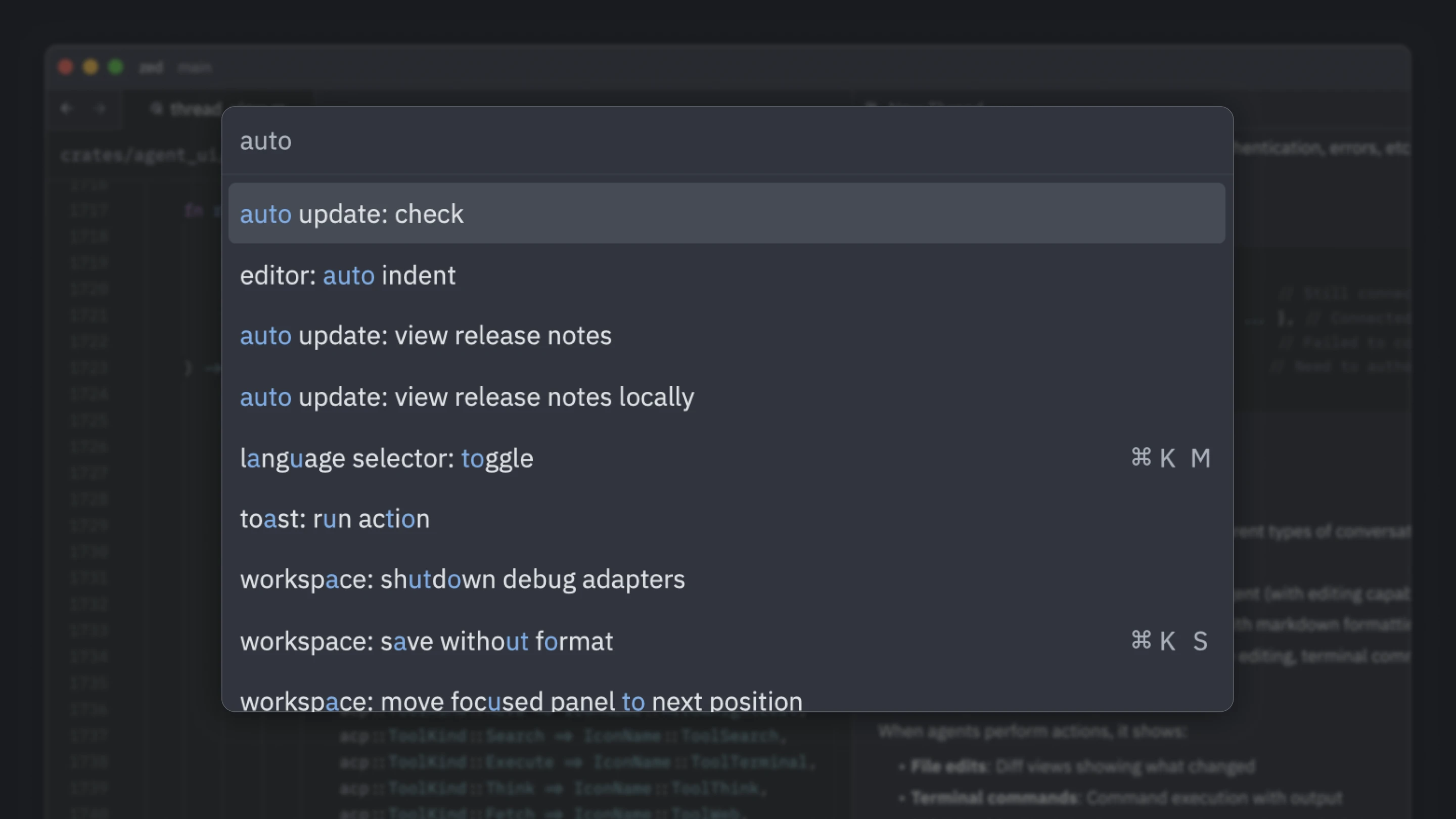 The “auto update: check” command
You can also manually download the latest version.
[How did this happe…
We accidentally shipped a change to settings parsing that broke auto-updating in Zed.
- Affected versions: Zed v0.203.0 through v0.203.4 and v0.204.0.
- Fixed versions: v0.203.5 (stable) and v0.204.1 (preview). If you are using one of these versions and haven’t yet updated Zed manually, you will need to:
- Open Zed
- Open the command palette (cmd+shift+p on macOS, ctrl-shift-p on Linux)
- Run “auto update: check”
- Once updated, auto-updates will resume normally
The “auto update: check” command
You can also manually download the latest version.
How did this happen?
We have a relatively complicated settings system that allows settings to be read from various different places. For example your user settings, the project settings, extension settings, and as a final fallback the default settings file.
Currently to change a Zed setting you have to edit these JSON files manually. This is great for power users, but it makes it hard to discover what settings are available, and it’s easy to break your settings by messing up commas or quotes in the JSON.
We’re working on building a UI that lets you change most of the settings without having to write JSON. As part of that we wanted to simplify the code that loads settings.
The diff is here if you want to see if you can spot the bug.
If not, we changed the type from an Option<bool> to a bool. In the case that the auto-update setting was not present in the user’s settings file (which it usually is not), instead of falling back to the value from the default settings file, it acted as though you had explicitly set it to false.
How did we not notice?
Normally when things regress in Zed we catch them before they reach stable. We have automated testing that covers most of the important features. The entire team runs the latest Nightly build, and most things are caught there. Occasionally bugs reach Preview, which is run by about 5% of our userbase, and they report the issue so we can fix it before it hits Stable.
The downside of the Nightly approach is that for behaviors we’re not thinking about (e.g. auto-updates) it’s hard to notice that they’re broken.
The particularly frustrating thing in this case is that we did actually notice the problem several hours before shipping it to stable:
 @kirill: Does anyone else notice auto-updates not being eager on launch?
Unfortunately, due to Slack being a noisy place, and the timezone range we work in, this message didn’t reach the people working on shipping the release. 🤦
What are we going to do going forward?
Our first priority is getting everyone off the broken versions. You should have an email from us, if you shared your email address with us; or a notification in Discord. If you haven’t updated yet, please do!
Beyond that we’re going to:
- Refine the process for flagging potential regressions to go via our existing escalation channel. We have a
@first-respondersSlack alias that pings two people who are (on that given week) responsible for handling escalations. - Take a deep look at simplifying our settings code. Reading a boolean hopefully shouldn’t require 10 lines of dense rust.
- Add more automated testing particularly to cover this. Almost any other kind of failure can be recovered from by shipping forwards, but if auto-updates are broken, we can’t even do that... We’re sorry for breaking this!
Looking for a better editor?
You can try Zed today on macOS or Linux. Download now!
We are hiring!
If you’re passionate about the topics we cover on our blog, please consider joining our team to help us ship the future of software development.