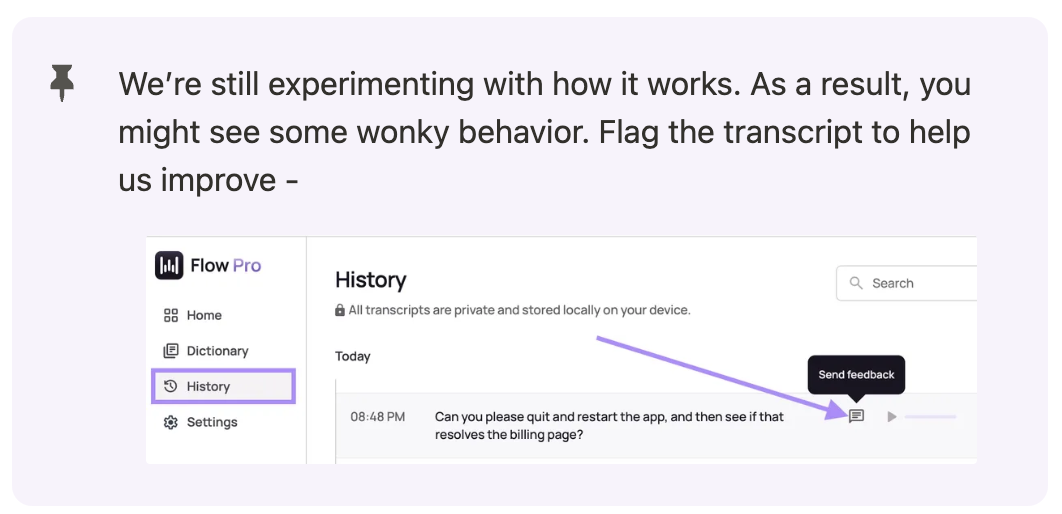
Turns your dictations into system commands.
Get Started
How to activate Command Mode**:**
**Mac: Fn + Ctrl **
Windows: Ctrl + Win +Alt** **
Note: Command Mode is disabled by default - Turn it on in the Settings!
With Highlighted Text
Say a command and Flow will directly edit the text. You can ask practically anything but we recommend being descriptive. Here are a few we’ve heard from our users:
Heads up! The updated text will replace the text you’ve highlighted.
Make this more assertive and concise
Turn this outline into an essay
Translate to Polish
Insert relevant paragraphs into the text
Summarize this text in 50 words
Provide a step-by-step guide on how to complete this task
Expand on this but mainta…
Turns your dictations into system commands.
Get Started
How to activate Command Mode**:**
**Mac: Fn + Ctrl **
Windows: Ctrl + Win +Alt** **
Note: Command Mode is disabled by default - Turn it on in the Settings!
With Highlighted Text
Say a command and Flow will directly edit the text. You can ask practically anything but we recommend being descriptive. Here are a few we’ve heard from our users:
Heads up! The updated text will replace the text you’ve highlighted.
Make this more assertive and concise
Turn this outline into an essay
Translate to Polish
Insert relevant paragraphs into the text
Summarize this text in 50 words
Provide a step-by-step guide on how to complete this task
Expand on this but maintain my style
Insert emojis where appropriate
**Examples: **
↗ Write my girlfriend sorry in 20 languages
↗ Write my boss and email on things I shipped this week
Ask a question and Flow will pull up Perplexity. It’ll use highlighted text as context.
Without Highlighted Text
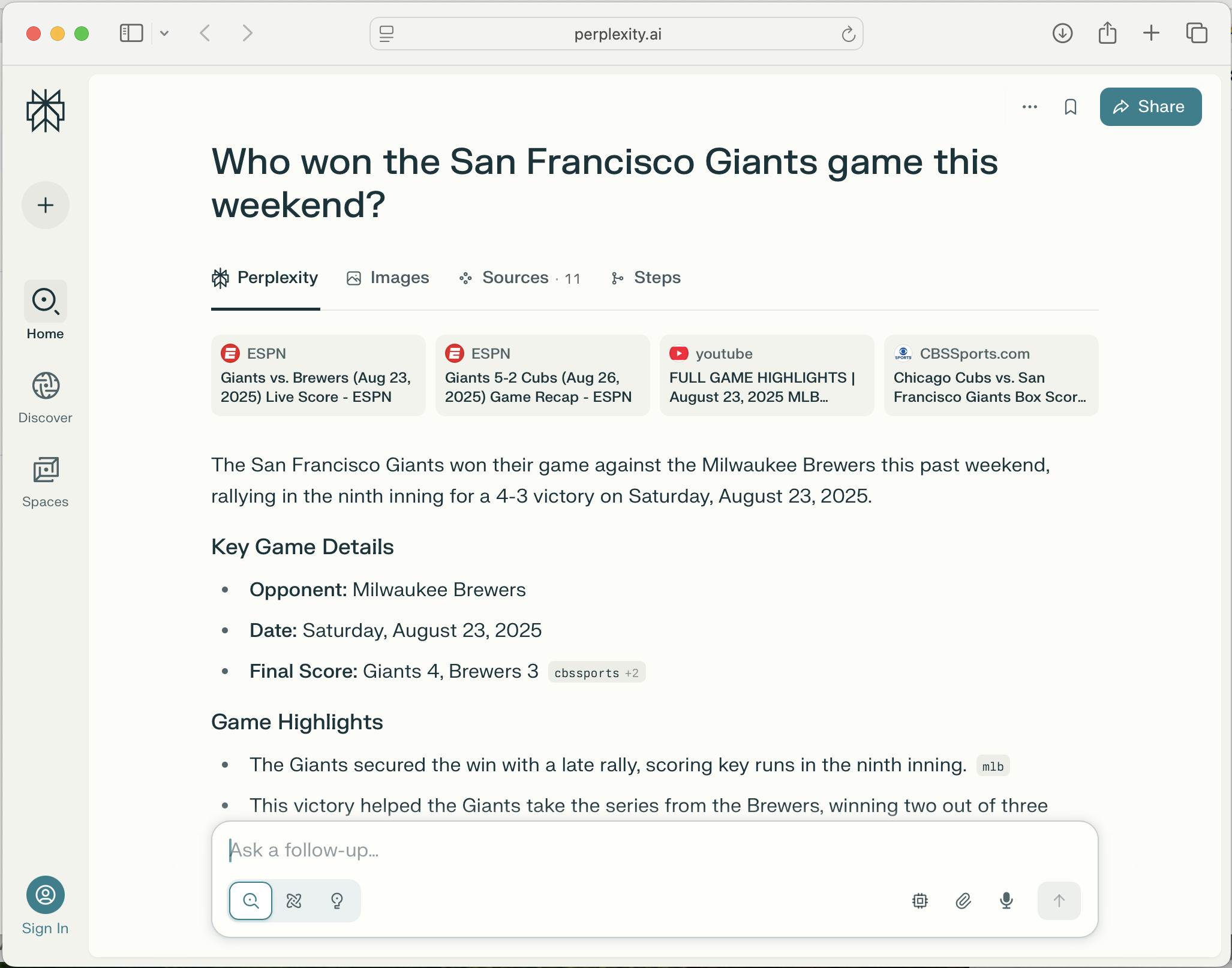
Ask a question and Flow will open a new browser window with Perplexity.
**Examples: **
↗ Who won the San Francisco Giants game this weekend?
To cancel Command Mode press your Push to Talk Key shortcut or ESC.