17th February 2016 • 602 words • 3 minutes reading time.
While not strictly a part of my Learning Swift series, today I thought I would discuss some of the ways to configure and use Xcode to be a more productive and comfortable programmer.
1. Editor color themes and fonts:
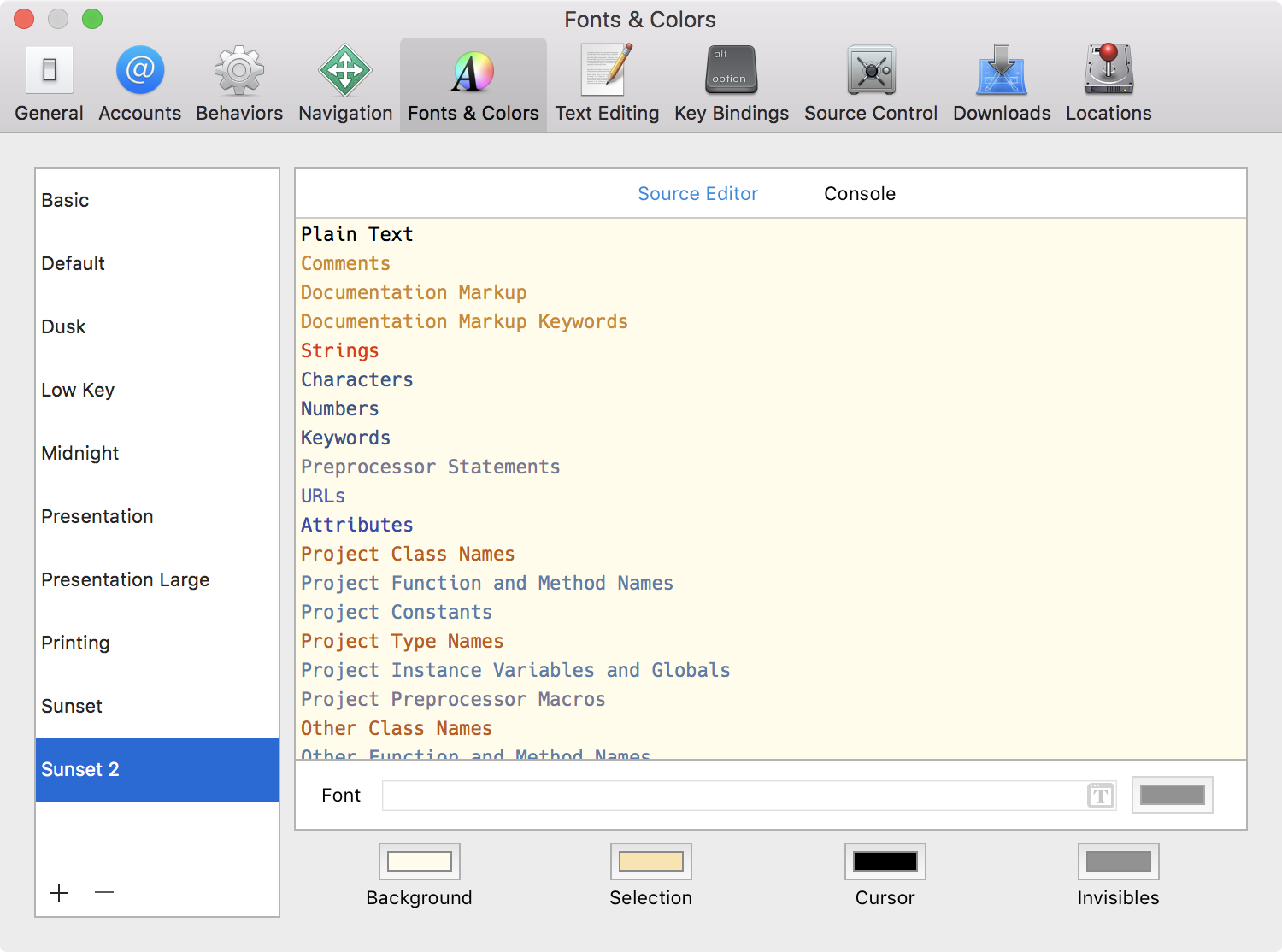
Step through the supplied themes and find the best one for you. Then click the ‘+’ button at the bottom of the list and duplicate the selected theme. Now you can tweak it to suit you. Each text category can have its own font and size, but you can make multiple selections in order to do a bulk change. don’t forget to check out the Console section too - I dislike the default bold text for many of the console reports, so always change that.
An editi…
17th February 2016 • 602 words • 3 minutes reading time.
While not strictly a part of my Learning Swift series, today I thought I would discuss some of the ways to configure and use Xcode to be a more productive and comfortable programmer.
1. Editor color themes and fonts:
Step through the supplied themes and find the best one for you. Then click the ‘+’ button at the bottom of the list and duplicate the selected theme. Now you can tweak it to suit you. Each text category can have its own font and size, but you can make multiple selections in order to do a bulk change. don’t forget to check out the Console section too - I dislike the default bold text for many of the console reports, so always change that.
An editing font should be mono-spaced i.e. every character should take up exactly the same width on the screen. This makes your code look neater and neater code is easier to read when you come back to it. I also much prefer a sans-serif font, but that is a matter of preference.
Menlo is the font used by Xcode as a default, but there are many other options either in the default installation of OS X or as free downloads. I change every now and then just to keep things interesting, but my current selection is Fira Code. I love the way it merges two character symbols into a single character for faster comprehension.
My other favourites are:
- Source Code Pro
- Hack
- Fira
- Inconsolata Look for a font that makes it easy to distinguish the digit ‘1’ from a lowercase ‘l’ and where the digit ‘0’ is different to the ‘O’.
To install and use a new font, download the files and then double-click a TTF or OTF font file to install it in FontBook. Once the font is installed, you may need to restart Xcode in order to make it available.
2. Add-ons:
Update: Xcode 8 has removed the ability to run any plugins or to use Alcatraz, so this section is no longer valid. Instead Apple is offering official support for Xcode Source Editor Extensions, so they are the way of the future.
3. Documentation:
Xcode has excellent documentation, but unless you specifically download it, this will all be accessed online. If you have a bad or non-existent connection, this can be annoying. Go to Xcode’s Preferences -> Downloads and download all the document sets you are interested in. They are quite large, but having them local will be a big bonus.
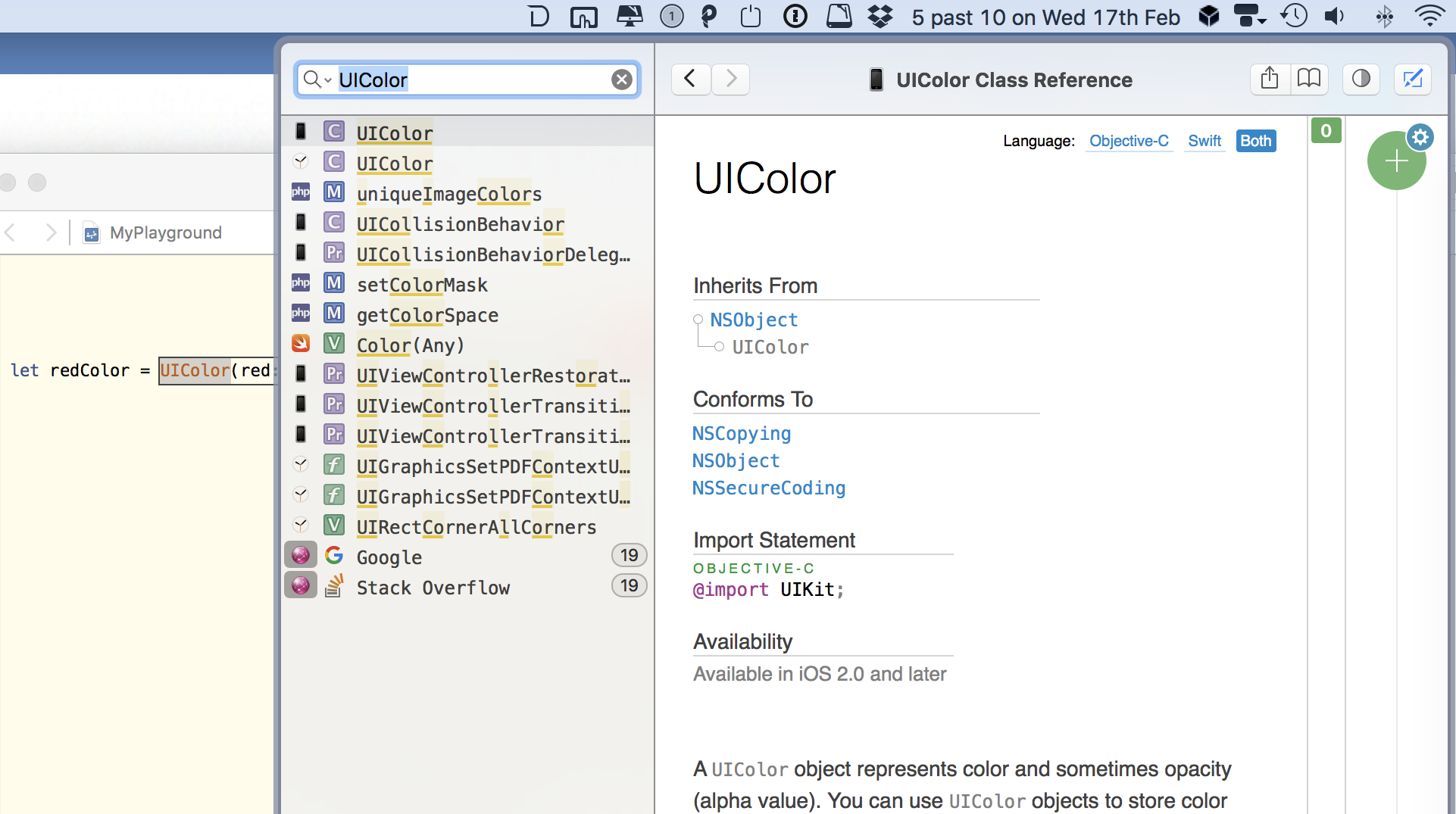
The other tool I use for documentation is Dash. It supports many languages and is not just for use in Xcode. I found the Xcode integration plugin was not very useful as it conflicted with other useful behaviours. So I set up a global shortcut in System Preferences to search Dash for the selected text. This is much faster than Xcode’s built-in documentation.
4. Other preferences:
Go through the preference panes in Xcode’s preferences and tweak to suit your style or your group’s preferred style.
General and Text Editing are important. Text Editing has a second tab for Indentation which is easy to miss. Indentation styles seem to cause a lot of heated debate, so make sure you check this out.
Accounts is vital if you are publishing to the App Stores and also makes it easy to transfer all your develop information from one computer to another.
Fonts & Colors and Downloads are discussed above.
I tend to leave the others set to the defaults.